


Backup Failure

I was reinstalling my windows and created a backup from my old firefox into my usb drive. My backup failed and coudn't be restored, I'm confident that I use the correct password, tried to copy the file from usb drive into my laptop and select it from there but the result is the same, if you guys would be so kind as to guide me on how to restore my backup, since my password and everything is in there. I didn't create another backup since I believe that this one would succeed. Thank you in advance.e
All Replies (3)
I wonder how you created the backup?
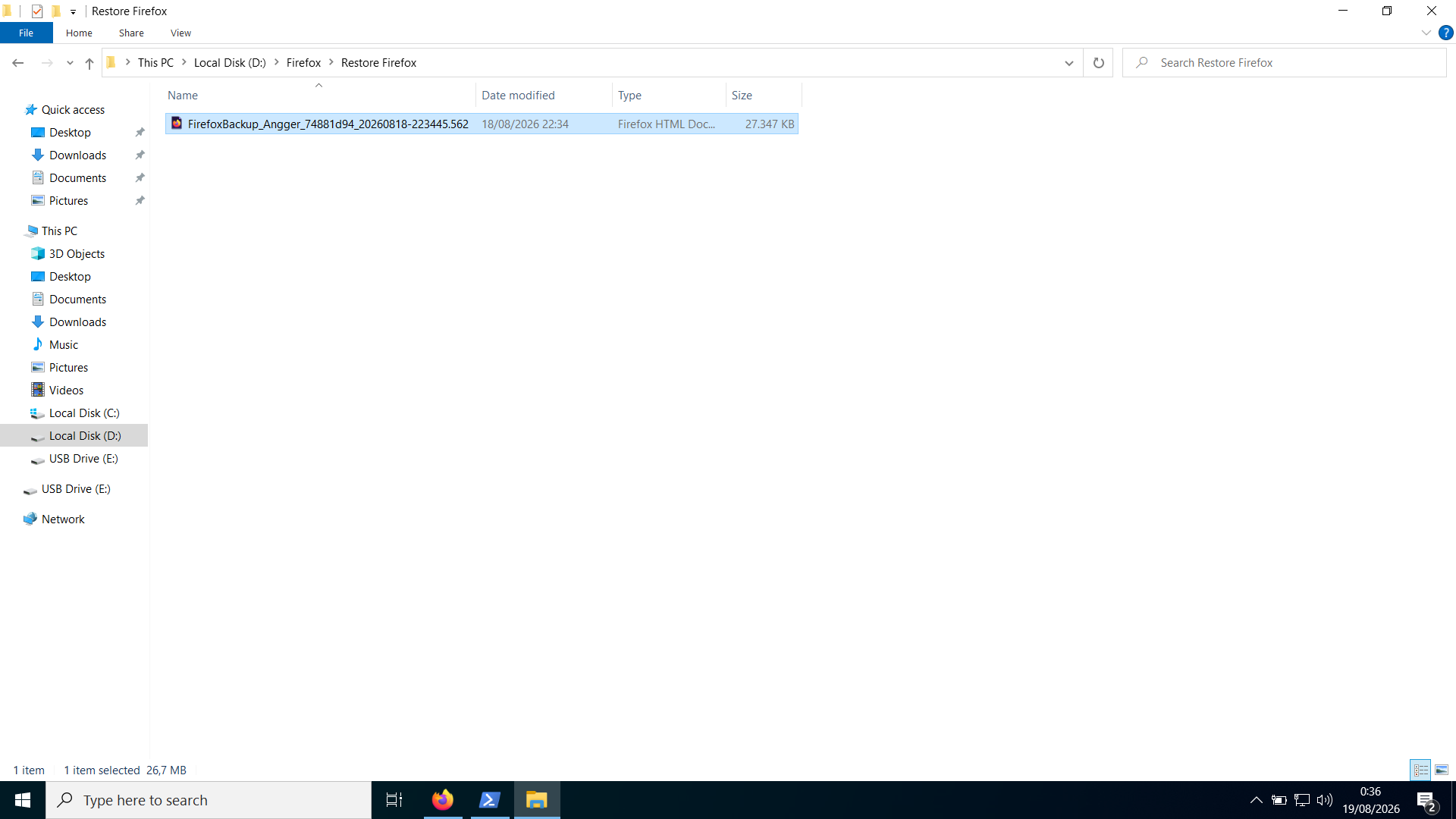
Secondly the file you show is very small Misread: thought it was 27K not 27M I would imagine with an html file there is also an associated folder with the same name, do you have such a folder, or did you only copy the html from the old source etc.
Modified by amoun
amoun said
I wonder how you created the backup? Secondly the file you show is very small I would imagine with an html file there is also an associated folder with the same name, do you have such a folder, or did you only copy the html from the old source etc.
I created the backup using the settings in Firefox. And all I see is the html file and no other file in sight. When I backed it up, I created a dedicated folder for the backup and just copied the folder entirely, so if there was another file it should have been copied the same way my html file does.
Ok Just made a backup and yes your file seems OK at 27MB as mine is 12MB, not sure I want to try the back up though ??
So you tried the backup from inside Fx via Settings > Account and synchronisation ?