Tabs moved to top again, do not want

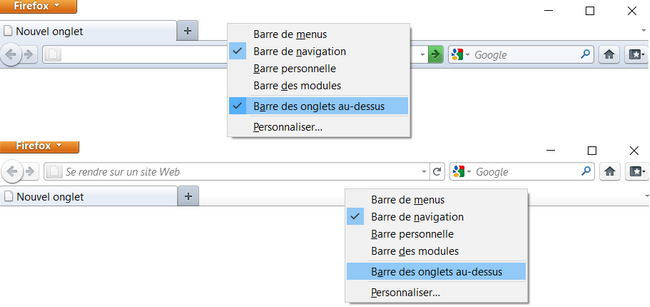
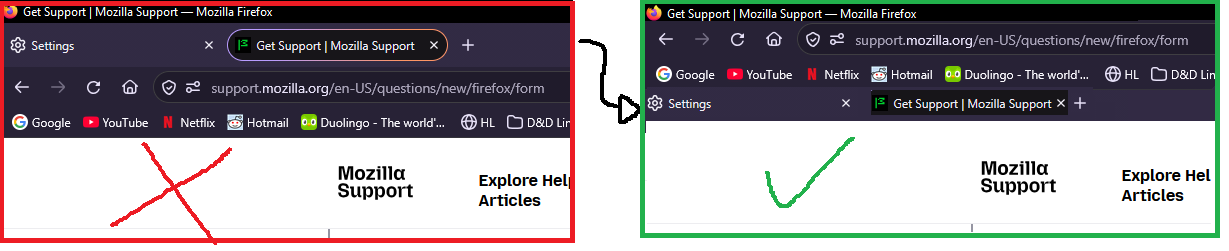
An update was just applied that moves my Tabs back back to the top of the window. I do not want this, but the option to move them below has gone. The only options are 'On top' or 'On the side'. I want 'below bookmarks toolbar'.
The Tabs themselves also now have an ugly bubble around them that takes up too much space, and the tabs bar itself is twice as tall as it was before, with a load of wasted space around it. Please get rid of the bubble, shrink the bar, and stop using up more space than is necessary.
Please just undo whatever the last patch did.
All Replies (6)
Hi
Please appreciate that whatever you have done in the past has not been supported for over ten years now. Firefox 157 does bring back a compact mode that does reduce the space taken up by the browser frame and toolbars.
Bonjour
Tabs at the bottom, is it your question? https://connect.mozilla.org/t5/ideas/please-please-allow-us-to-place-the-tabs-at-the-bottom/idi-p/216
https://support.mozilla.org/en-US/questions/1520202
Do you use? userChrome.css
Contributors guide on Firefox advanced customization with CSS https://support.mozilla.org/en-US/kb/contributors-guide-firefox-advanced-customization
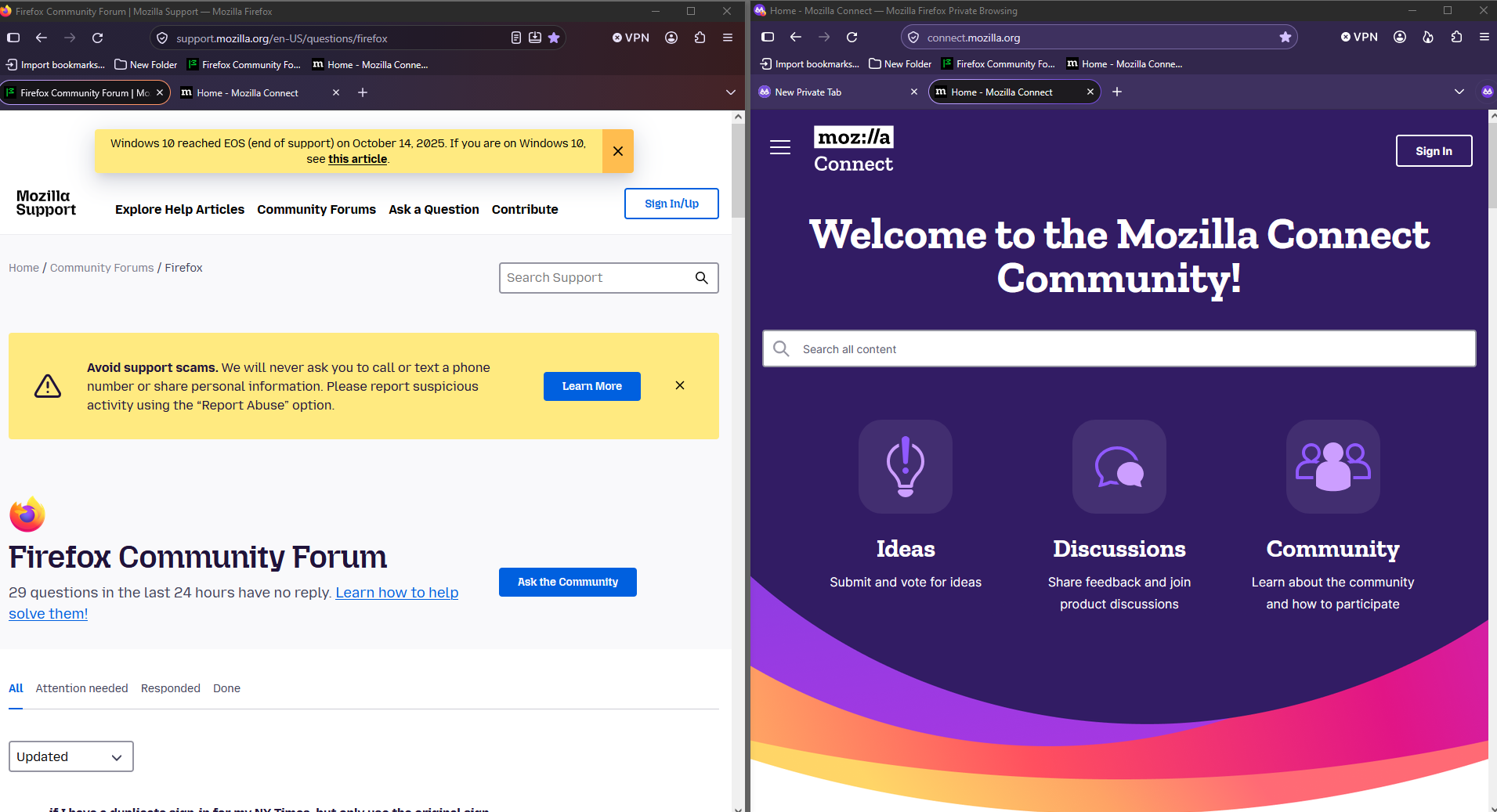
Below, a test with userChrome.css
#TabsToolbar { order: 2 !important; }
WARNING from the moderator team: This script is not provided by Mozilla and is not officially supported.
Firefox is a work in progress and, to allow for continuous innovation, Mozilla cannot guarantee future updates won’t impact your customizations. For this reason, Mozilla does not officially support style rules customization.
Please read Firefox advanced customization and configuration options to learn more.
Gewysig op deur Paul
Thanks for the comments, both.
I had my settings as described until yesterday, so I don't know where the 10 year comment comes from.
I use Firefox, not Chrome.
Further help would be appreciated, thank you.
The method that you have used to move tabs has been an unsupported hack for many years now.
I don't know what method I used to move them, but it would be appreciated if the recent update didn't mess up my ui. If there's been a community trick circulating for 10 years, it should be implemented as an official option.
Also, thank you for letting me know about the compact mode. That lessens the damage for sure.
Gewysig op deur KA475
A space for users to give product feedback https://support.mozilla.org/en-US/kb/what-mozilla-connect
With Firefox 4.0, tab bar (right click) the choice is possible.