


FireFox is blocking a site that I don't want blocked even though I've added it to my exceptions list

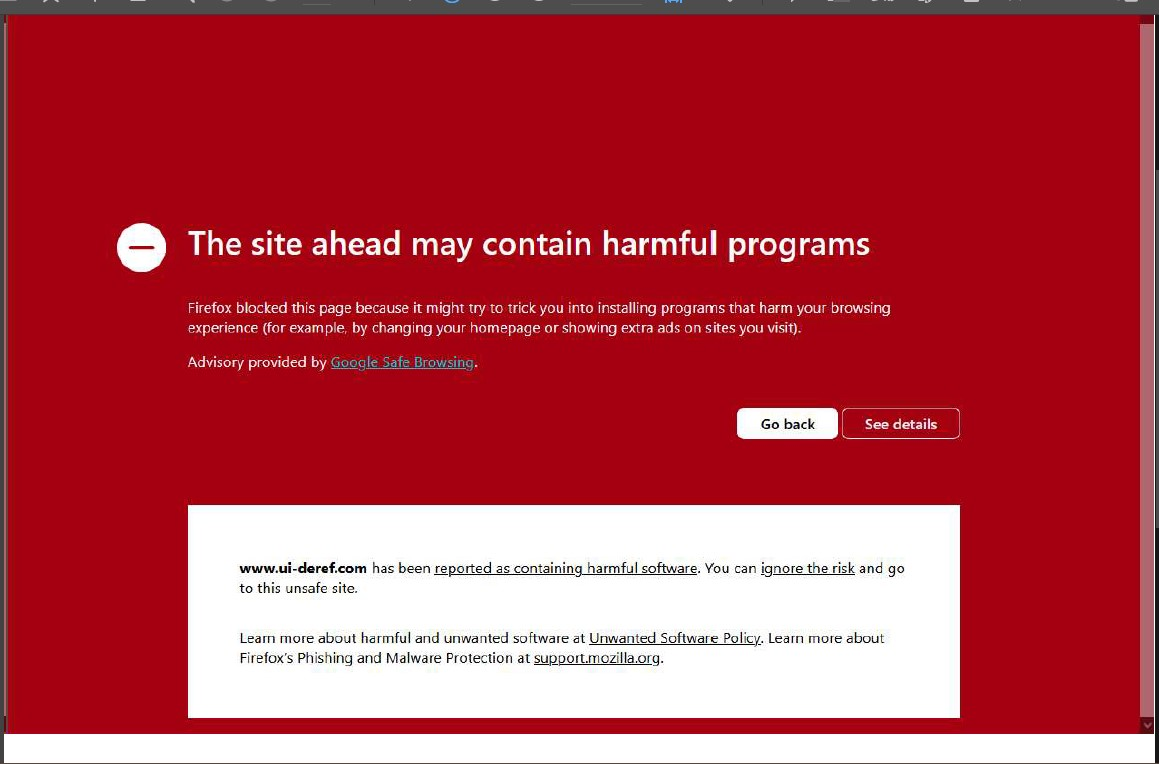
I have been using mail.com for over 20 years with no problems. This past week I started getting the attached error screen whenever I click on a link embedded in my email (for example, a link in an email from the Washington Post to the text of a full article on the Post's website). I've tried adding this site to my exceptions list, but this screen still keeps popping up. When I click on the "ignore the risk" link I get another error screen -- "Error 400 -- bad request." How can I fix this?
All Replies (1)
You can't.
- the service they use to track clicks got most likely infected few days ago.
- since you can see even when accepting the risk the service is malfunctioning, it's something either the newspaper marketers or the mail service operators have to figure out with their vendor (
ui-derefas shown in the error message)
The way around it is to try to load the article directly, without that redirector contraption getting in a way. When you're on the red error page, go to the location bar and start removing the address from the beginning — when you reach /r/?to= there will be the target address behind it — you might have success opening that directly.
Gewysig op deur jbr