


Stuck on "Is verifying your browser" when trying to log into Firefox on new computer

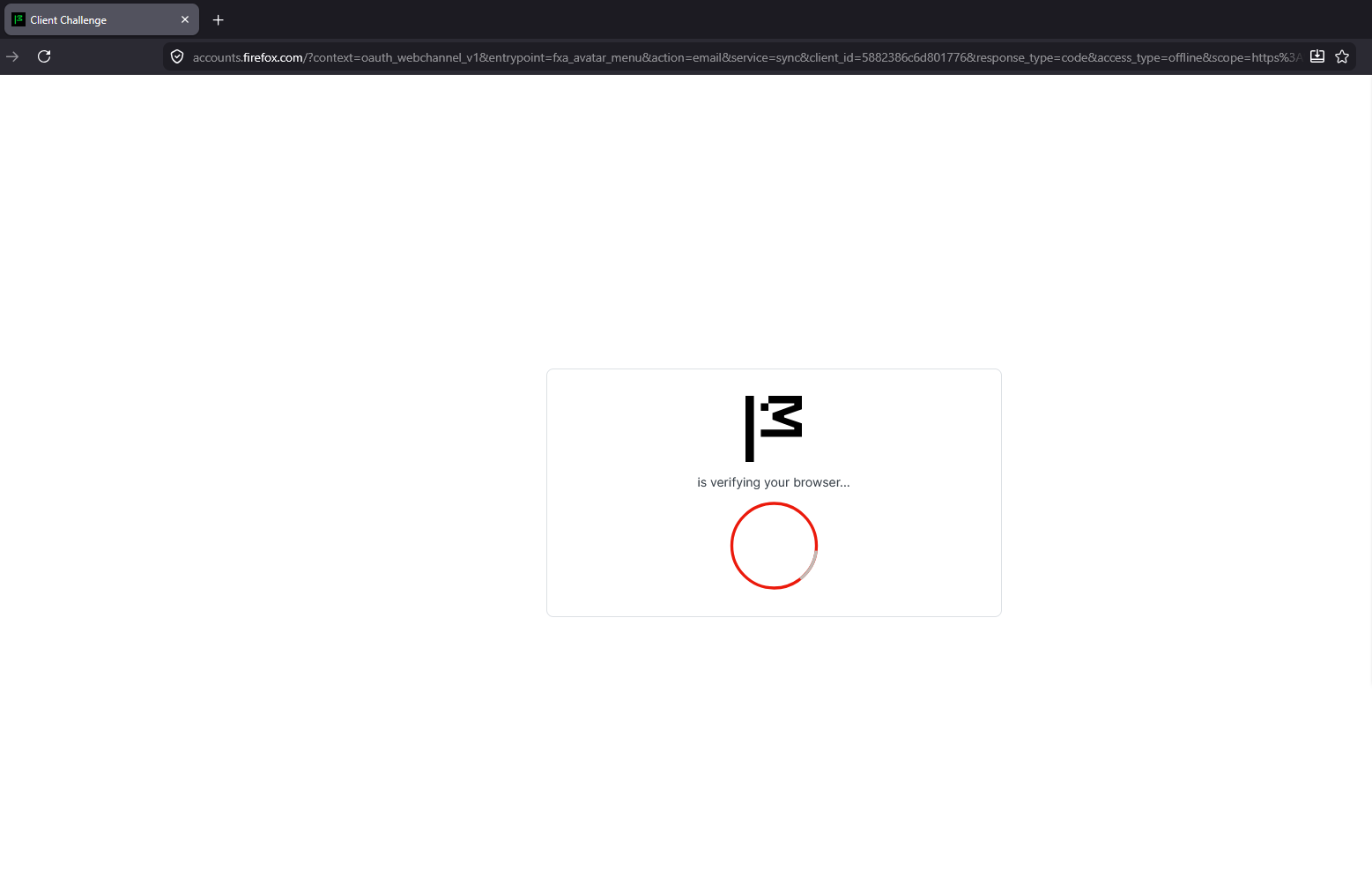
So I got a new PC, and installed Firefox on it. When I try to log into my account on there it goes to the loading page that shows the Mozilla logo and below it says "is verifying your browser..." with a spinning loading ring. The problem is that it won't do anything else but this. I have tried Refreshing Firefox, going into Troubleshooting mode, and just waiting. But after all of that, it is still stuck on the loading page described above. Nothing is happening but the loading ring forever spinning. I can not sign into my account at all because I can't even get to the page to do so.
How do I fix this?? I really need all of my stuff on this new computer. (I'm writing this question from my old computer since I can't even log into the Support because of the same issue)
All Replies (1)

Gekose oplossing
Hi, I would try restarting your new computer or rebooting your computer to see if that fixes the issue. If it is an internet issue, try disconnecting and reconnecting the computer to the internet. If both of those troubleshoots fail, you can let me know and I will try to help the best way I can. Hope these two fixes help.