


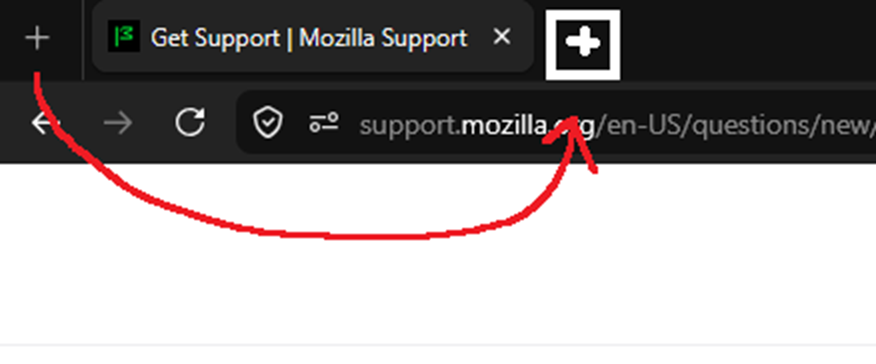
how do I move the create new tab button?

how do I make the icon for creating a new tab appear to the right of the last open tab?
how do I make the icon for creating a new tab appear to the right of the last open tab?
Gekose oplossing
Hi,
That should be the default... But you can restore it by right-clicking the toolbar, selecting Customize Toolbar... and dragging the icon to the desired position.
Lees dié antwoord in konteks 👍 1All Replies (2)
Gekose oplossing
Hi,
That should be the default... But you can restore it by right-clicking the toolbar, selecting Customize Toolbar... and dragging the icon to the desired position.
Thanks, I didn't even know that creating a new tab could be moved, I went through all the settings. 😂