


Firefox update ready to install window keeps coming up

After downloading the latest firefox dmg for mac and installing it, I keep getting the update ready to install everytime I open the browser. I am running the latest version of Firefox i.e. 53.0.2 (64-bit) on a Macbook Pro. Please see attached screenshot.
After downloading the latest firefox dmg for mac and installing it, I keep getting the update ready to install everytime I open the browser. I am running the latest version of Firefox i.e. 53.0.2 (64-bit) on a Macbook Pro. Please see attached screenshot.
All Replies (2)
Attaching the screenshot
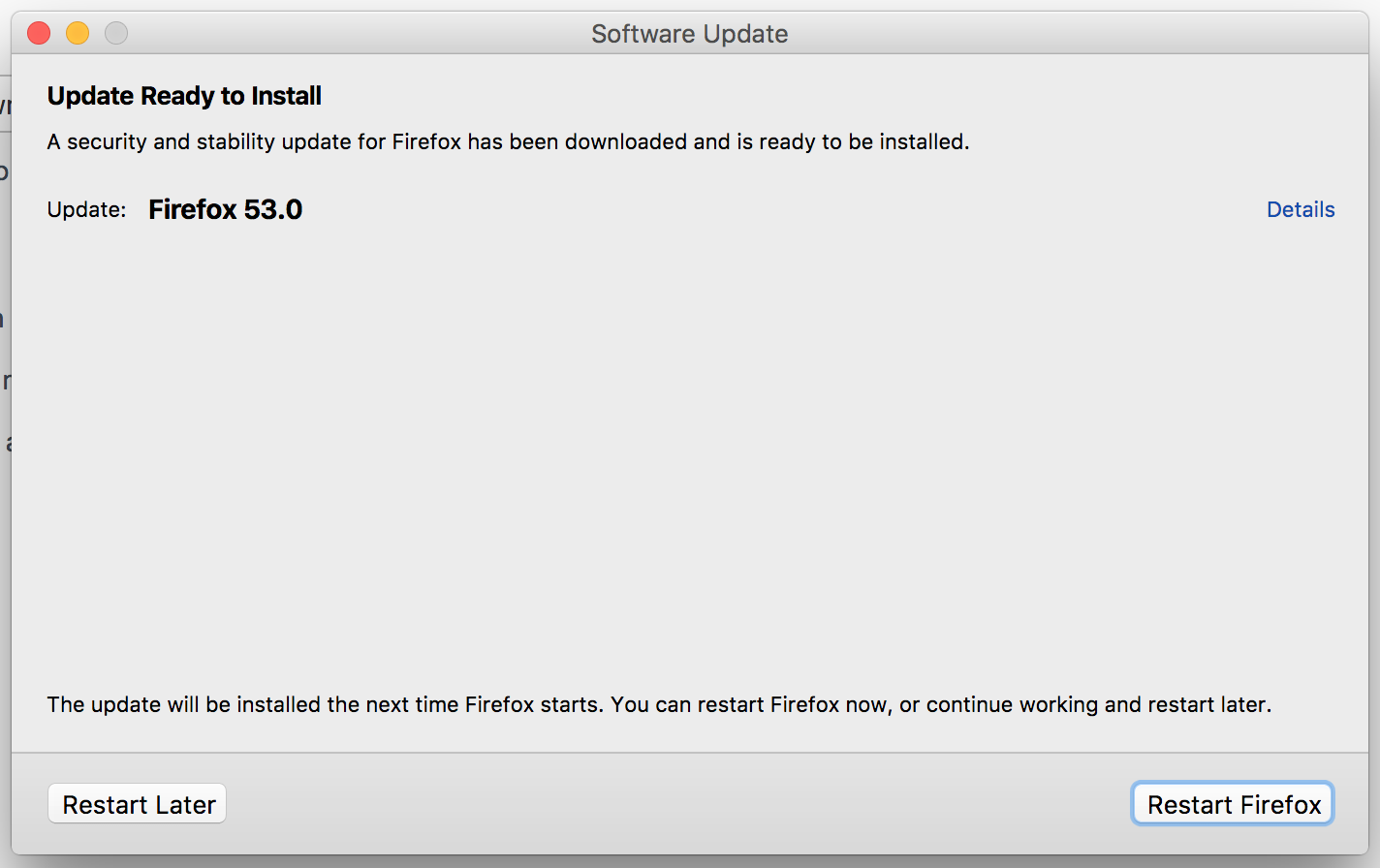

Firefox always shows "Update Ready to Install" MAC Only SOLUTION: Remove /Users/<name>/Library/Caches/Mozilla/ which contained the directory /updates/Applications/Firefox/updates/
/Users/$u/Library/Caches/Mozilla/