How to set sharing a web page via email?

Hello,
I am trying to share a tab by right click it and choosing share.
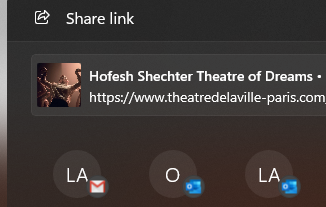
I am clicking on my name when choosing who to share with; There's a small gmail icon next to it and it is also written (you).
I press send and never get any email.
How do I set this up to work?
Thanks
All Replies (4)
Hi
Do you have Gmail set as your default email provider in Firefox?
This support article may help:
https://support.mozilla.org/en-US/kb/change-program-used-open-email-links
Paul said
Hi Do you have Gmail set as your default email provider in Firefox? This support article may help: https://support.mozilla.org/en-US/kb/change-program-used-open-email-links
I do "use gmail", but it will not send the shared link.
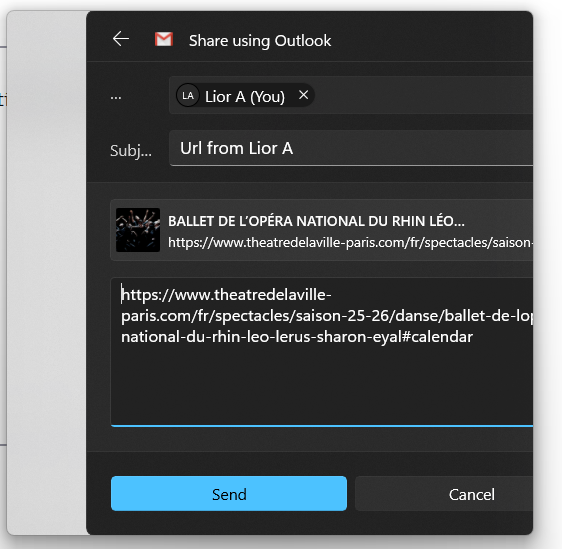
edit: I now notice that although I choose the gmail shortcut, afterwards, on top, it will write send with outlook. (I choose the one on the right from the image)
Okulungisiwe ngu tanin
It opens Win 11 Share Sheet and for me that option opens Outlook configuration process. Try to click Gmail icon.
TyDraniu said
It opens Win 11 Share Sheet and for me that option opens Outlook configuration process. Try to click Gmail icon.
I did, but afterwards I get this, see picture. The icon is gmail, but the text says Outlook (and another minor problem, the entire thing is a bit shifted for some reason)