

Lolu chungechunge lwabekwa kunqolobane.
Uyacelwa ubuze umbuzo omusha uma udinga usizo.

Okugcinwe kunqolobane
Ready to Scan
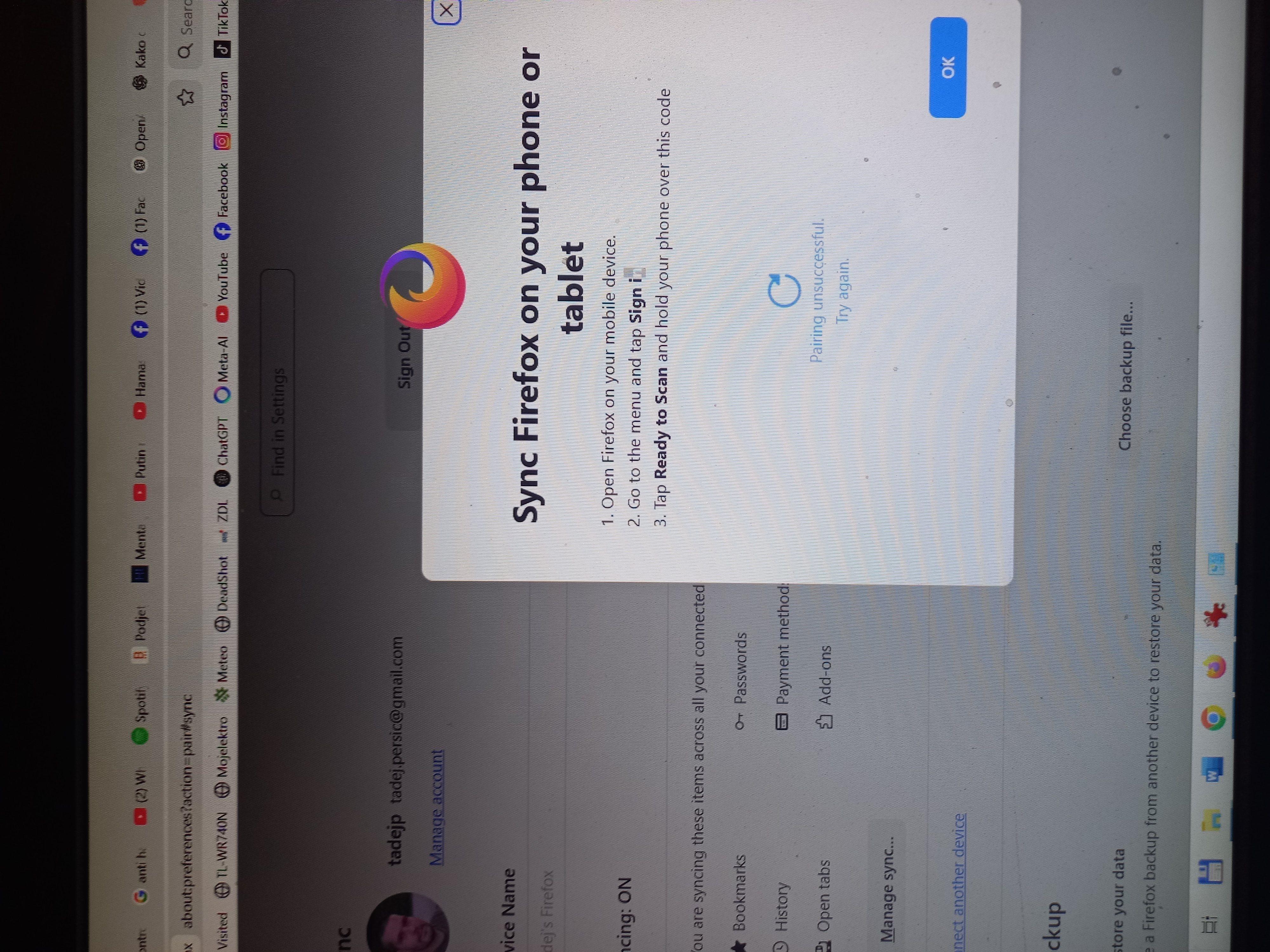
In the instructions says if you want to pair the device is to open Firefox on Android, press the "3 dots button" and click Ready to Scan button, but if I do that there is no such option there at all.
I am doing this signed-in into my Mozilla account.
Thanks in advance, Tadej Peršič from Slovenia 🇸🇮
In the instructions says if you want to pair the device is to open Firefox on Android, press the "3 dots button" and click Ready to Scan button, but if I do that '''there is no such option there''' at all.
I am doing this signed-in into my Mozilla account.
Thanks in advance, Tadej Peršič from Slovenia 🇸🇮
All Replies (3)
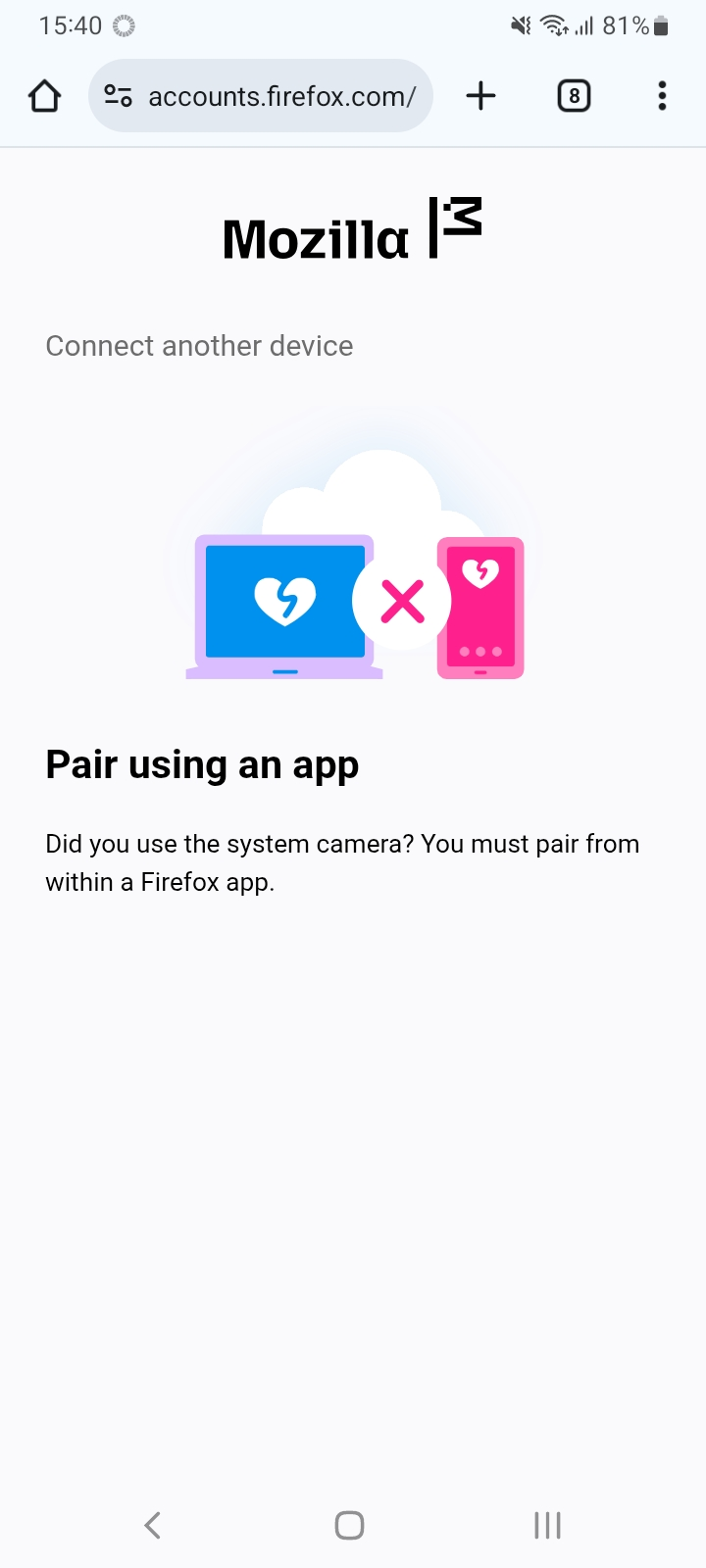
Another screen shot.
Hi
Do you see your username or email address in the Firefox for Android menu? If so, select this to access the Firefox Sync settings.
Im trying to sync my iPhone in fire fox with my iPad and MacBook Can’t find a way to do it