

Lolu chungechunge lwabekwa kunqolobane.
Uyacelwa ubuze umbuzo omusha uma udinga usizo.

Okugcinwe kunqolobane
I cannot access legitmate websites

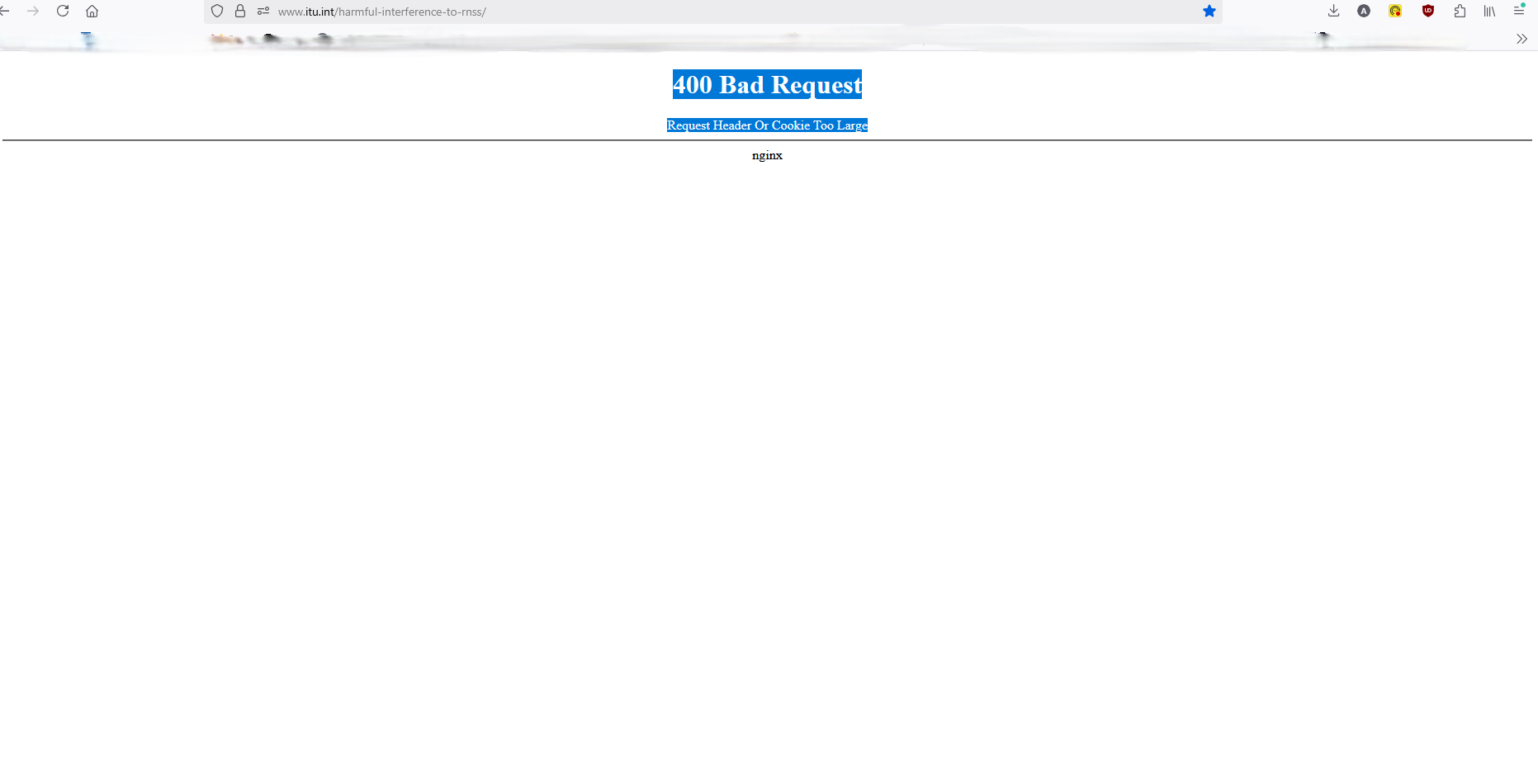
I tried to reach the following adress: https://www.itu.int/harmful-interference-to-rnss/ and I received this message on my browser: 400 Bad Request -Request Header Or Cookie Too Large
When I tried from a different browser it was accessible.
I tried to reach the following adress: https://www.itu.int/harmful-interference-to-rnss/
and I received this message on my browser: 400 Bad Request -Request Header Or Cookie Too Large
When I tried from a different browser it was accessible.
All Replies (1)

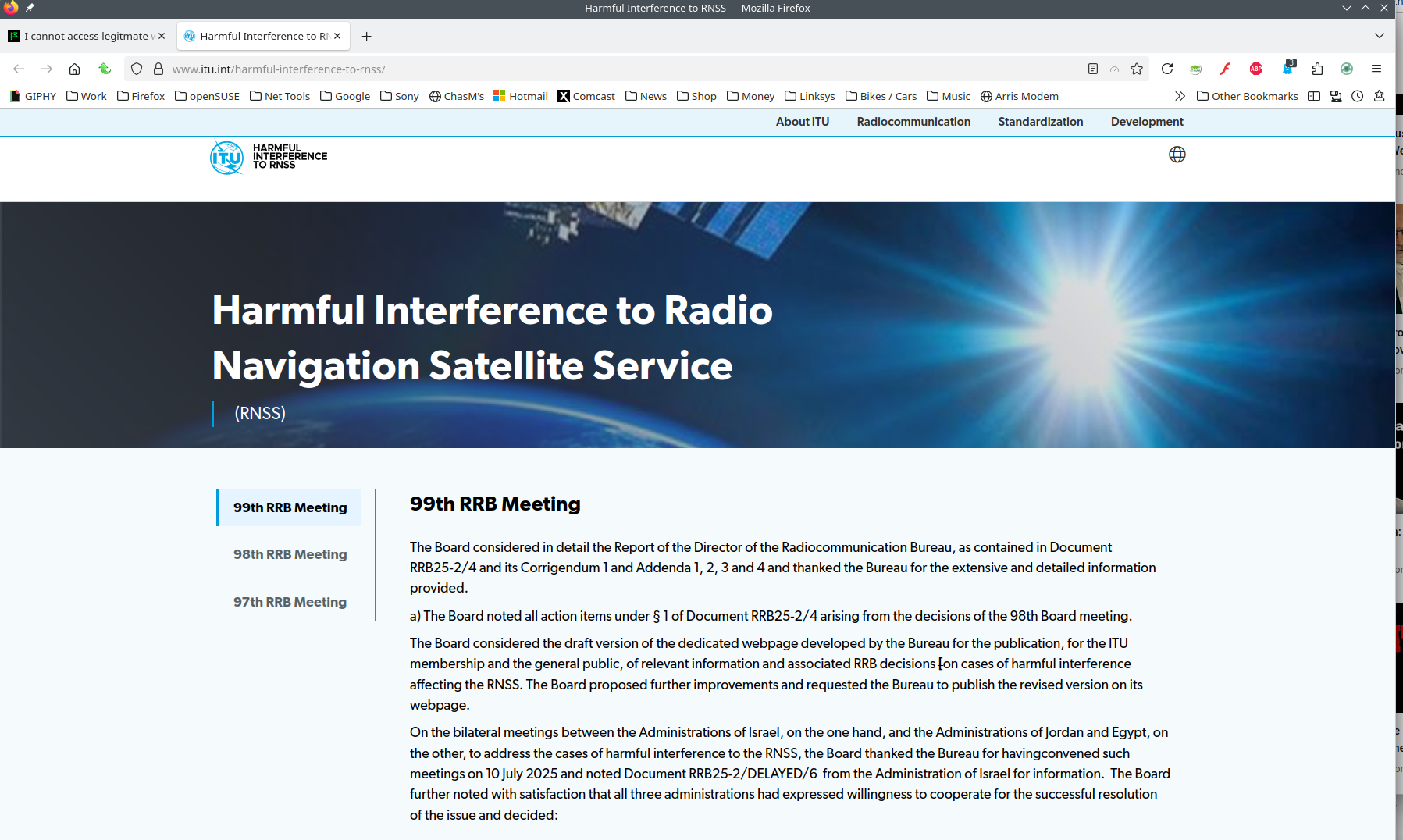
Works for me. What security software besides MS Defender are you running?
Did you clear your browser cache? https://support.mozilla.org/en-US/kb/clear-cookies-and-site-data-firefox
Did you try with Firefox in Troubleshoot Mode? https://support.mozilla.org/en-US/kb/diagnose-firefox-issues-using-troubleshoot-mode#search
Okulungisiwe ngu jonzn4SUSE