


Can't backup or copy profile since 141 - Mozilla, can you provide a step by step procedure to backup a profile?

Issue remains - see post [https://support.mozilla.org/en-US/que.../1525355]
Is there a way to backup a profile?
All Replies (2)
Hi
This support article should help:
The key bit is right at the start - make sure that Firefox is completely closed before starting any backup.
Paul - thank you for your speedy reply. In following the steps you outlined:
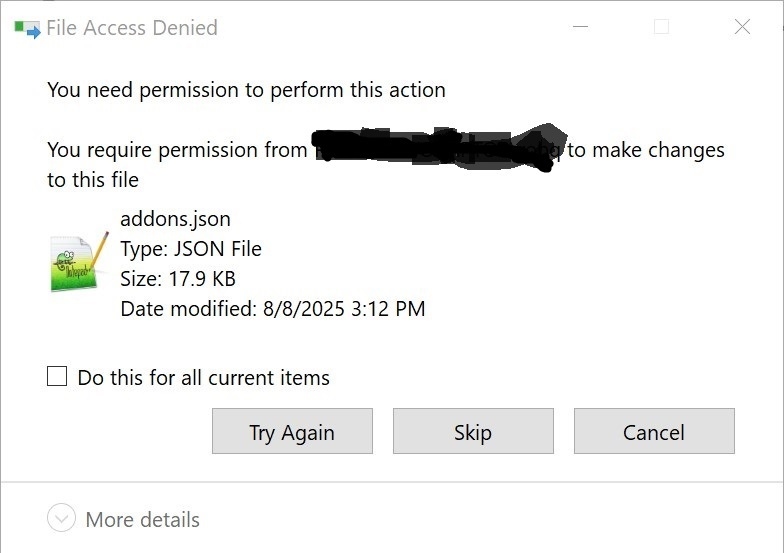
a) I found the profile folder location b) Moved up one level: (C:\Users\<USER>\AppData\Roaming\Mozilla\Firefox\Profiles c) Exited Firefox d) Verified thru task manager that no FF running e) Right-click on folder ---> copied f) When pasting, the copy function hangs at "needs permission to make changes to addons.json" (see screenshot attached). Will not continue from this point
Okulungisiwe ngu robq13