


Sorry. something went wrong:( message
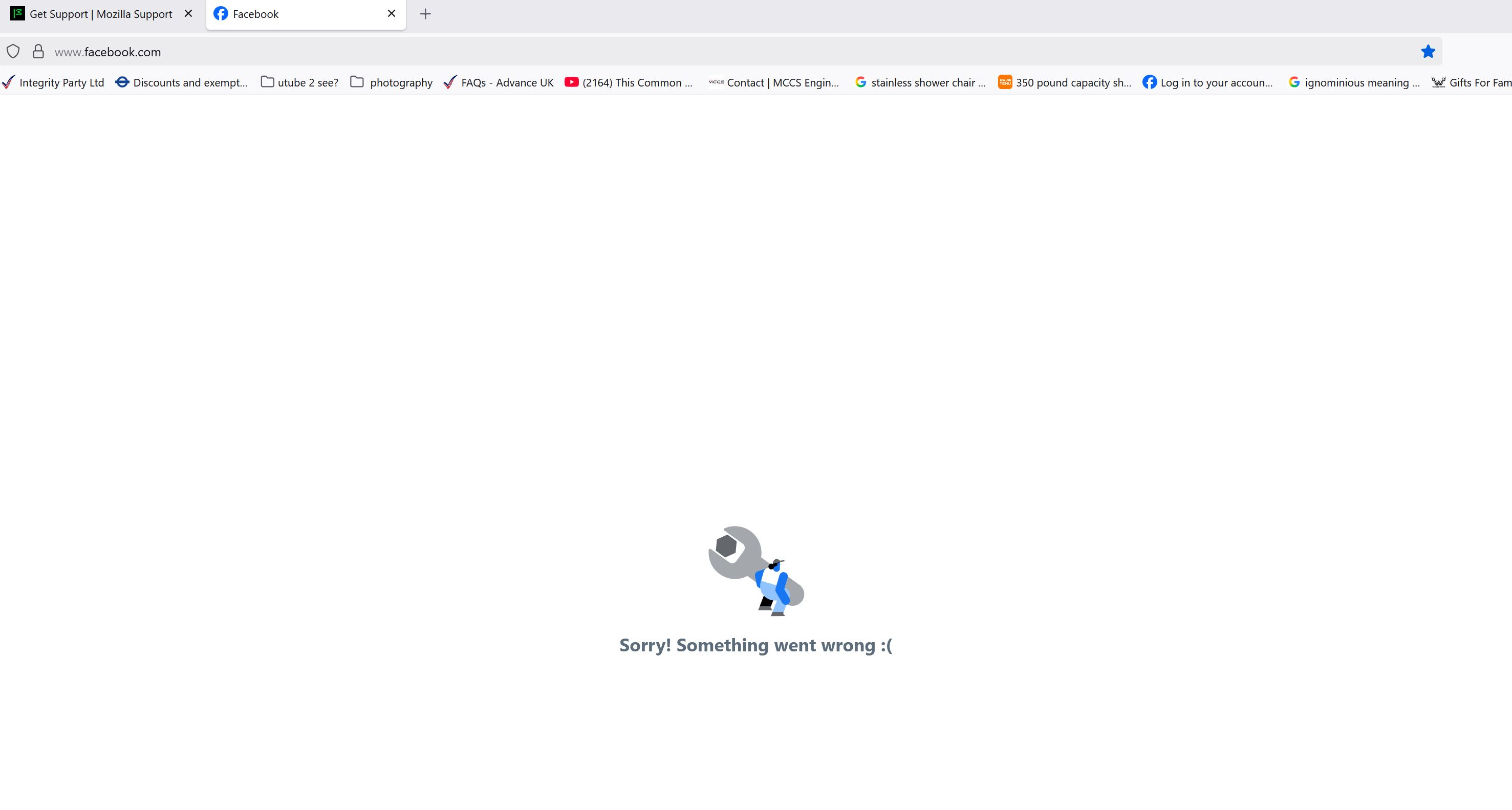
Sorry. something went wrong:(
Still unable to connect to Facebook.com, all other websites are fine. Have uninstalled and reinstalled twice and still, it only shows me a page stating " Sorry. something went wrong:( " . I am able to login on other devices without any issues and am able to login on this device if i use a different browser. Whilst in trouble shooting mode, i am still Unable to access Facebook.
All Replies (5)
Hi,
Please try [How to clear the Firefox cache | clearing Firefox cache]] and clearing cookies and data for Facebook. Does the problem persist?
yes, the problem still persists sadly.

Facebook works on Google Chrome and Safari, but not Firefox. It opens, I can see reels, but the regular Facebook feed ends immediately with a "Something Went Wrong" tech error message. I turned my computer off and on, checked my password and logged in again, disabled ad blockers, removed hundreds of cookies, restarted, even upgraded to most recent Firefox to no avail. Please fix this. Thank you!

I've noticed recently the Facebook login page on Firefox is different from the one on other browsers, although Firefox claims it's the same URL.
This strikes me as a dangerously insecure behavior for any browser: the page should be the same one, defined by the URL, regardless of which browser is used. I'm using a different browser to access Facebook until this is resolved.
The fact that Firefox appears to be messing with Facebook browsing does, however, suggest a possible explanation for the problem described here.
Hey haldkeen,
Please ask a new question for your issue.
To clarify, Firefox doesn't change website behavior. Generally, it displays what it's told to display; that's the way browsers work. Websites may look different because their developers specify different UI for different browsers, and we have WebCompat for such kind of issues (in Firefox, you can just click the shield in your address bar and select Report broken site). However, the Facebook login page looks identical to me in Firefox and Edge. Please explain what is broken for you in your question.
Okulungisiwe ngu Denys