save an attachment to add to another email

how to save an attachment and add it to another email
All Replies (4)
This should work: - on original received message, rightclick on attachment and save as... - that creates a copy on harddrive - in compose window, click attach and select it. Or am I missing something here?
Attachments can be added from received or sent messages, to new messages, by drag and drop.

sfhowes said
Attachments can be added from received or sent messages, to new messages, by drag and drop.
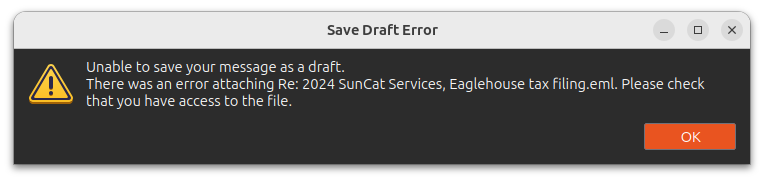
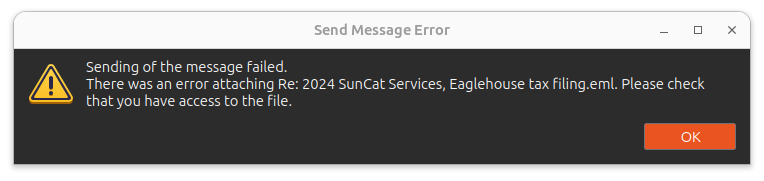
Drag and drop does not always work correctly. It is timing-dependent. If the auto-save function saves a draft automatically while you are writing the message, Thunderbird will throw an error saying it was unable to save the message. This error will persist until the dropped attachment is removed from the new message.
Drag and drop will appear to add the attachment to the new message, but Thunderbird will have a problem saving it as a draft. It tries to save as a draft during the Send process and fails.
The only workaround is to save the attachment from the original email to a file, then attach the file as a new attachment in the new message.
sfhowes said
Attachments can be added from received or sent messages, to new messages, by drag and drop.
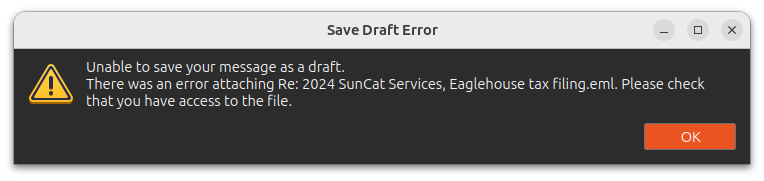
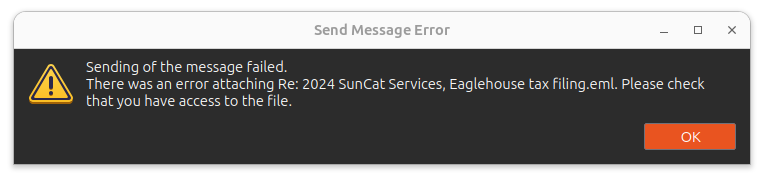
Drag and drop does not always work correctly. It is timing-dependent. If Thunderbird attempts to auto-save a draft using a dropped attachment, it will report a failure to save the draft. This error will persist until the attachment is removed.
When attempting to send the message, Thunderbird apparently attempts to save a draft copy before the send and fails.
The only workaround is to save the attachment from the original message as a file, then attach that file to the new message.