


Shortcuts not syncing

Hello,
I have a huge problem with Shortcuts not syncing in the main page. I have my shortcuts organized and pinned how I like it but every single time I sync new machine or mobile, the shortcuts are not being synced and they are completely out of place and sometimes gone on my main machine. This cannot be like that and should be properly synced.
Best Dawid
Okulungisiwe ngu dawid.cencora
All Replies (5)

Is this on your Desktop or browser and if browser how did you make shortcuts on the Browser?
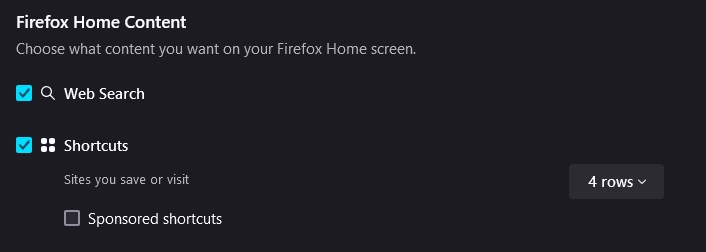
Browser shortcuts, at least that's how they are called in the settings. Even when pinned, they are not synced between devices and break when new device is added to sync.
Try looking here about Firefox help.
https://support.mozilla.org/en-US/kb/how-do-i-choose-what-information-sync-firefox
There is nothing about it in the docs. I am syncing everything that is possible right now. For some reason firefox does not support syncing the shortcuts on the main page. I find it bizarre.
I have the same issues. What i expect to happen is when i sync all the things using my Firefox accounts. i want it to include the Pins i have in my front page to be synced with my Firefox on my phone.
tl;dr: Pins on Firefox desktop are not syncing with pins on Firefox android.