


continuously Hang up

Dear Firefox Support Team ...
Please I'm facing many problem with firefox browser since last update ... my problems below
1- the browser hang up many times (the browser up dated to the last version) 2- every 30 min. browser not responding and at the top says "Stop it or wait" it's appear every 30 min. 3- my laptop software is updated and working on genuine Microsoft windows 7 ultimate and i don't have any viruses on it 4- i attached you a pictures to the issue ... please help me ASAP. because i don't want use any other browser but firefiox
thank you for your valued time
Regards Alaa Mohamed
All Replies (8)

Hello,
In order to better assist you with your issue please provide us with a screenshot. If you need help to create a screenshot, please see How do I create a screenshot of my problem?
Once you've done this, attach the saved screenshot file to your forum post by clicking the Browse... button below the Post your reply box. This will help us to visualize the problem.
Thank you!
Start Firefox in Safe Mode {web link} by holding down the <Shift> (Mac=Options) key, and then starting Firefox.
A small dialog should appear. Click Start In Safe Mode (not Refresh). Is the problem still there?
https://support.mozilla.org/en-US/kb/firefox-slow-how-make-it-faster
https://support.mozilla.org/en-US/kb/firefox-uses-too-many-cpu-resources-how-fix
https://support.mozilla.org/en-US/kb/firefox-hangs-or-not-responding
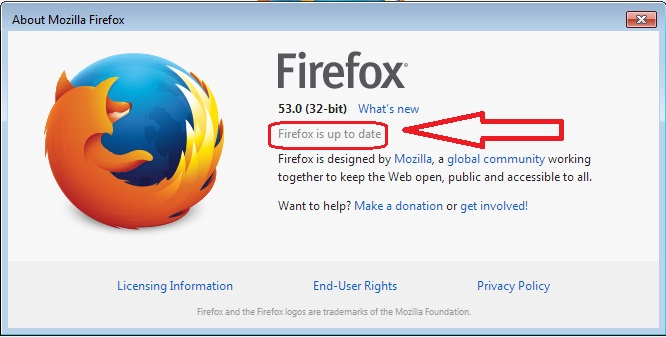
Here is the screen shot my dear

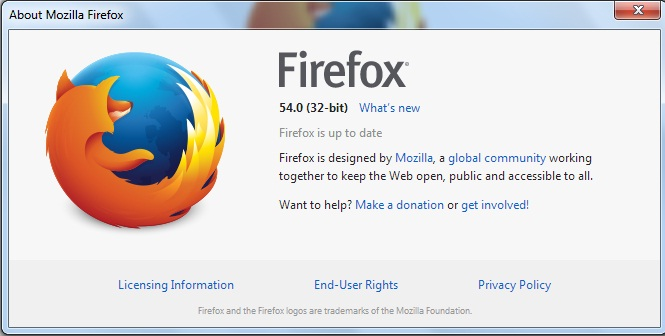
Here is another screen shot
Hmm http://www.vodafone.com.eg/ = Vodafone Egypt - Official Site
”Webpage is slowing down your browser” This is the new way the browser tells you there is a problem with the script program(s). https://support.mozilla.org/en-US/kb/warning-unresponsive-script?cache=no
Dear Fred ... at the beginning i want to thank you for your cooperation and for your valued time to help me ... but the problem not occurred with Vodafone web site only ... it's occurred with every web site opened with Firefox like Facebook as example and i attach you a screen shot for it ... so that the article you provided me at your last reply will not help ... because the article says "If the error happens only on a specific website, you can block scripts from running on that website ... and if this occurred with many web site you can change the integer value prompt, type to 20 and this option will make script run for longer times, you may no longer receive the prompt" but sure this is not solving the problem. but any way i want to thank you again for your cooperation and your insistence to help me to solve my problem ...

and i tried all of this solution of this article too ... but still the problem still occurred with me
https://support.mozilla.org/en-US/kb/troubleshoot-extensions-themes-to-fix-problems :-(
Okulungisiwe ngu alaa.it
Many site issues can be caused by corrupt cookies or cache.
- Clear the Cache and
- Remove Cookies
Warning ! ! This will log you out of sites you're logged in to. You may also lose any settings for that website.
Type about:preferences<enter> in the address bar.
- Cookies; Select Privacy. Under History, select
Firefox will Use Custom Settings. Press the button on the right side called Show Cookies. Use the search bar to look for the site. Note; There may be more than one entry. Remove All of them.
- Cache; Select Advanced > Network. Across from
Cached Web Content, Press Clear Now.
If there is still a problem, Start Firefox in Safe Mode {web link} A small dialog should appear. Click Start In Safe Mode (not Refresh). While you are in safe mode;
Type about:preferences#advanced<enter> in the address bar.
Under Advanced, Select General. Look for and turn off Use Hardware Acceleration.
Then restart. Poke around safe websites. Are there any problems?