


Still having bookmarks sync problems

Desktop Firefox 142.0.1 (aarch64) iPhone 11, iOS 18.5, Firefox 144.1 (62735)
I just reinstalled the desktop which needs the mobile phone's bookmarks. If I wipe the phone bookmarks, I lose everything. Backup, how on the phone? Sync, how? The Firefox Bookmarks Sync isn't an exact science and a misstep could be catastrophic!
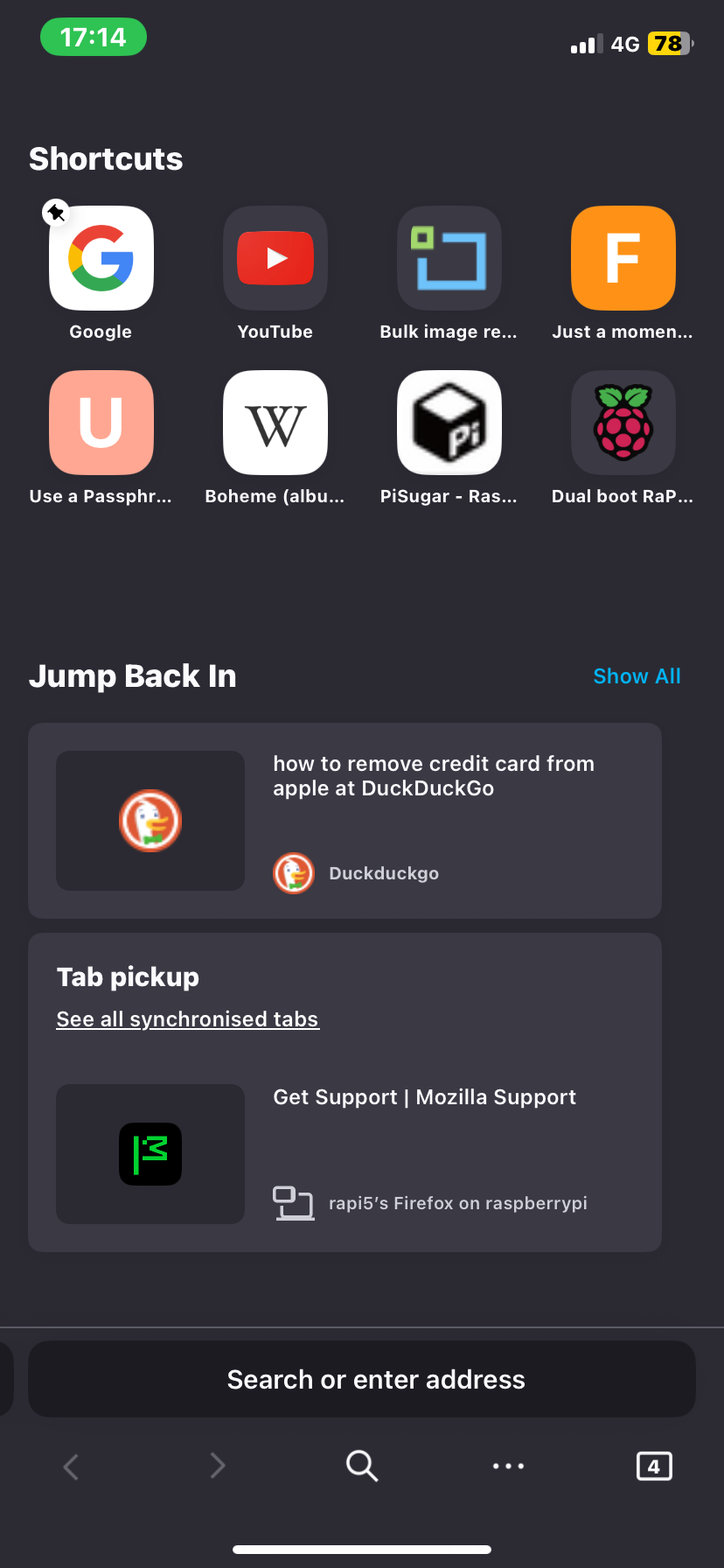
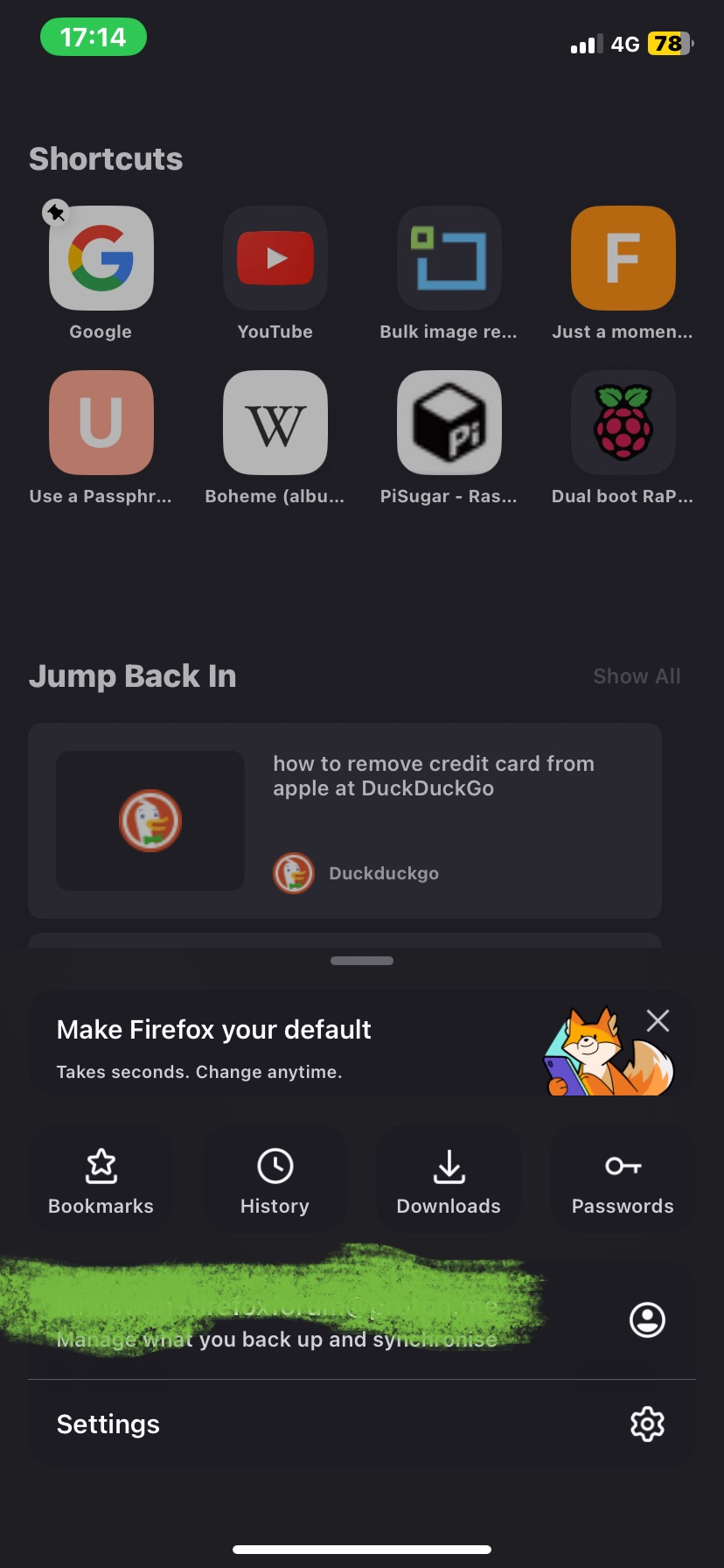
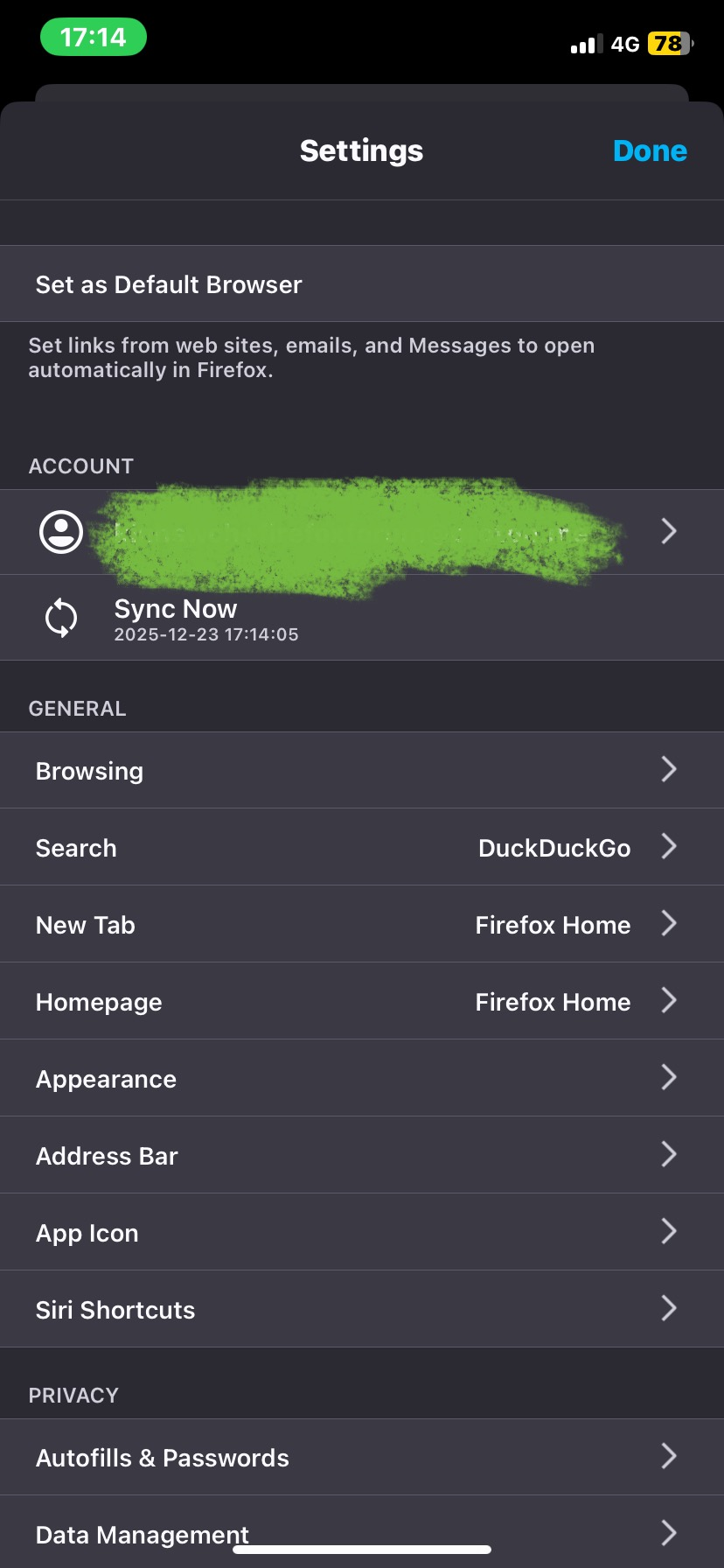
Here's what I'm looking at on the desktop and the phone, attached. 1. Desktop Firefox Bookmarks Sync window show a 3 horizontal lines (hamburger icon) for iOS Firefox settings. 2. Phone Firefox has 3 horizontal dots (meatballs icon) for iOS Firefox 3. Phone Firefox has my Firefox account logged in and a Settings option, but which one (I choose Settings 4. Phone Firefox Settings shows my ACCOUNT and a Sync Now option, but which one (I don't want the phone to Sync and pull no data from the desktop and wipe the phone Bookmarks (no backups)).

選擇的解決方法
Thanks for a reply from what may or may not be a major browser. The work around is a generous suggestion and your time is appreciated. Backups still remains a problem, as without desktop Bookmarks, endusers cannot backup from the phone. Phone backup will be needed before moving to a new browser, whatever that may be.
Inadvertently, I woke up this morning and the desktop was automagically (nice, but without my control nor permission) populated from the phone's bookmarks, somehow (...Palpatine returned?).
However, the fundamental challenge remains outstanding. The workflow/process/steps are incorrect and new Firefox users like my earlier self, may lose their sole phone Bookmarks data. 'Tis perhaps elitism as there seems to be a massive but silent community to fine tune the UX needed to welcome new users, if they're welcome, but perhaps not?
I guess Github co-founder's Ladybird Ladybird has an opportunity for market share handed to them on a platter? (I still don't understand the need for yet another browser, seems like 1st world problems, aside from the frustration of slow moving large organisations which seems to be the case of today's Firefox).
所有回覆 (3)
So, what I'm asking is if the Firefox powers that be, update the steps to coincide with end users.
Hi
- Access you account at https://accounts.firefox.com/signin and remove all Connected Services that is not your iPhone.
- Wait a good 20 minutes or so.
- Browse a few sites in Firefox for iOS, save a few bookmarks and in the Firefox for iOS settings force a manual sync event.
- Sign into Firefox Sync in the desktop copy of Firefox.
- Wait for your data to come through.
I recommend taking a backup of your desktop Firefox profile once all your bookmarks and other data have arrived.
選擇的解決方法
Thanks for a reply from what may or may not be a major browser. The work around is a generous suggestion and your time is appreciated. Backups still remains a problem, as without desktop Bookmarks, endusers cannot backup from the phone. Phone backup will be needed before moving to a new browser, whatever that may be.
Inadvertently, I woke up this morning and the desktop was automagically (nice, but without my control nor permission) populated from the phone's bookmarks, somehow (...Palpatine returned?).
However, the fundamental challenge remains outstanding. The workflow/process/steps are incorrect and new Firefox users like my earlier self, may lose their sole phone Bookmarks data. 'Tis perhaps elitism as there seems to be a massive but silent community to fine tune the UX needed to welcome new users, if they're welcome, but perhaps not?
I guess Github co-founder's Ladybird Ladybird has an opportunity for market share handed to them on a platter? (I still don't understand the need for yet another browser, seems like 1st world problems, aside from the frustration of slow moving large organisations which seems to be the case of today's Firefox).