


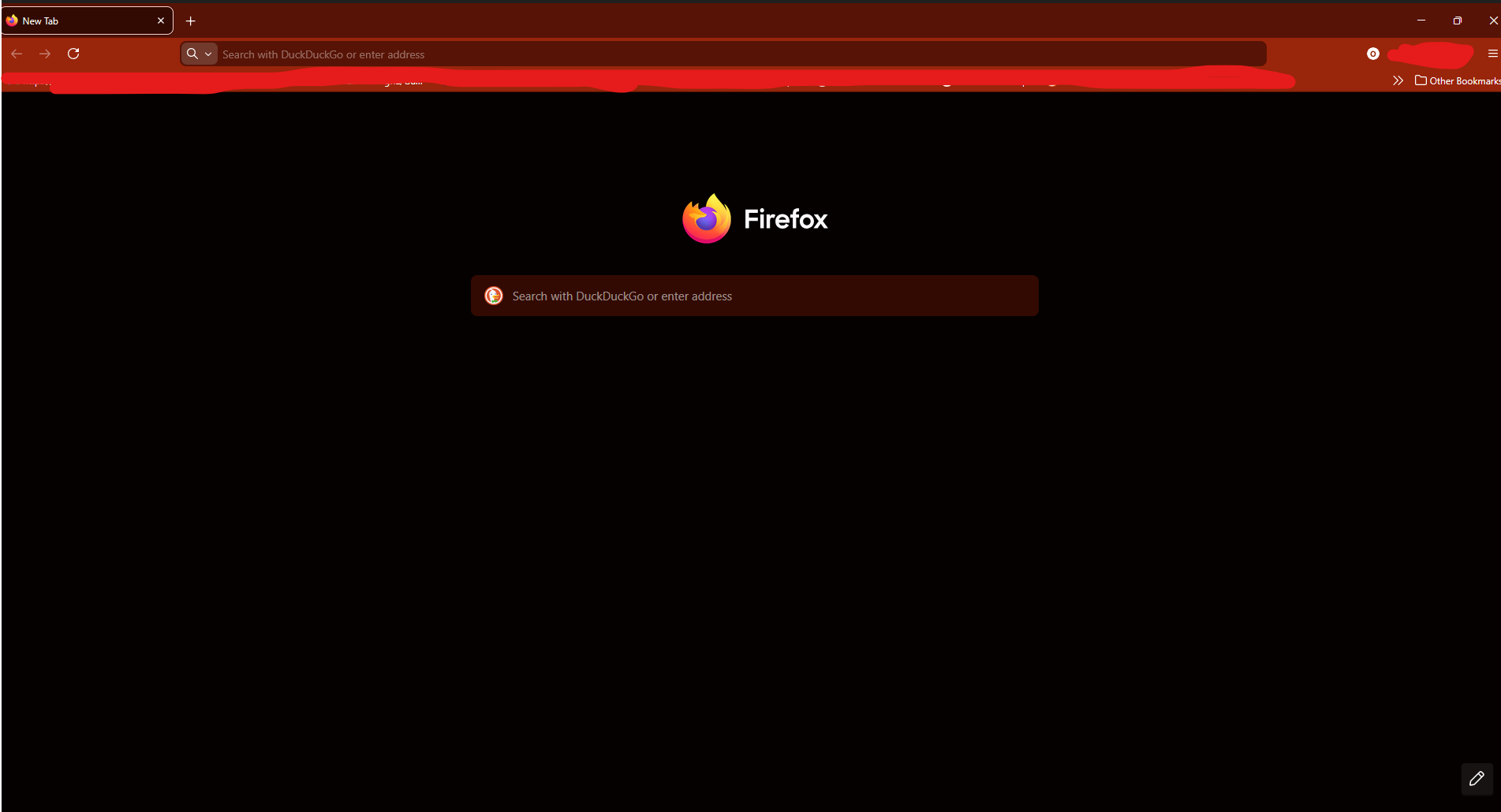
Black Bar at the top of the screen during fullscreen

popped up after an update, not only is it slightly distracting but also annoying as now when i try to pick up or select a tab by putting my mouse at the top of the screen it does nothing, as i select the useless black bar instead
被選擇的解決方法
Hello
Is it this subject https://bugzilla.mozilla.org/show_bug.cgi?id=1993474
You can try. 1 - Go to configuration editor for Firefox https://support.mozilla.org/en-US/kb/about-config-editor-firefox 2 - Enter a search term widget.windows.windowsappsdk.enabled Double-click on the preference, to set its value to false
從原來的回覆中察看解決方案 👍 1所有回覆 (1)
選擇的解決方法
Hello
Is it this subject https://bugzilla.mozilla.org/show_bug.cgi?id=1993474
You can try. 1 - Go to configuration editor for Firefox https://support.mozilla.org/en-US/kb/about-config-editor-firefox 2 - Enter a search term widget.windows.windowsappsdk.enabled Double-click on the preference, to set its value to false