


Removing alternative language

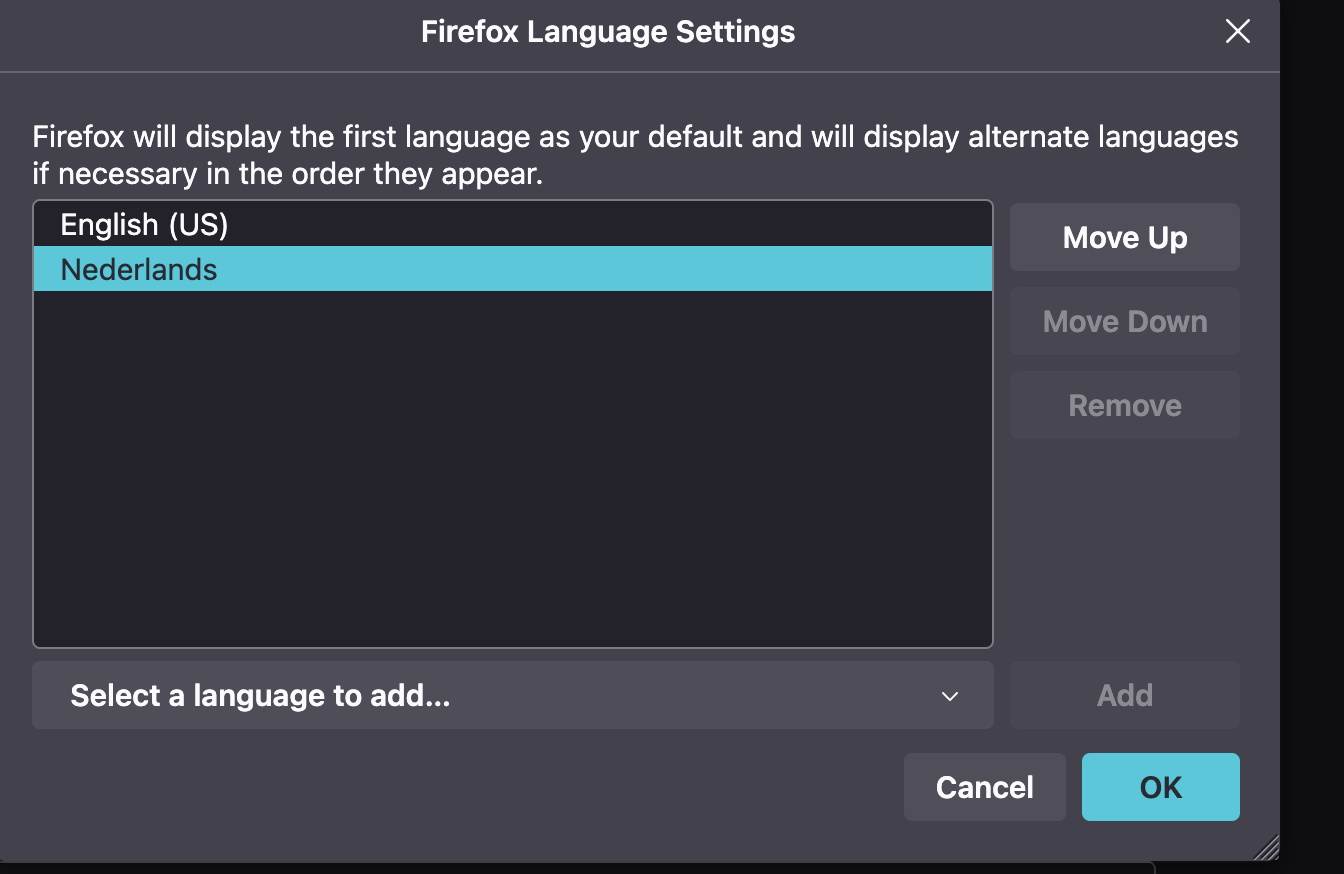
Hi, I am curious to know why I can't completely remove the Dutch language in the language settings. When I installed the browser it was automatically set-up to Dutch - a language don't speak - then I was able to add English but some functions like spelling corrections are still in Dutch. I would like to get rid of it. I have the same problem with German on another computer. Thanks!
所有回覆 (1)
Hi,
You can't remove the language that is the currently installed Firefox locale, so it looks that you have installed the Dutch Firefox version. To get completely rid of Dutch, you would have to uninstall this version.
You can download and install the Firefox version that you want as the default here. Make sure to choose English (or whatever primary language you want) in the Language section.
For spelling, dictionaries (not language packs) are used. Please see How do I use the Firefox spell checker? for details.