

此討論串已被封存。
如果您有需要幫助,請新增一個新問題

Solved
封存
Blurry font rendering

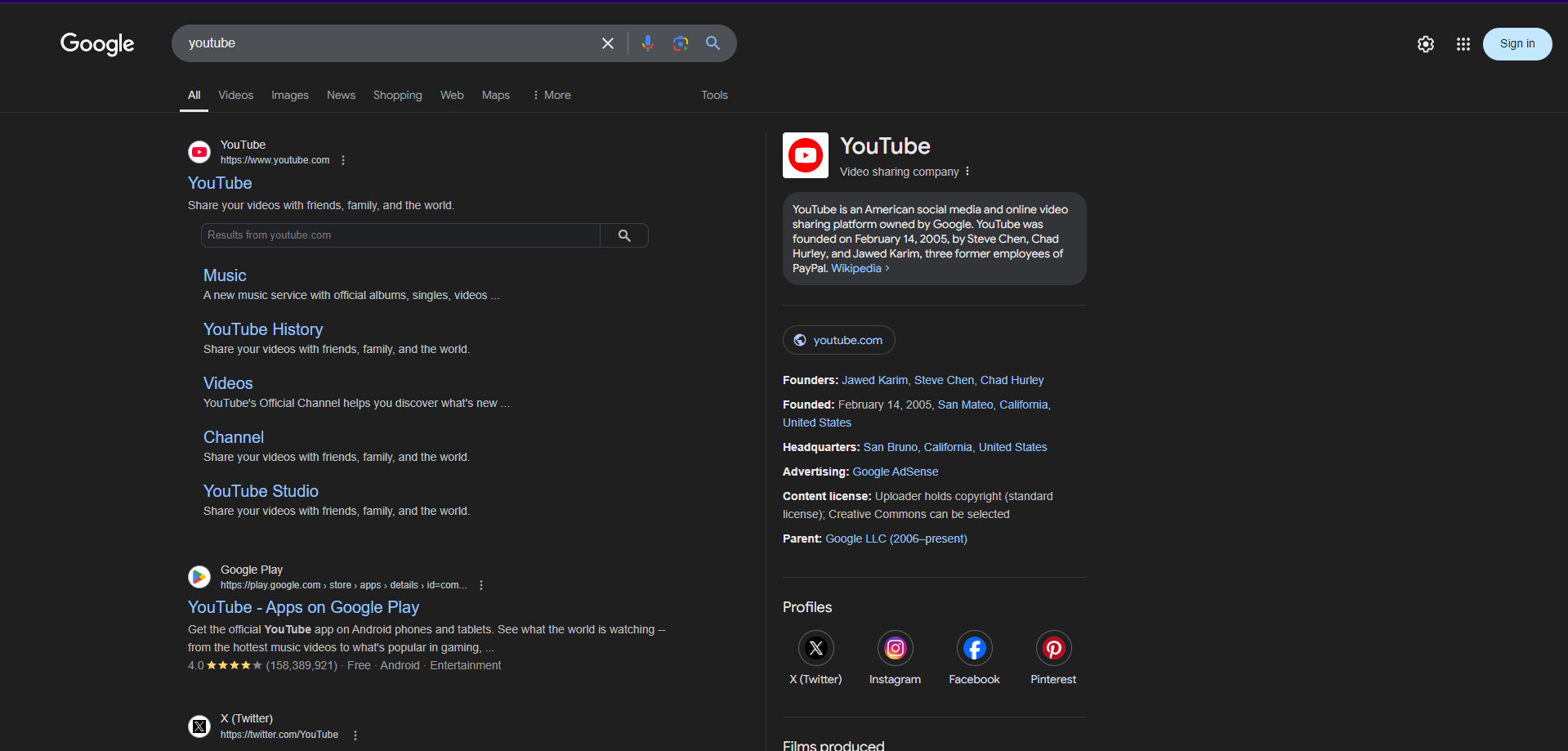
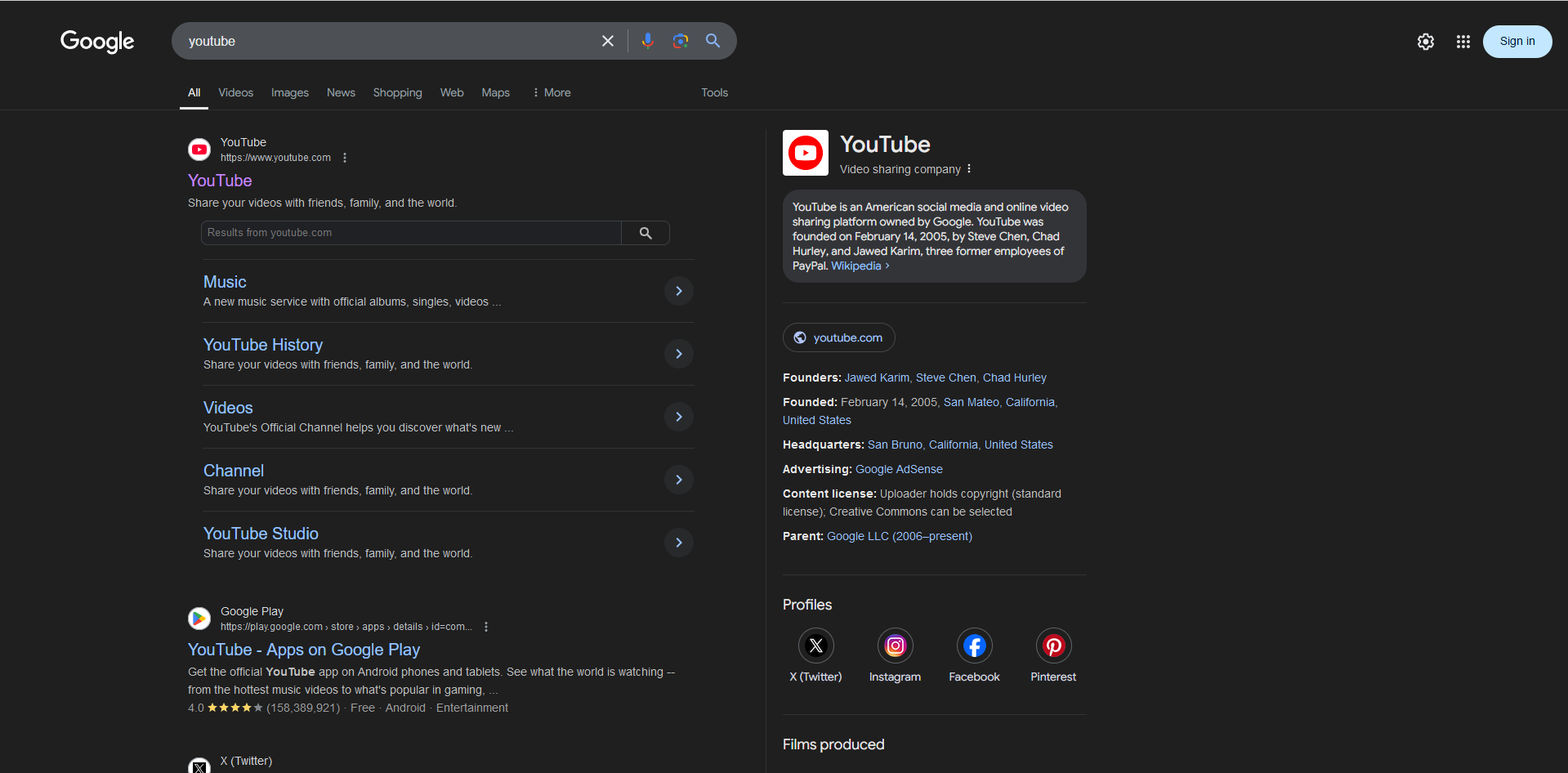
I just installed Firefox. What I noticed right away while using it was that fonts were very blurry/hard to read on all web pages, and even in firefox's menus and URL bar.
I attached two pictures, one is a screenshot in Firefox, and the other is a screenshot in Brave. (All chromium web browsers I have tried don't have firefox's font problem)
I just installed Firefox. What I noticed right away while using it was that fonts were very blurry/hard to read on all web pages, and even in firefox's menus and URL bar.
I attached two pictures, one is a screenshot in Firefox, and the other is a screenshot in Brave. (All chromium web browsers I have tried don't have firefox's font problem)
所有回覆 (2)
The first screenshot is in Brave, and the second one is in Firefox.
選擇的解決方法
After doing some research, I found out that going to about:config and setting the gfx.font_rendering.cleartype_params.rendering_mode option to a value of 5 (and then restarting Firefox) solved the issue. Extra information: for me, the value was set to -1 by default.
由 Waseem 於 修改