


Specific Website's Functionality Fails Unless Cookies and Cache are Cleared. Fails Again after Refresh.

On Firefox, the search function of a specific website fails to search the database or function properly. When I clear cookies/cache, it works. But after the page follows the query and refreshes, it stops working. On other web browsers it works fine. More interestingly, it works fine on another computer where I use Firefox.
所有回覆 (6)
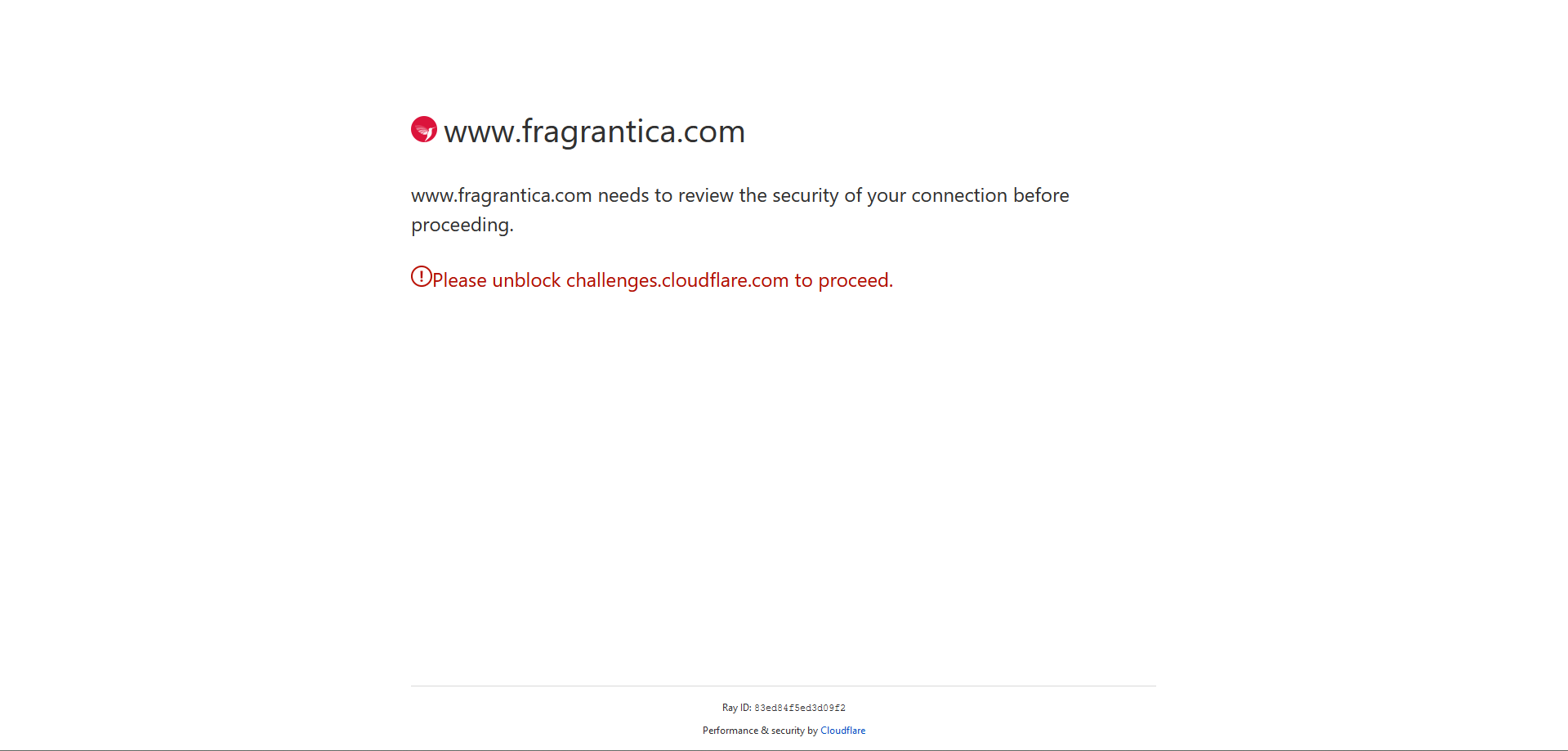
There is also an issue with cloudflare.
If you use extensions ("3-bar" menu button or Tools -> Add-ons -> Extensions) that can block content (Adblock Plus, NoScript, DuckDuckGo PE, Disconnect, Ghostery, Privacy Badger, uBlock Origin), always make sure such extensions do not block content.
- make sure your extensions and filters are updated to the latest version
- https://support.mozilla.org/en-US/kb/troubleshoot-extensions-themes-to-fix-problems
You can try these steps in case of issues with webpages:
You can reload webpage(s) and bypass the cache to refresh possibly outdated or corrupted files.
- hold down the Shift key and left-click the Reload button
- press "Ctrl + F5" or press "Ctrl + Shift + R" (Windows,Linux)
- press "Command + Shift + R" (Mac)
Clear the Cache and remove the Cookies for websites that cause problems via the "3-bar" Firefox menu button (Settings), click the padlock icon (Clear cookies and site data) for the domain in the selected tab.
"Remove the Cookies" for websites that cause problems:
- Settings -> Privacy & Security
Cookies and Site Data: "Manage Data"
"Clear the Cache":
- Settings -> Privacy & Security
Cookies and Site Data -> Clear Data -> [X] Cached Web Content -> Clear
- https://support.mozilla.org/en-US/kb/clear-cookies-and-site-data-firefox
- https://support.mozilla.org/en-US/kb/how-clear-firefox-cache
Start Firefox in Troubleshoot Mode to check if one of the extensions ("3-bar" menu button or Tools -> Add-ons -> Extensions) or if hardware acceleration or if userChrome.css/userContent.css is causing the problem.
- switch to the Default System theme: "3-bar" menu button or Tools -> Add-ons -> Themes
- do NOT click the "Refresh Firefox" button on the Troubleshoot Mode start window
- https://support.mozilla.org/en-US/kb/diagnose-firefox-issues-using-troubleshoot-mode
- https://support.mozilla.org/en-US/kb/troubleshoot-extensions-themes-to-fix-problems
You can check for issues with Enhanced Tracking Protection. Firefox shows a purple shield instead of a gray shield at the left end of the location/address bar in case Enhanced Tracking Protection is blocking content.
- click the shield icon for more detail and possibly disable the protection
You can check the Web Console for relevant-looking messages like blocked content.
Searching on that site works for me however I did notice that the results won't exactly match the query if you type too quickly. Same thing happens on Chrome.
Does it still happen in Troubleshoot Mode?
zeroknight said
Searching on that site works for me however I did notice that the results won't exactly match the query if you type too quickly. Same thing happens on Chrome. Does it still happen in Troubleshoot Mode?
Thanks for your reply. Yes, it still happens in troubleshoot mode. I wasn't able to replicate that on the site, but it works fine for me on Chrome.
Does it still happen in a new profile (without signing into sync account)? An easy way to test a new profile is to install Developer Edition and see if it happens there or refresh your existing profile.
zeroknight said
Does it still happen in a new profile (without signing into sync account)? An easy way to test a new profile is to install Developer Edition and see if it happens there or refresh your existing profile.
I'm sorry for the infrequent responses. I don't get notifications and I forget about my question.
I actually created an account just to come here and ask my question. Not sure why the website works on FF while on other systems, but I can live with it. I appreciate your help regardless.