


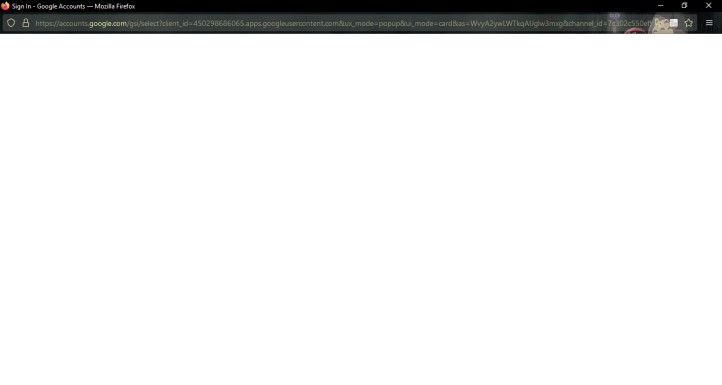
Sign in window shows only a blank screen
I've been trying to sign in to pinterest, duolingo, etc using the 'sign in with google' option since my account was saved there. Whenever I click it, a sign in window opens up as usual, but it only ever shows a blank screen. No matter how long I wait, nothing shows up. I tried clearing cache, and it still didn't work. It worked before, but recently since the past 2 weeks, it became like this and I don't know how to fix it.
I have some extensions on my account so I'll list them out just in case one of them is the one making this problem: -Search by Image -Firefox Relay -uBlock Origin -DuckDuckGo Privacy Essentials -TWP - Translate Between Pages -Ecosia
(Below is a screenshot showing what I mean by the sign in window being a blank screen.)
被選擇的解決方法
Does it still happen in a new profile without signing into sync? An easy way to test a new profile is to install Developer Edition and see if it happens there or refresh your existing profile.
從原來的回覆中察看解決方案 👍 0所有回覆 (3)
Does it still happen in Troubleshoot Mode?
選擇的解決方法
Does it still happen in a new profile without signing into sync? An easy way to test a new profile is to install Developer Edition and see if it happens there or refresh your existing profile.