


Tabs are on top, not on bottom in Firefox 113.0.1

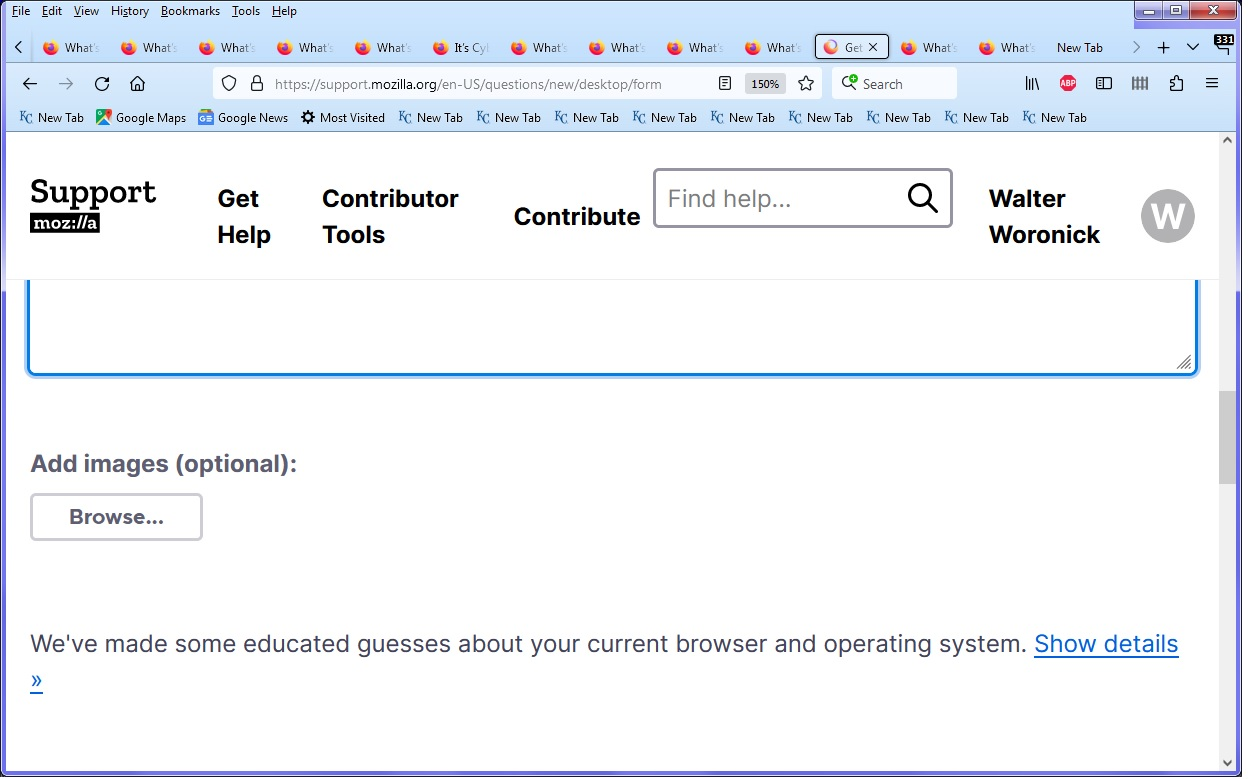
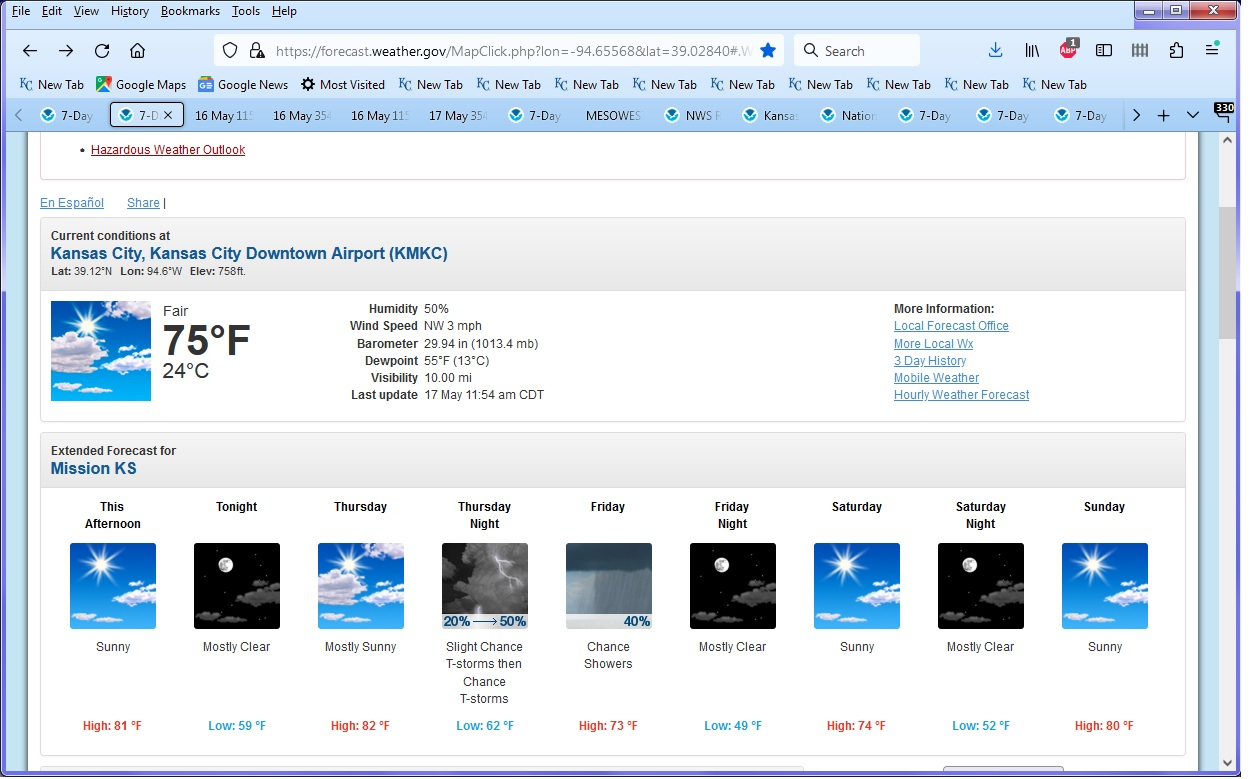
The tabs are now on top, of the search / web address area of the browser, not on the bottom, as I prefer.
被選擇的解決方法
That was not easy, or obvious (combining 2 css files), but it did work.
從原來的回覆中察看解決方案 👍 0所有回覆 (6)

There has been a change in the css code required. Go to the source of your code and get the updated version.
I discovered that the CSS file came from https://github.com/MrOtherGuy/firefox-csshacks/blob/master/chrome/tabs_on_bottom.css#L43 It did work, although the Firefox menu, is now in the middle, below the bookmarked tabs area on the Firefox window. Kind of weird, though. Can that part be fixed?
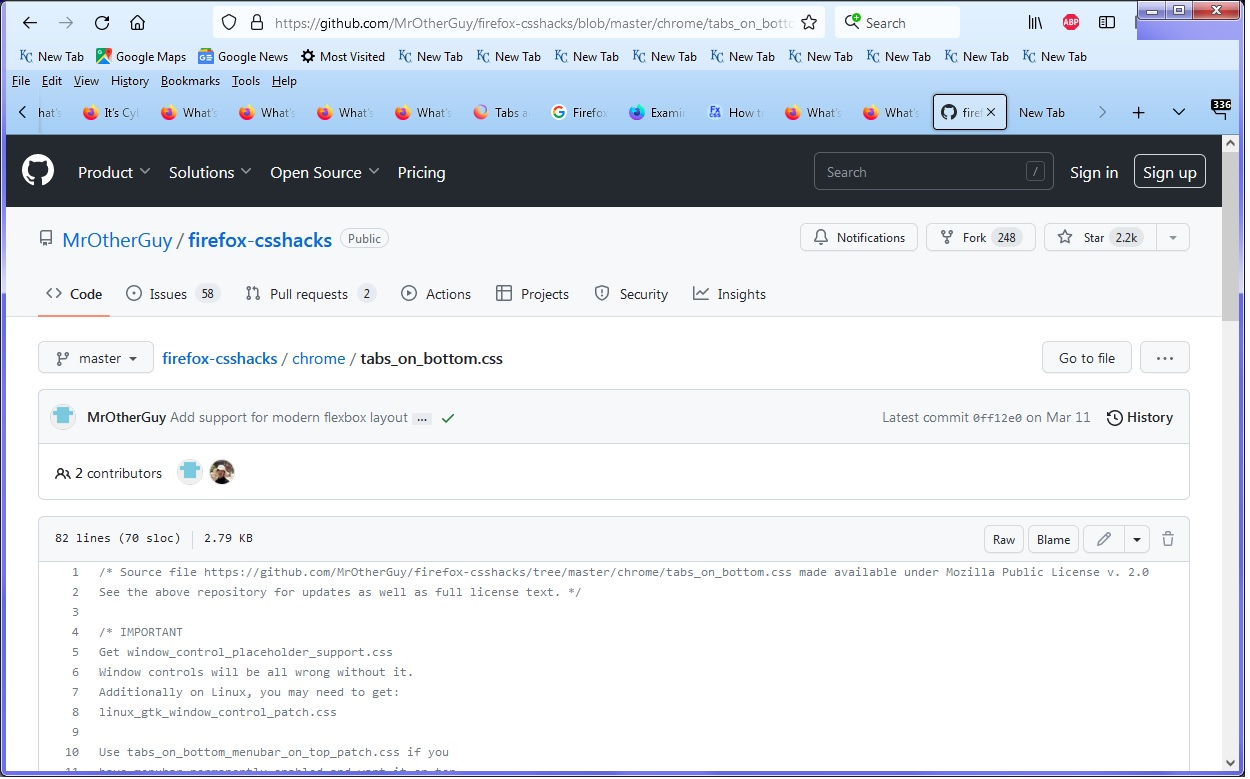
You need his menu bar patch. "Use tabs_on_bottom_menubar_on_top_patch.css if you have menubar permanently enabled and want it on top." I will post the link separately because I don't know when or whether you will receive. You must have had the patch previously.
Note that this is mentioned in line 10.
選擇的解決方法
That was not easy, or obvious (combining 2 css files), but it did work.