


Access Denied on fresh direct

Are you not allowing me to axxess fresh direct website? I keep getting "Access denied" when I try to open that site. HELP!
所有回覆 (2)

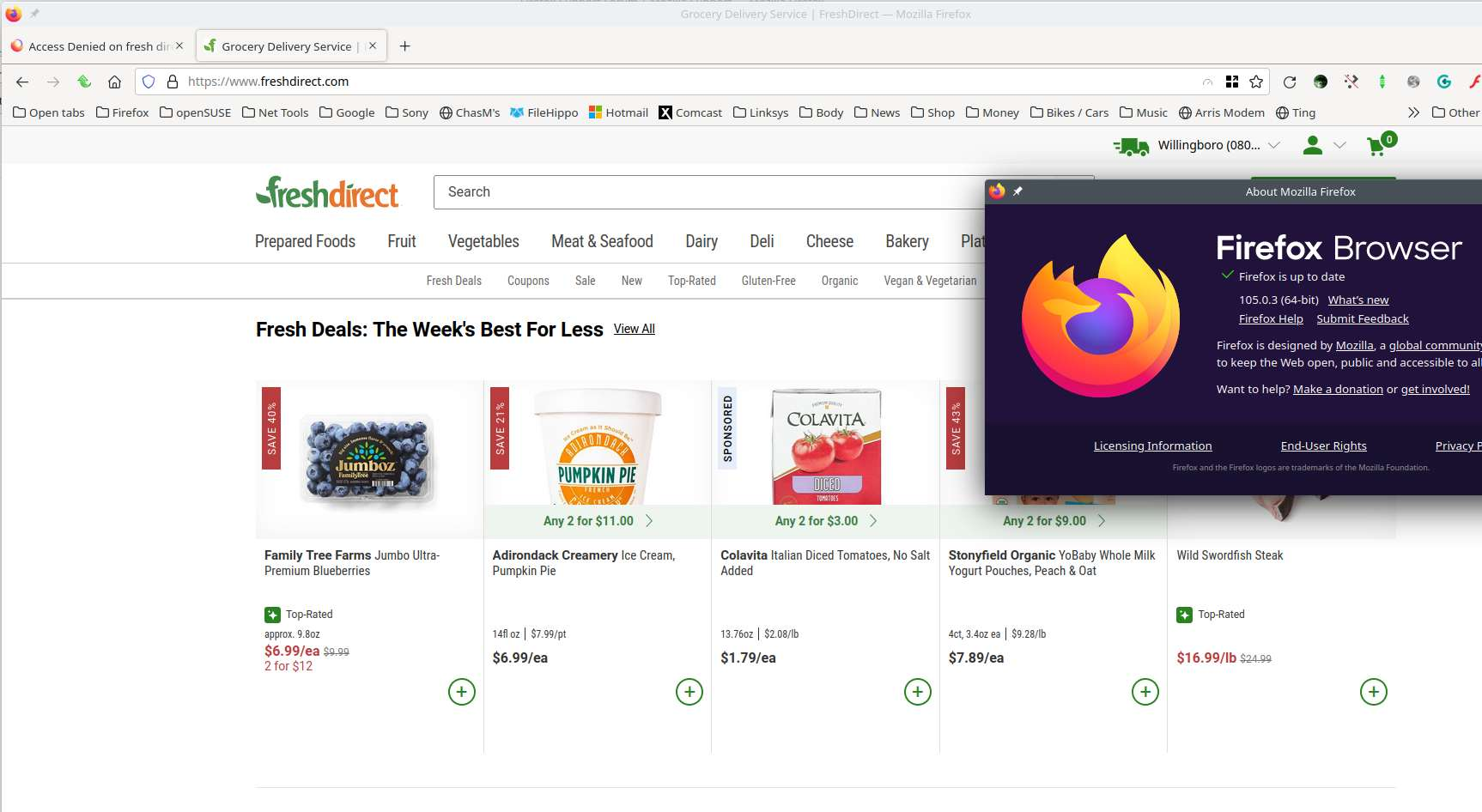
Why would would we do such a thing... ;-)) see screenshot Try this option... Forget About This Site, but make sure you know the password if you login. https://support.mozilla.org/en-US/kb/remove-websites-address-bar-suggestions
And this... clear the Firefox cache https://support.mozilla.org/en-US/kb/how-clear-firefox-cache#search And this... Firefox in Safe Mode https://support.mozilla.org/en-US/kb/diagnose-firefox-issues-using-troubleshoot-mode#w_how-to-start-firefox-in-4troubleshoot-modesf5safe-modesf
由 jonzn4SUSE 於 修改
"You don't have permission to access..." errors are characteristic of a firewall that protects the server against misuse and this firewall thinks something is suspicious about the HTTP request. If you use a proxy or VPN then try to use a direct connection. You can try to clear the Cache and remove the Cookies for websites that cause problems via the padlock button or via "3-bar" Firefox menu button (Options/Preferences) to see if that fixes it. I've also seen cases where having "Resist Fingerprinting" enabled caused this issue to occur.
If this all doesn't work then you can try "Forget About This Site" in the right-click context menu of an history item.