


browser chrome Inspector black screen

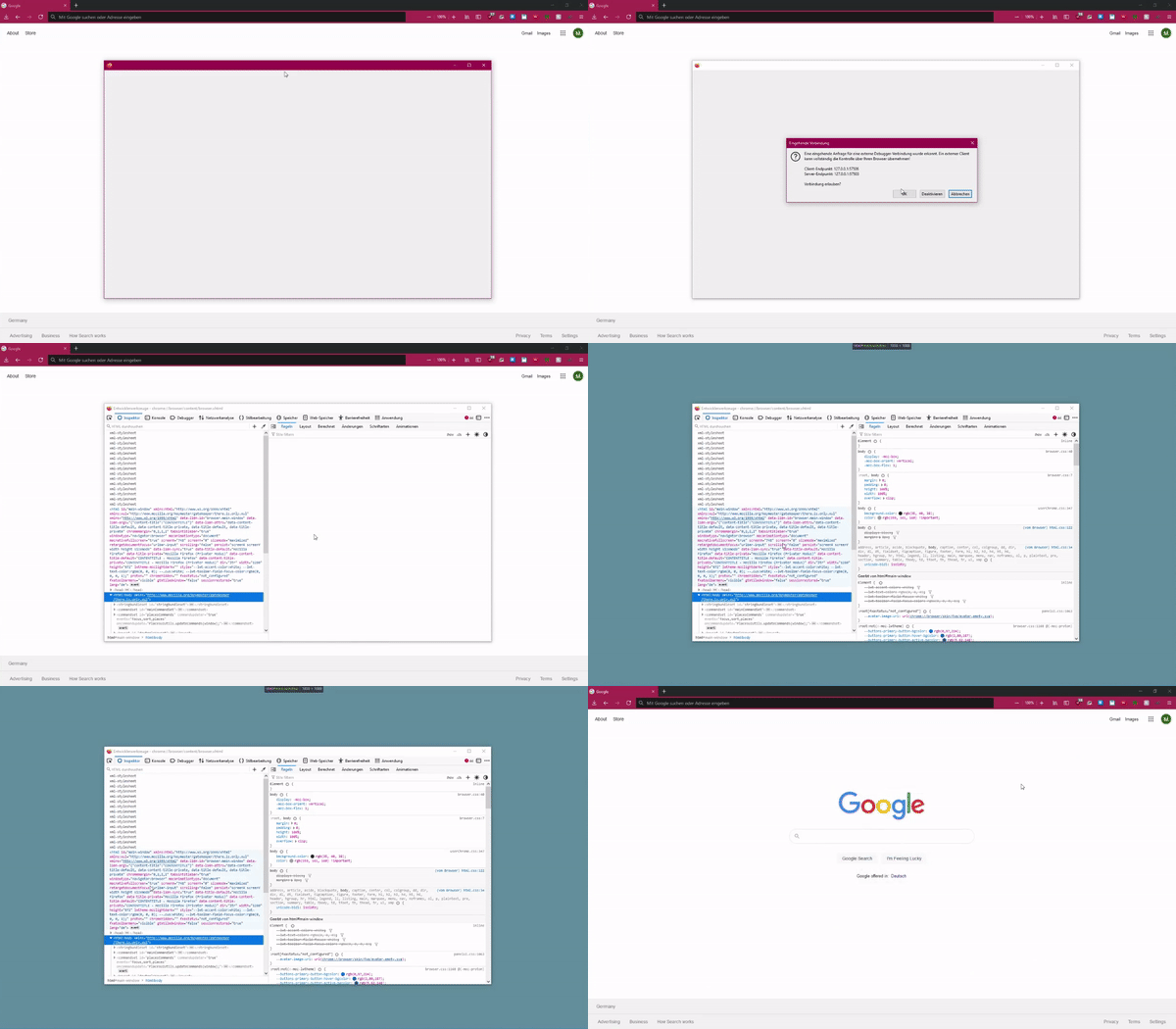
Ive been using the Inspector as usual and all of a sudden i get this black screen going on when i hover over the Insepctor, it worked before and now it happens every time i try it.
ive already tried to reinstall firefox but it just doenst seem to work.
Ive been using the Inspector as usual and all of a sudden i get this black screen going on when i hover over the Insepctor, it worked before and now it happens every time i try it.
ive already tried to reinstall firefox but it just doenst seem to work.
被選擇的解決方法
Okay, found the answer to it.
i changed the background color of the body element: body {
background-color: rgb(35, 40, 38);
}
this caused the whole thing to change to this color.
從原來的回覆中察看解決方案 👍 0所有回覆 (1)
選擇的解決方法
Okay, found the answer to it.
i changed the background color of the body element: body {
background-color: rgb(35, 40, 38);
}
this caused the whole thing to change to this color.
由 kevin.kllaus 於 修改