


Checkbox not selected

Hello,
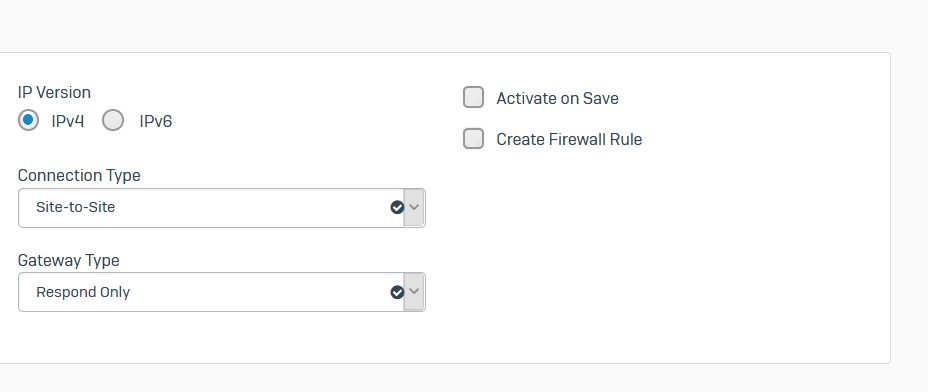
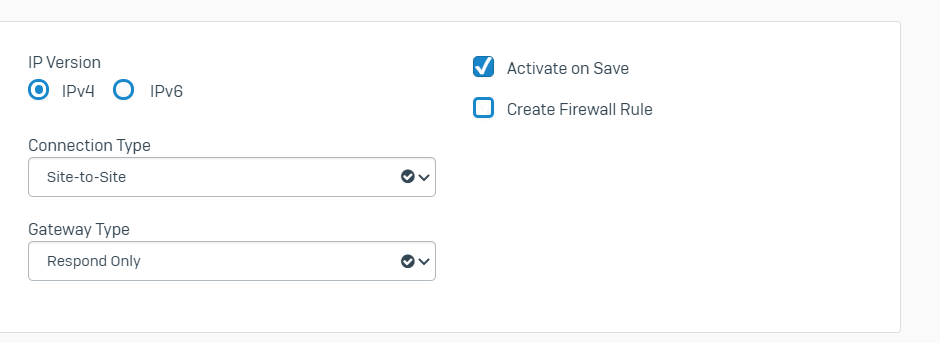
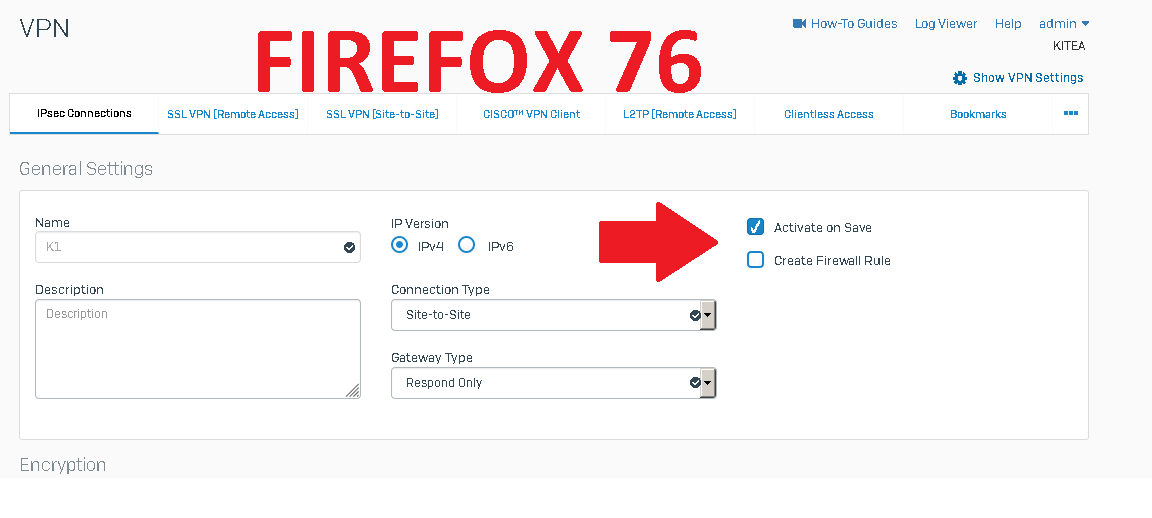
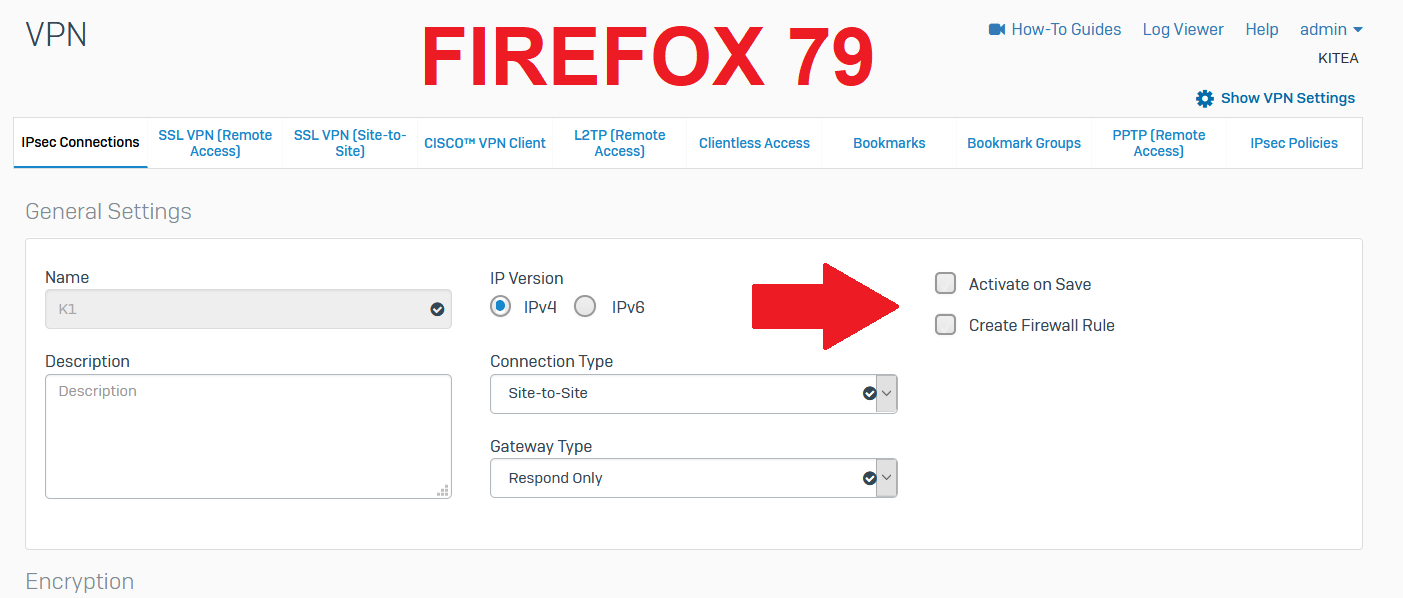
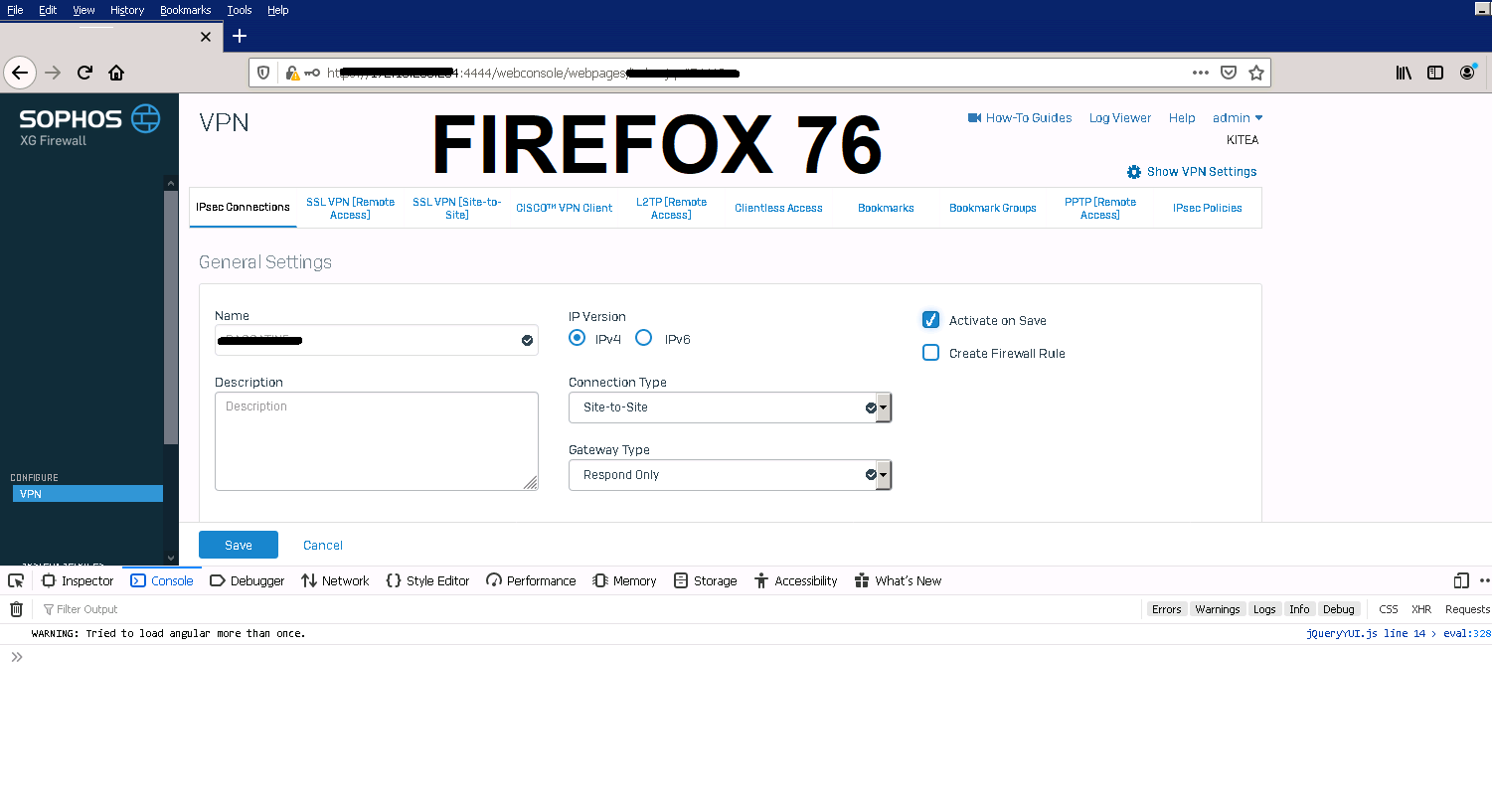
Since the last update, I noticed that the check-boxes were not checked after clicking.
Test on firefox
https://user-media-prod-cdn.itsre-sumo.mozilla.net/uploads/images/2020-07-27-06-56-15-0d55a4.png

Test on chrome https://user-media-prod-cdn.itsre-sumo.mozilla.net/uploads/images/2020-07-27-06-56-38-2bb3a6.png

被選擇的解決方法
所有回覆 (16)
Uuuuuuppp
Can you link to an example page demonstrating this problem?
Note: It is normal for replies containing URLs to be delayed in appearing here while they clear the link moderation queue.
jscher2000 said
Can you link to an example page demonstrating this problem? Note: It is normal for replies containing URLs to be delayed in appearing here while they clear the link moderation queue.
Hi
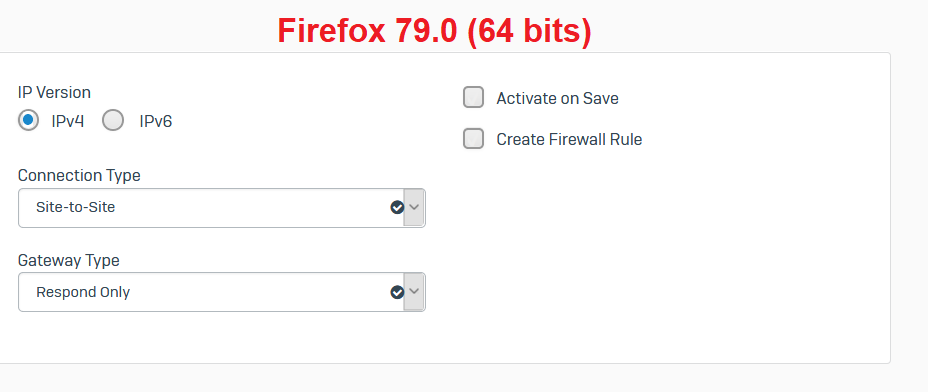
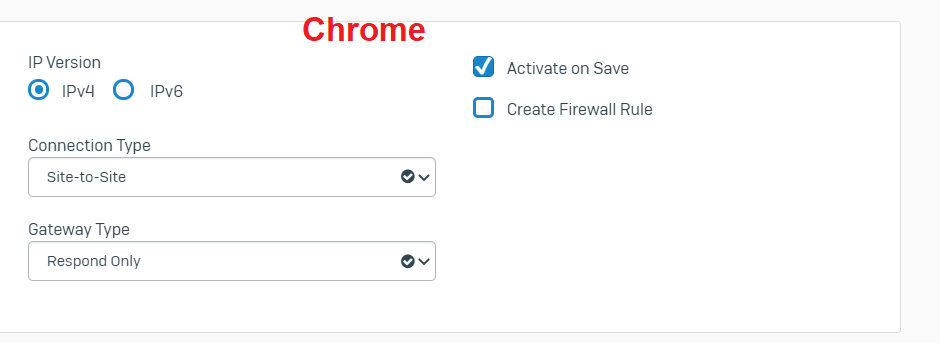
Please take a look to the attached screenshots.
We're not able to reproduce this issue by looking at your screenshots.
Okay, if you want reproduce the issue go download XG Firewall virtual appliance, and follow the guide "Sophos Firewall OS virtual and software appliances Getting started guide" to install it in a virtual environment.
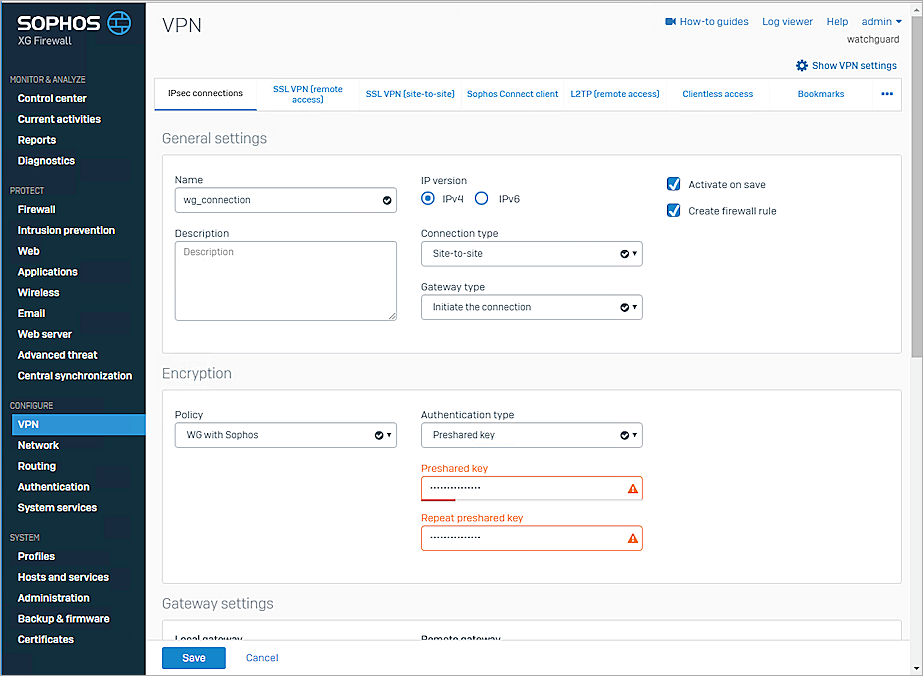
Go to VPN section and try to create an IPSEC tunnel, you will find the checkbox with no blue highlight and event if you click on the checkbox the check symbol doesn't show up.
this is a screenshot for the normal state.
由 huols4m 於 修改
Hi,
This another comparison between Firefox 76 and Firefox 79.
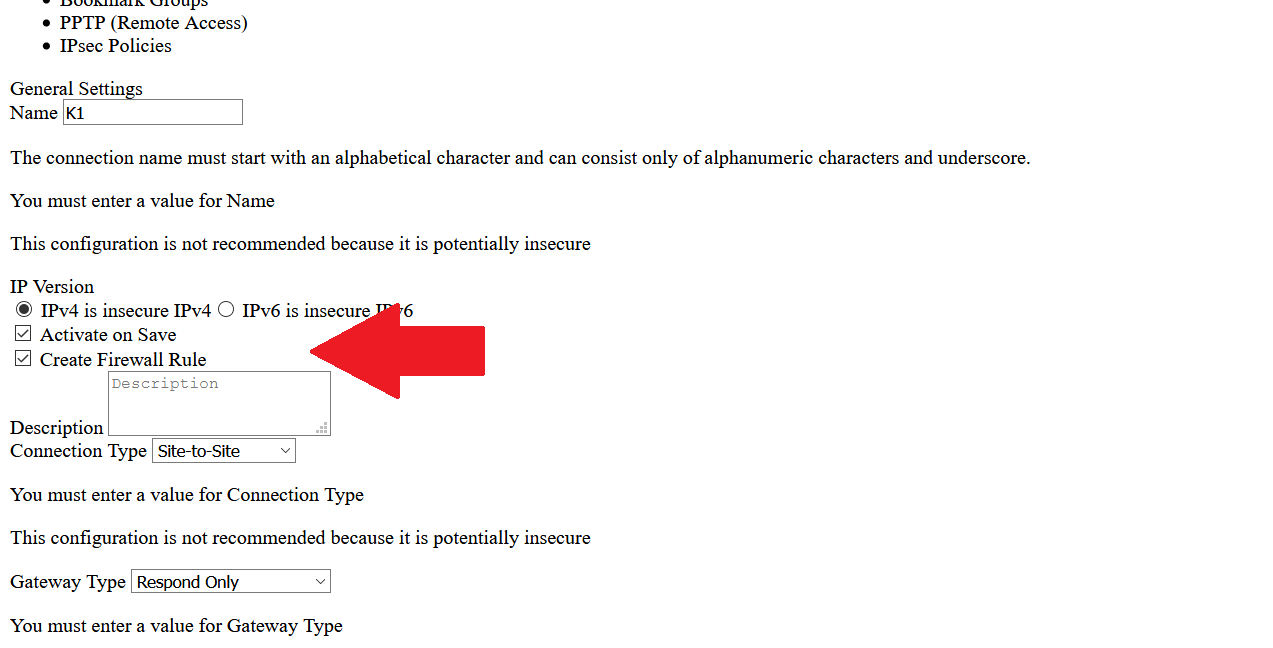
Is the box checked if you disable styles on the page? This is just for testing, not a desirable way to browse, but it would help indicate whether the page's custom style rules are incompatible, or whether there is a problem with the form:
- if the classic top menu bar is not displayed, tap the Alt or F10 key to display it
- View > Page Style > No Style
To revert that after testing:
- View > Page Style > Basic Page Style
jscher2000 said
Is the box checked if you disable styles on the page? This is just for testing, not a desirable way to browse, but it would help indicate whether the page's custom style rules are incompatible, or whether there is a problem with the form:To revert that after testing:
- if the classic top menu bar is not displayed, tap the Alt or F10 key to display it
- View > Page Style > No Style
- View > Page Style > Basic Page Style
Hello,
Yeah, the box checked after disable styles on the page
Okay, while the page is using its programmed styles, if you right-click on the checkbox and choose Inspect Element, then Firefox should open the Developer Tools panel, usually in the lower part of the tab. With the <input> selected in the left panel, there should be a Rules panel on the right that shows what the site is doing to style it. You might be able to check and uncheck each style property box to see which one(s) are causing the checkmark to be invisible. Or it might be a combination of things.
You can also check the Web Console for possible related messages.
- "3-bar" menu button or Tools -> Web Developer
- https://developer.mozilla.org/en-US/Tools/Web_Console
jscher2000 said
Okay, while the page is using its programmed styles, if you right-click on the checkbox and choose Inspect Element, then Firefox should open the Developer Tools panel, usually in the lower part of the tab. With the <input> selected in the left panel, there should be a Rules panel on the right that shows what the site is doing to style it. You might be able to check and uncheck each style property box to see which one(s) are causing the checkmark to be invisible. Or it might be a combination of things.
Hello,
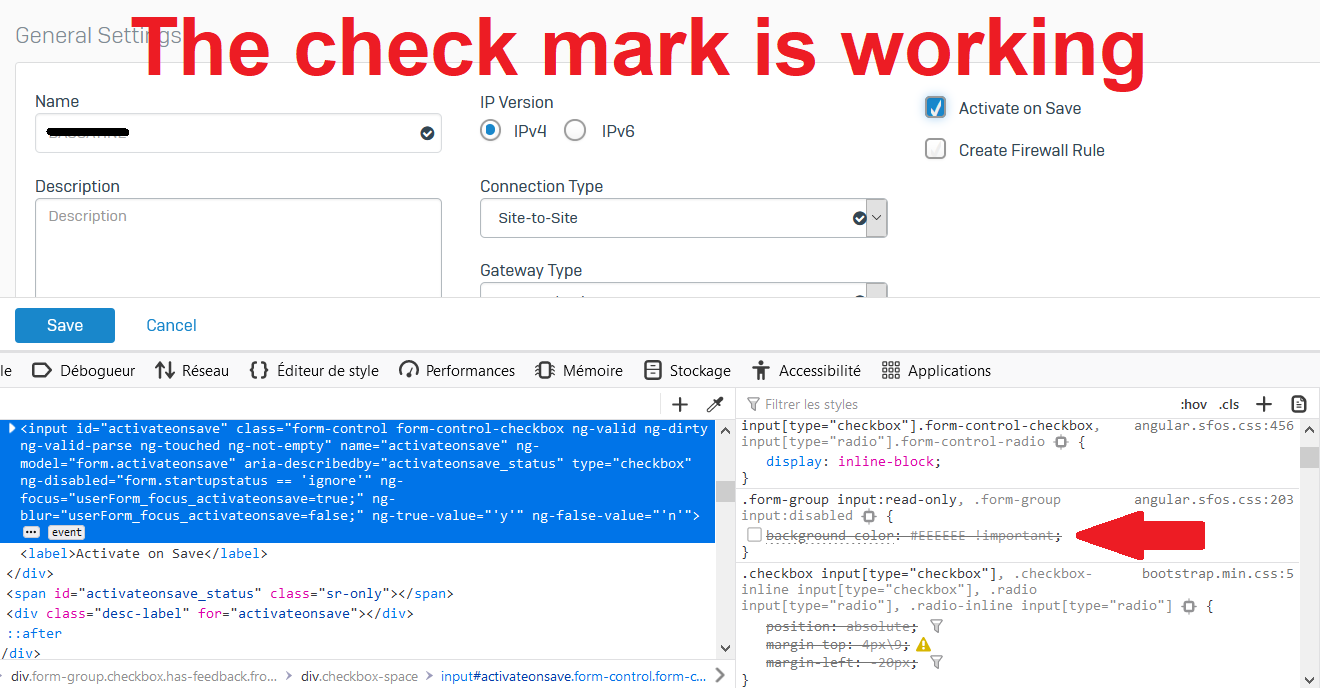
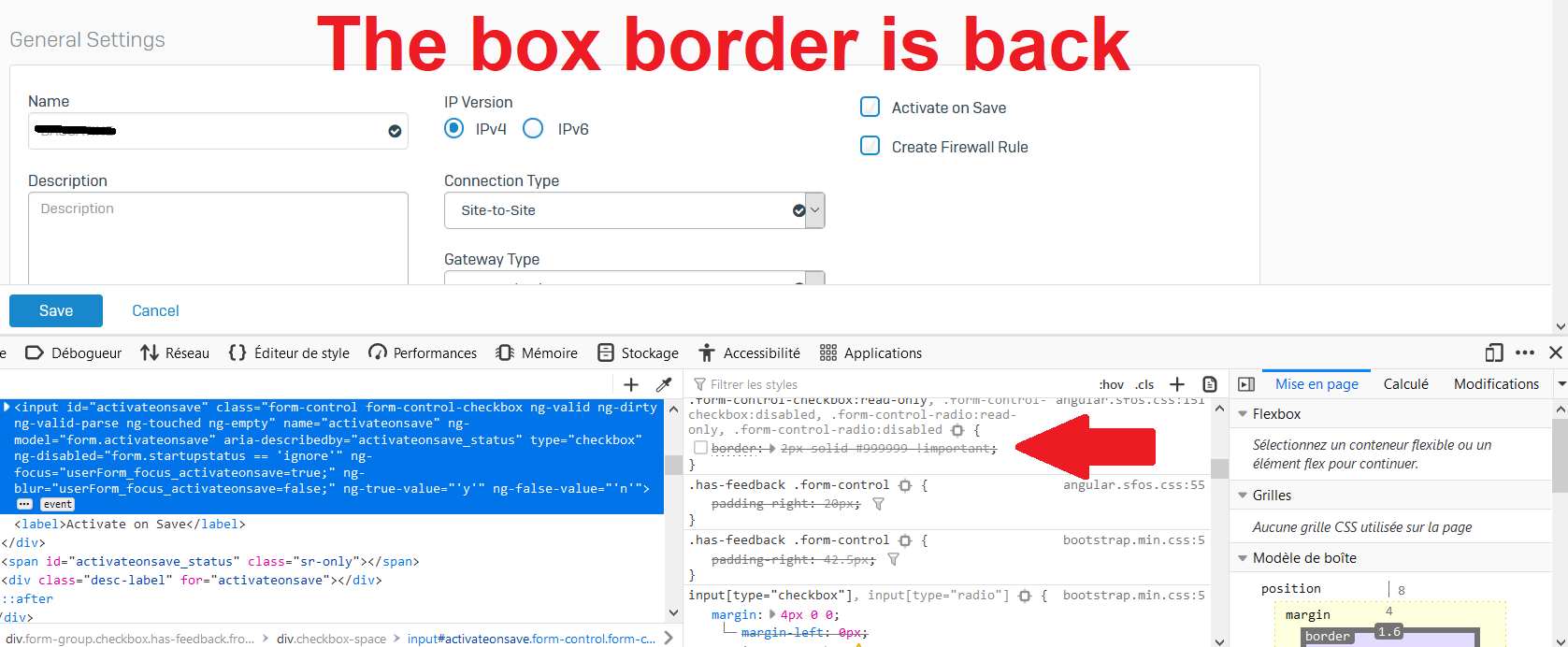
after disabling 2 css options, the check mark and the box border are back.
cor-el said
You can also check the Web Console for possible related messages.
- "3-bar" menu button or Tools -> Web Developer
- https://developer.mozilla.org/en-US/Tools/Web_Console
Hello,
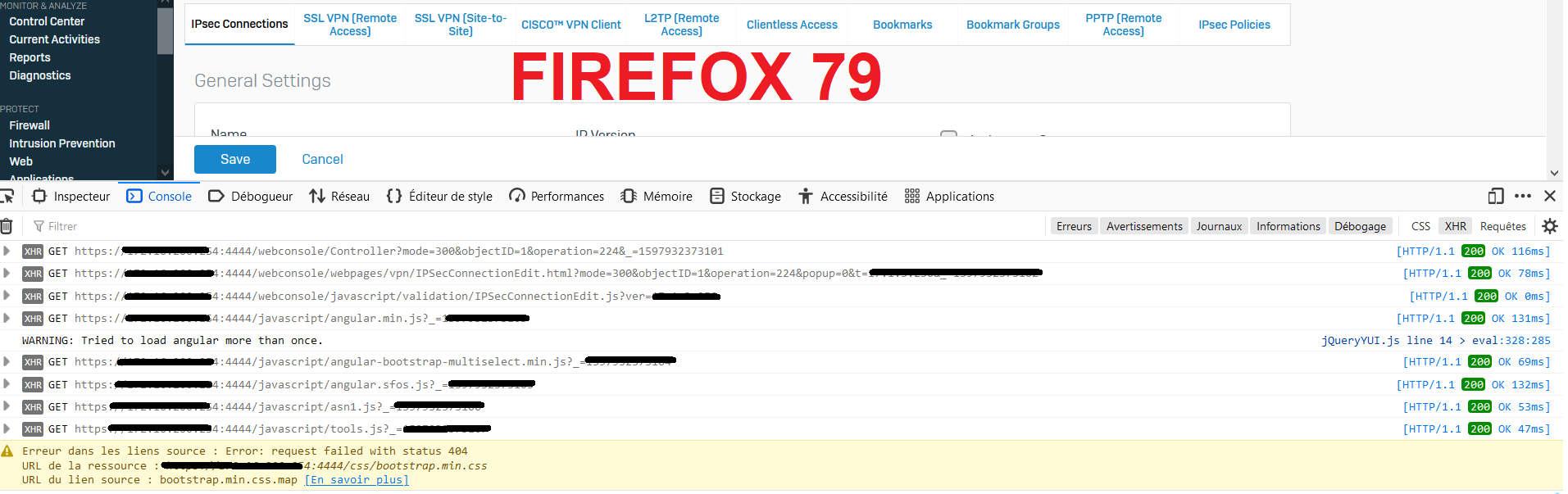
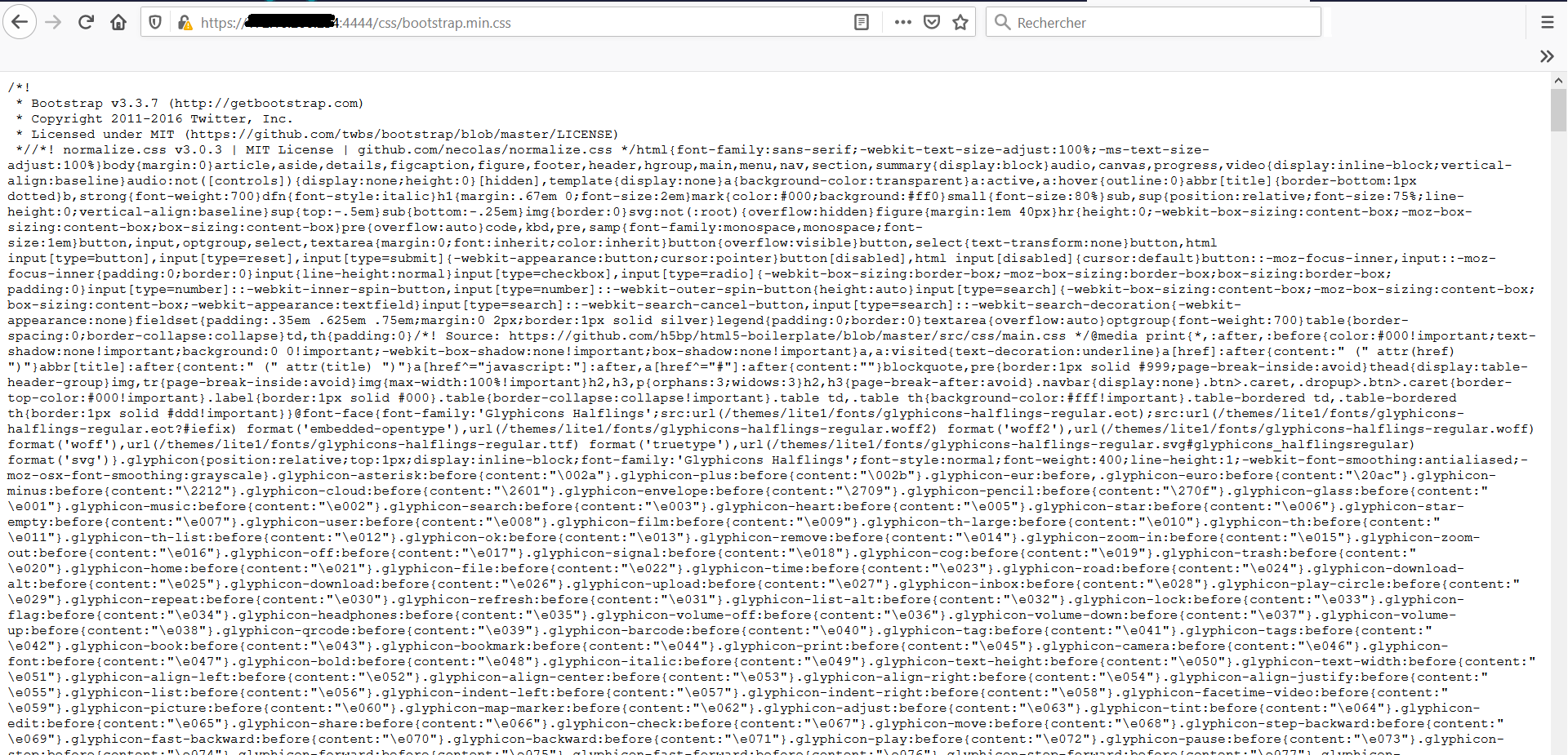
this is console result on firefox 76 and firefox 79.
Also, the bootstrap file is accessible via web.
Those css properties refer to disabled (read-only) checkboxes. You should not be able to change its state.
This is probably due to fact that the :read-only CSS pseudo-class have become available in Firefox 78. So the only thing that has been changed it's a style, and not a functionality of this page. And now the style in Firefox should be the same as in other browsers.
Okay, Firefox 78 started recognizing the rules in the two screenshots:
- Before Firefox 78: input:read-only was ignored, had to use input:-moz-read-only
- Firefox 78+: input:read-only rules are applied
(https://developer.mozilla.org/docs/Web/CSS/:read-only)
The value of that checkbox is locked and can't be changed, so the first rule changes the background to off-white and the second changes the border to gray. However, the text color of the checkmark is light, so it becomes extremely hard to see. The rule really should fix the text color, too.
You might be able to override the color changes using style rules inserted into the page with the Stylus extension or an optional userContent.css file.
選擇的解決方法
Hello,
i will use firefox esr 78, it fix the problem.