


Why are some websites allowed in browser window without being selected, like http://159.89.80.249/asr4/?a=10012592&campid=46#

This website appears in browser window without clicking on anything. It just appears with audio and replaces the website I was looking at in the same tab.. Why and how? If I copy the url and load in a separate tab, THEN I get the FF warning "Deceptive site ahead" - seems a little backward. What can I do to keep this phishing page from loading spontaneously?
所有回覆 (2)
Do a malware check with several malware scanning programs on the Windows computer.
Please scan with all programs because each program detects different malware. All these programs have free versions.
Make sure you update each program to get the latest version of their databases before doing a scan.
- Malwarebytes' Anti-Malware:
http://www.malwarebytes.org/mbam.php - AdwCleaner:
http://www.bleepingcomputer.com/download/adwcleaner/
http://www.softpedia.com/get/Antivirus/Removal-Tools/AdwCleaner.shtml - SuperAntispyware:
http://www.superantispyware.com/ - Microsoft Safety Scanner:
https://www.microsoft.com/security/scanner/en-us/default.aspx - Windows Defender:
https://windows.microsoft.com/en-us/windows/using-defender - Spybot Search & Destroy:
http://www.safer-networking.org/en/index.html - Kasperky Free Security Scan:
https://www.kaspersky.com/security-scan
You can also do a check for a rootkit infection with TDSSKiller.
- Anti-rootkit utility TDSSKiller:
https://support.kaspersky.com/viruses/disinfection/5350
https://support.kaspersky.com/viruses/utility
See also:
- "Spyware on Windows": http://kb.mozillazine.org/Popups_not_blocked

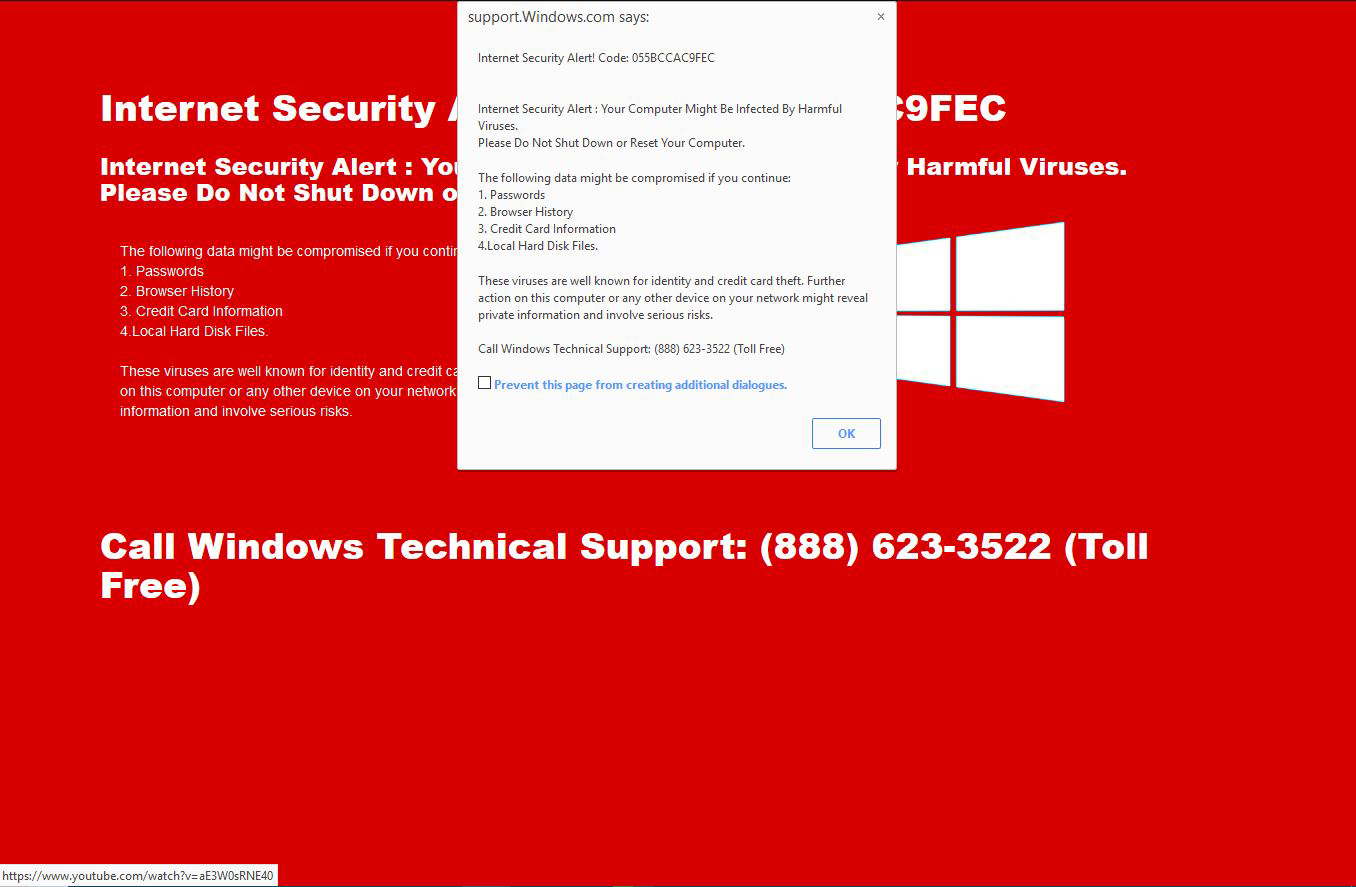
. Whenever you get a message / popup like that;
DO NOT USE ANY OF THE PROVIDED LINKS OR ANY PHONE NUMBERS ! !
Such messages are only Spam that could lead you to Fake Support. Not only can they damage or hack your system, they charge you to do so.
You can report such a site at; Google Report Phishing Page {web link} which is the same when done while on site by going to Help > Report Web Forgery
Help us safeguard Mozilla’s trademarks by reporting misuse {web link}