


Cannot Play Samples from Audible.co.uk on Firefox

Hi. For the past few months I have been unable to play any samples from the Audible website in Firefox on my android phone. When I click the word "Sample" Audible opens up a new tab with their Web player and I always get an error message that is just a rectangular box with an exclamation mark inside a triangle on the left side of the box. (Screenshot attached.) There are no words inside the box and the only option is to close the tab. Since there is no actual message I'm not sure what the problem is.
Here's a link to the page visible in the screenshot: https://www.audible.co.uk/webplayer?asin=1445081911&contentDeliveryType=Unknown&isSample=true&ref_=a_pd_jpp_cloudplayer_1445081911&overrideLph=false&initialCPLaunch=true
Playing samples used to work fine when you could play them within their web page before Audible changed its system. I seem to be able to play samples on Audible's Web player in Chrome, but would prefer to keep Firefox as my default browser. I have tried deleting all history, cookies and cache; closing and reopening Firefox; turning phone off and starting again after an hour. I've also tried enabling autoplay, but that made no difference. I was thinking that the issue may be with my other settings within Firefox, but I can't tell. Any help you can provide would be great. Let me know if you need more info. Thank you!
(I'm in the UK. I don't know if that makes a difference, but I don't see a UK specific forum. Thanks.)

Ilungisiwe ngu roxri09
Isisombulu esikhethiweyo
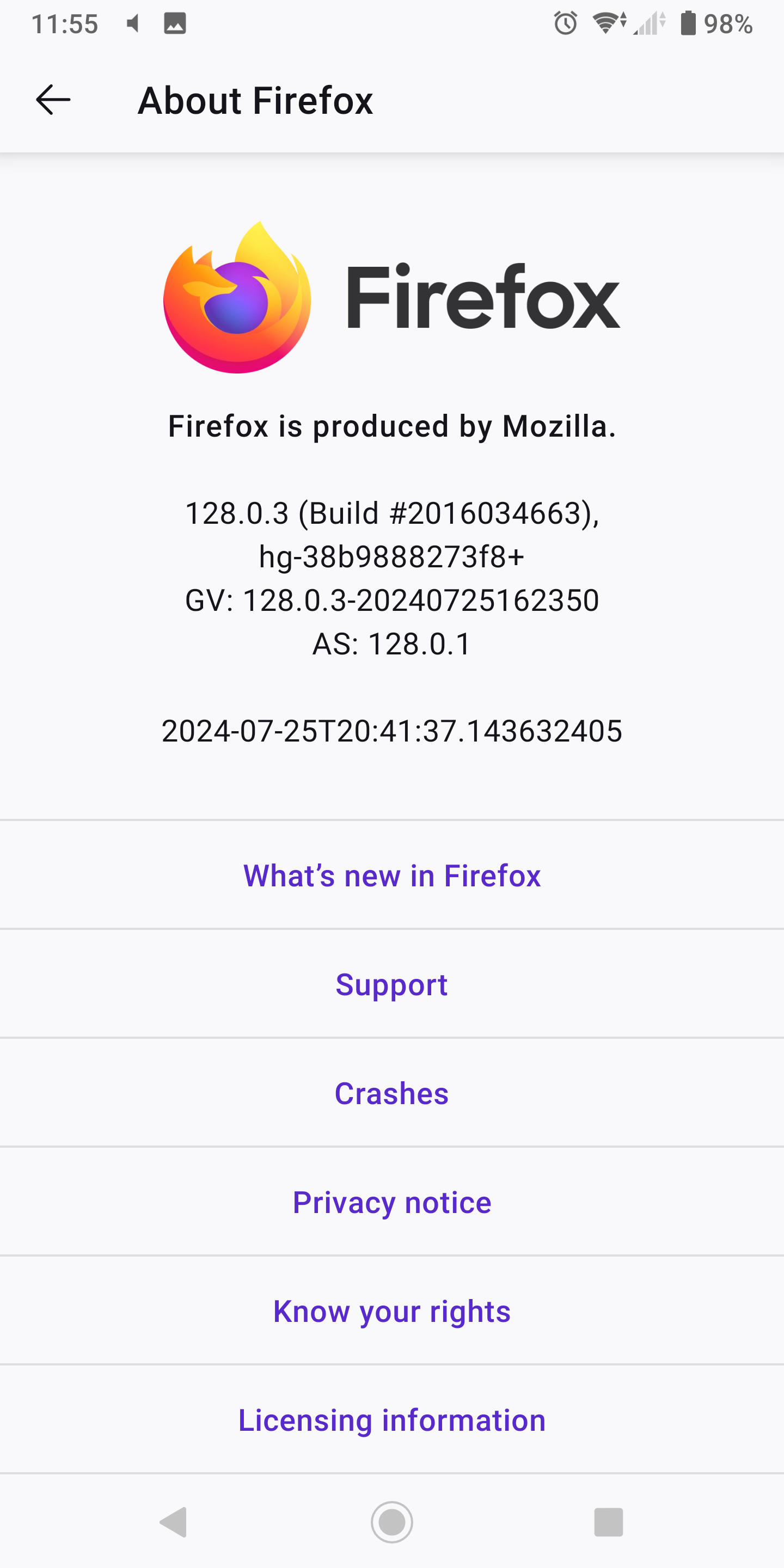
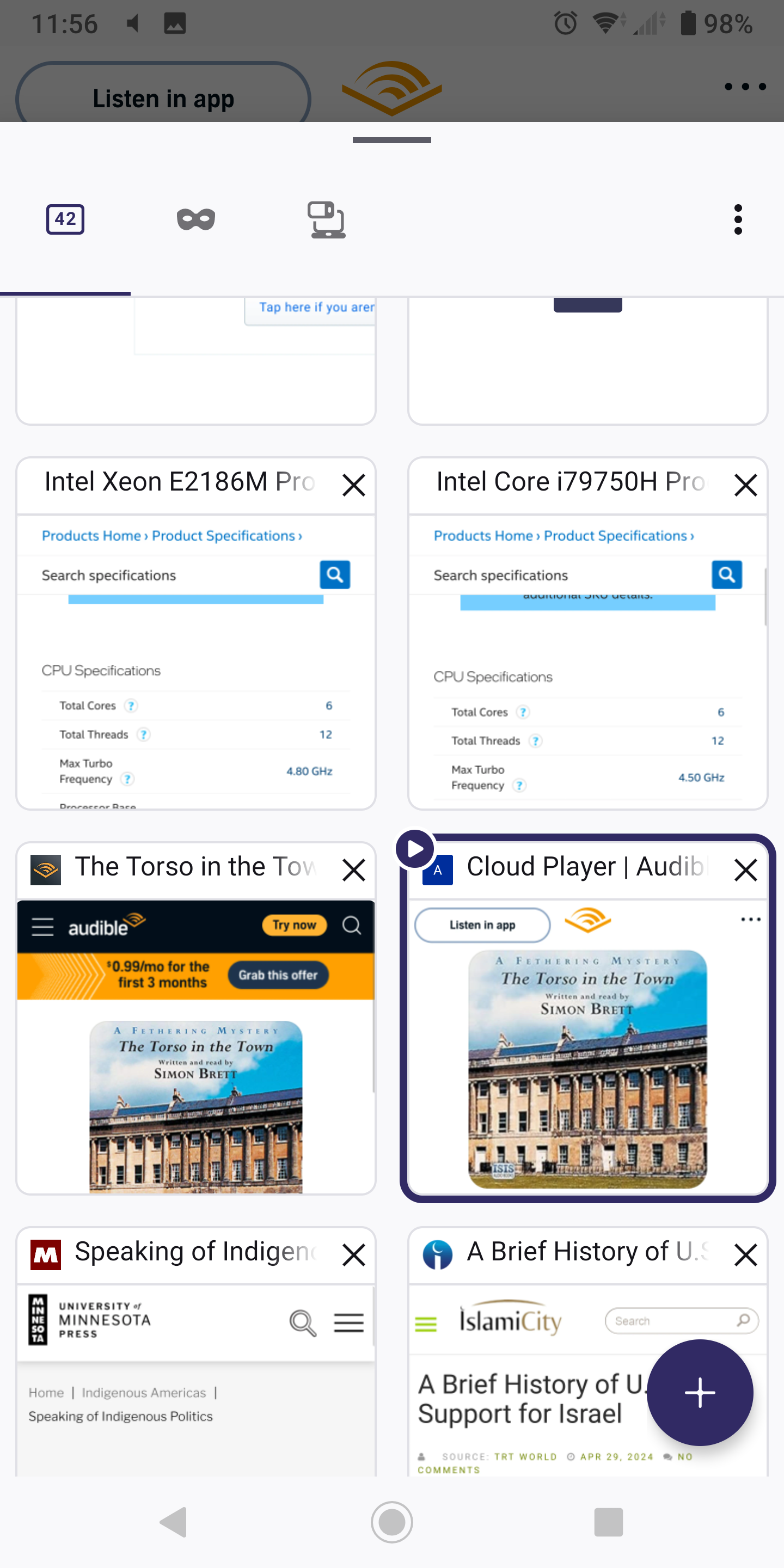
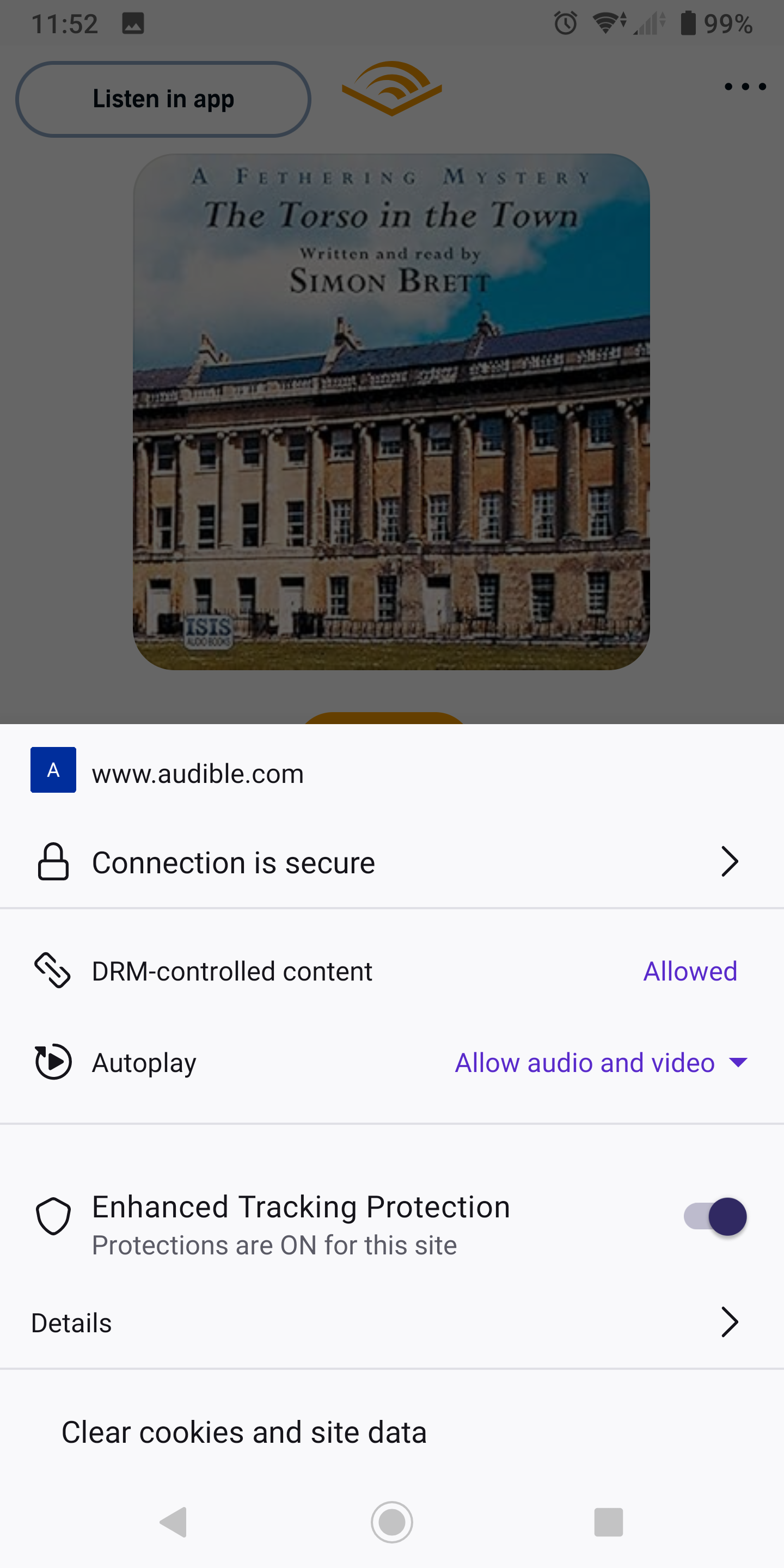
It works for me on my Android 10 device. See screenshots. There was a prompt to allow DRM, did you get any prompts?
Funda le mpendulo kwimeko leyo 👍 0All Replies (8)

What happened to the link?
Isisombululo esiKhethiweyo
It works for me on my Android 10 device. See screenshots. There was a prompt to allow DRM, did you get any prompts?


No, I didn't get any prompts.
I cannot even open audible.co.uk. It defaults to .com
In your last image that shows the connection is secure and the DRM-controlled content is allowed - can you tell me how did you bring up that information on your phone? At present I can't see what settings I have on my page.
Push this. see screenshot

Perfect! I can see now that DRM-controlled content was blocked and now I have allowed it. Sample is playing with no problem. Such a simple solution that I just couldn't see. Thank you very much for your help!
No problem. Don't forget to like, share, and subscribe. ;-))