


Hi, Have tried searching the bookmarks database. Can't find my problem addressed :9

Hi, Have tried searching the database. Can't find my problem addressed. I have lost one folder in my bookmarks and all of its contents. Went to all of the sites in that folder and downloaded them again. Some of the new downloads don't show up in the bookmarks list even though it says, site is bookmarked? What do I need to do to see all of the contents in that folder, please? Thanks.
Giải pháp được chọn
Hi Again!
Of all the silly things to have happened. I just discovered the missing folder and all it's files hidden inside a different folder altogether, way down on the bottom!!
Many thanks. All is well now :D
Đọc câu trả lời này trong ngữ cảnh 👍 1Tất cả các câu trả lời (4)
A possible cause is a problem with the file places.sqlite that stores the bookmarks and the history.
Thank you so much for trying to help me. So sorry that I am computer illiterate :)
Using your first alternate suggestion I closed down the computer completely. When reopened it was the same.
Downloaded the Maintenance Add-On and did All>Execute. Some changes were made but the problem remained the same.
Following your second suggestion I deleted the places.squite folder and reopened FF. The problem remains...
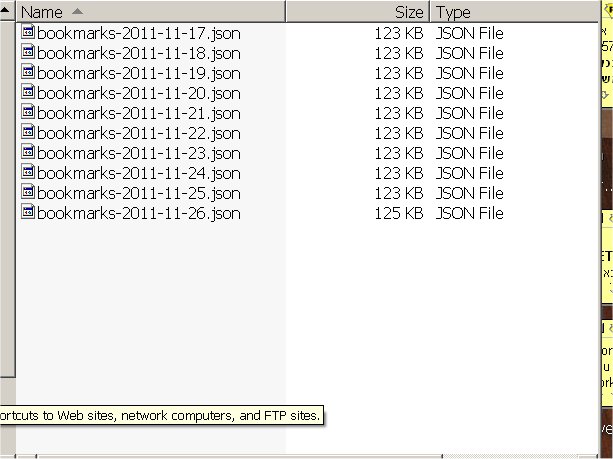
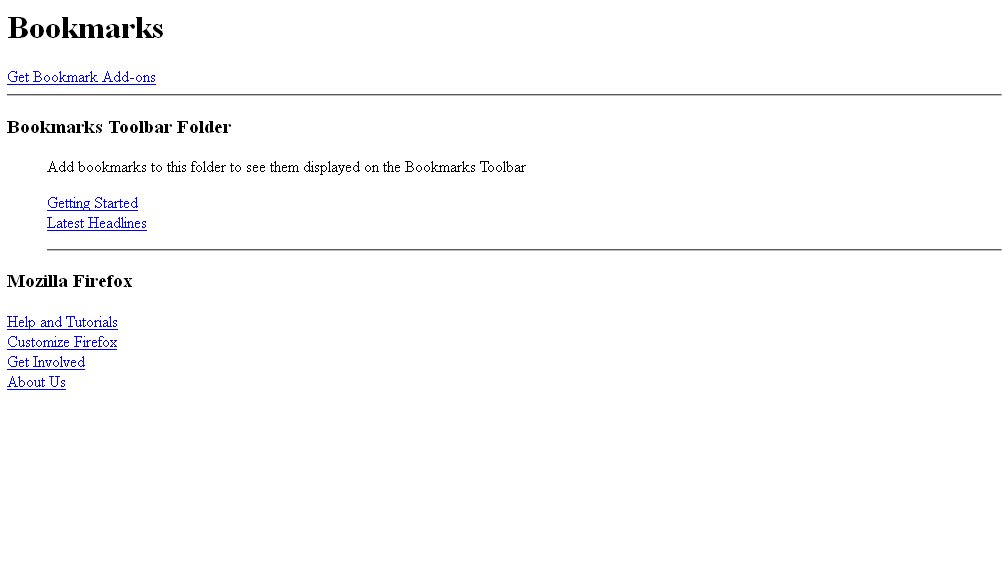
For your information - don't know if it matters, both my bookmarks folder and my bookmarksbackups folder are empty. Screen shot attached.
Oooff - now I am getting upload invalid and I don't know why! I saved them both as .jpg
So sorry to be thick! Can you help? Thank you.
Went back and did the screen shots again. Here they are:
Giải pháp được chọn
Hi Again!
Of all the silly things to have happened. I just discovered the missing folder and all it's files hidden inside a different folder altogether, way down on the bottom!!
Many thanks. All is well now :D