


cannot print mailing labels from Amazon and cannot add it to an exception list

A blank page comes up after trying to print a mailing label from Amazon. Yes I can turn off the protection, but that's an extra step.
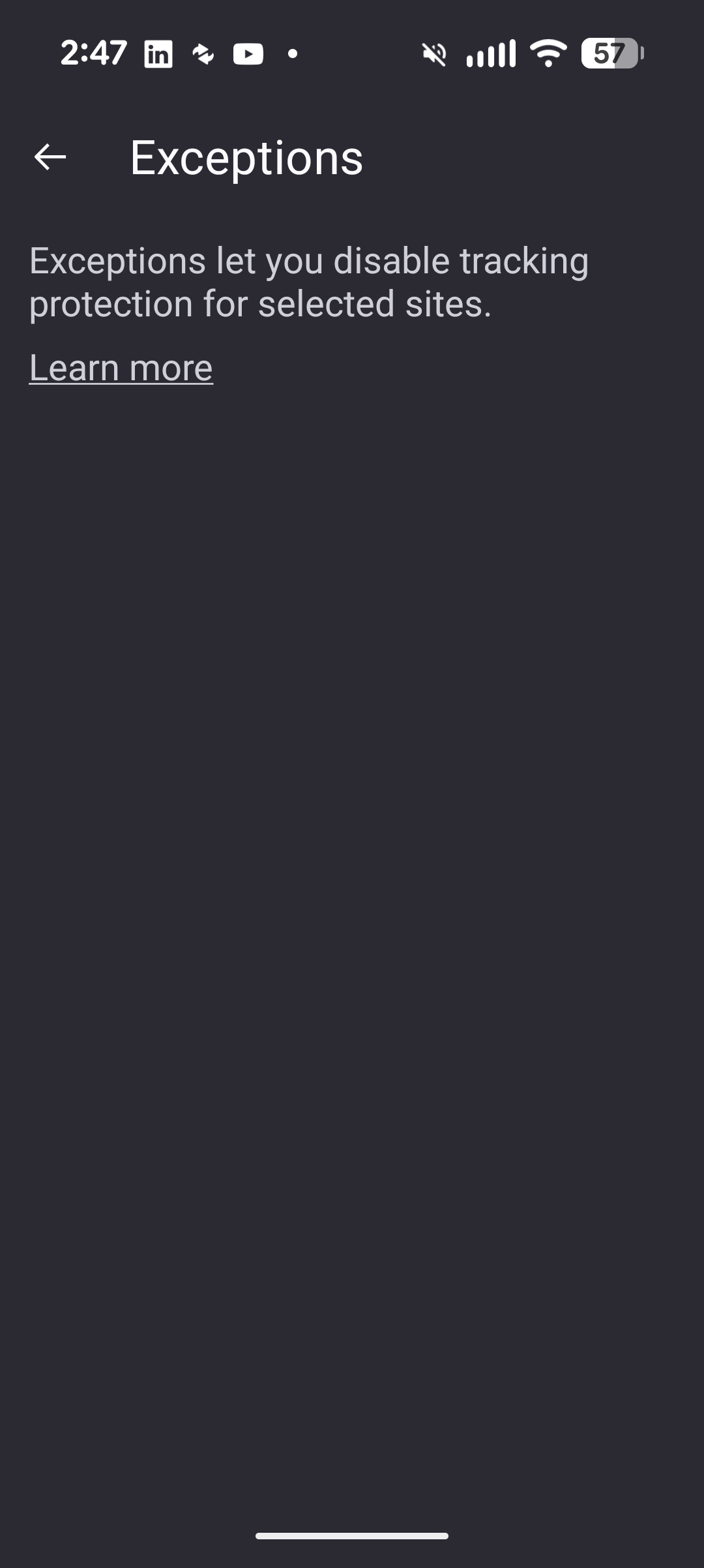
I followed the "instructions" to add the site or domain to an exception list but that also does not work.
Printing a return shopping label from Amazon is a very normal thing for people to do. Fix this so that it's easy to print or an easy work around like adding Amazon.com to an exception list
Tất cả các câu trả lời (3)
Hi,
To add a website to ETP exceptions, you need to disable ETP for it (tap the shield and then the "Enhanced Tracking Protection" entry). I don't think there are any other instructions.
Cannot comment on your actual use case, since I've never heard of printing from phones.
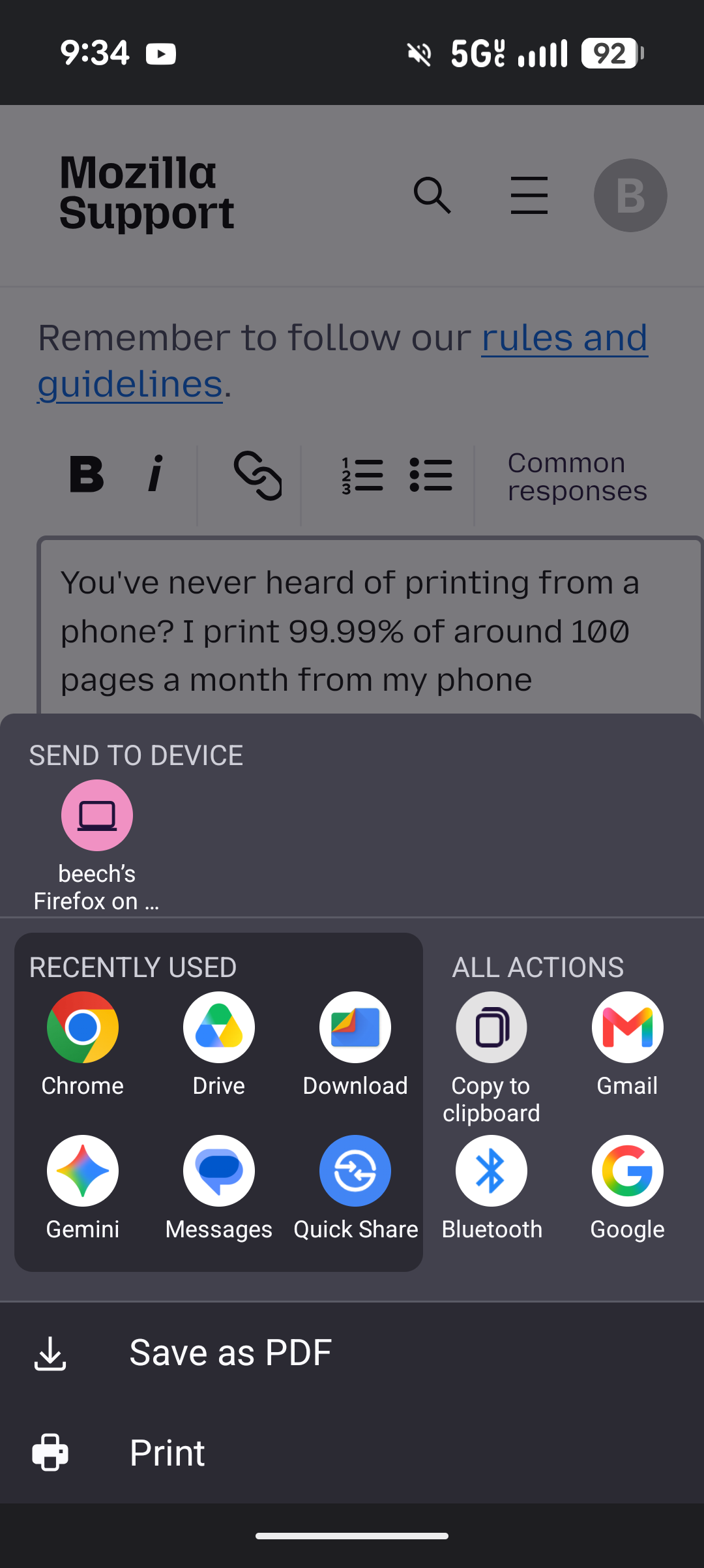
You've never heard of printing from a phone? I print 99.99% of around 100 pages a month from my phone. If the option is there I can't find it.
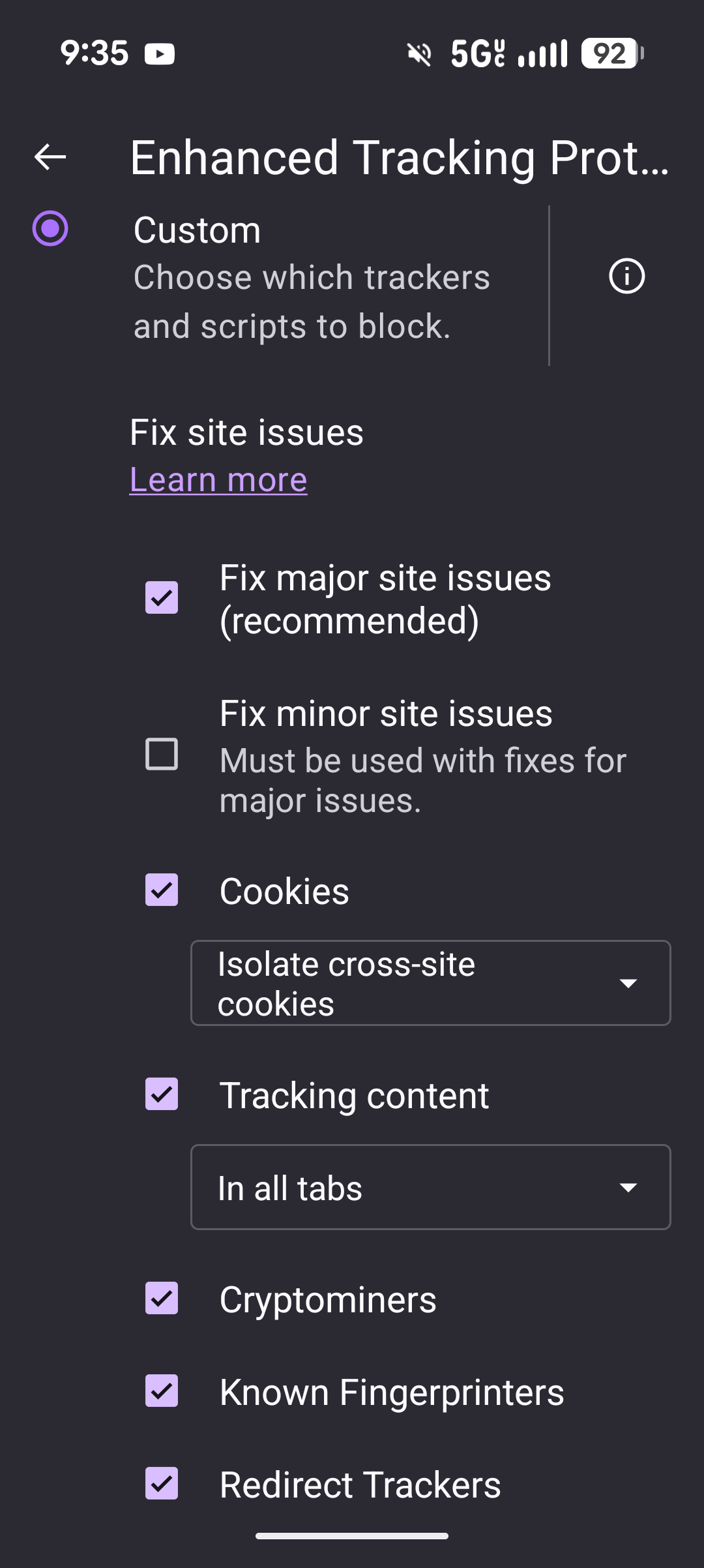
I agreed 2 screenshots. To me it looks like I can select things to block, but no option for an exception like Amazon.com
To turn off ETP for Amazon: 1. Visit amazon.com 2. Tap the shield icon in the address bar. 3. Tap "Enhanced Tracking Protection" in the menu that opens. The indicator next to it should then switch to Off.