Windows 10 reached EOS (end of support) on October 14, 2025. If you are on Windows 10, see this article.

Tìm kiếm hỗ trợ

Tránh các lừa đảo về hỗ trợ. Chúng tôi sẽ không bao giờ yêu cầu bạn gọi hoặc nhắn tin đến số điện thoại hoặc chia sẻ thông tin cá nhân. Vui lòng báo cáo hoạt động đáng ngờ bằng cách sử dụng tùy chọn "Báo cáo lạm dụng".

Tìm hiểu thêm
Đang mở

Authentication failure with Outlook; no authentication popup

Simon đã trả lời
Simon

Hi all! I'm having an issue with Thunderbird in conjunction with my Outlook account.

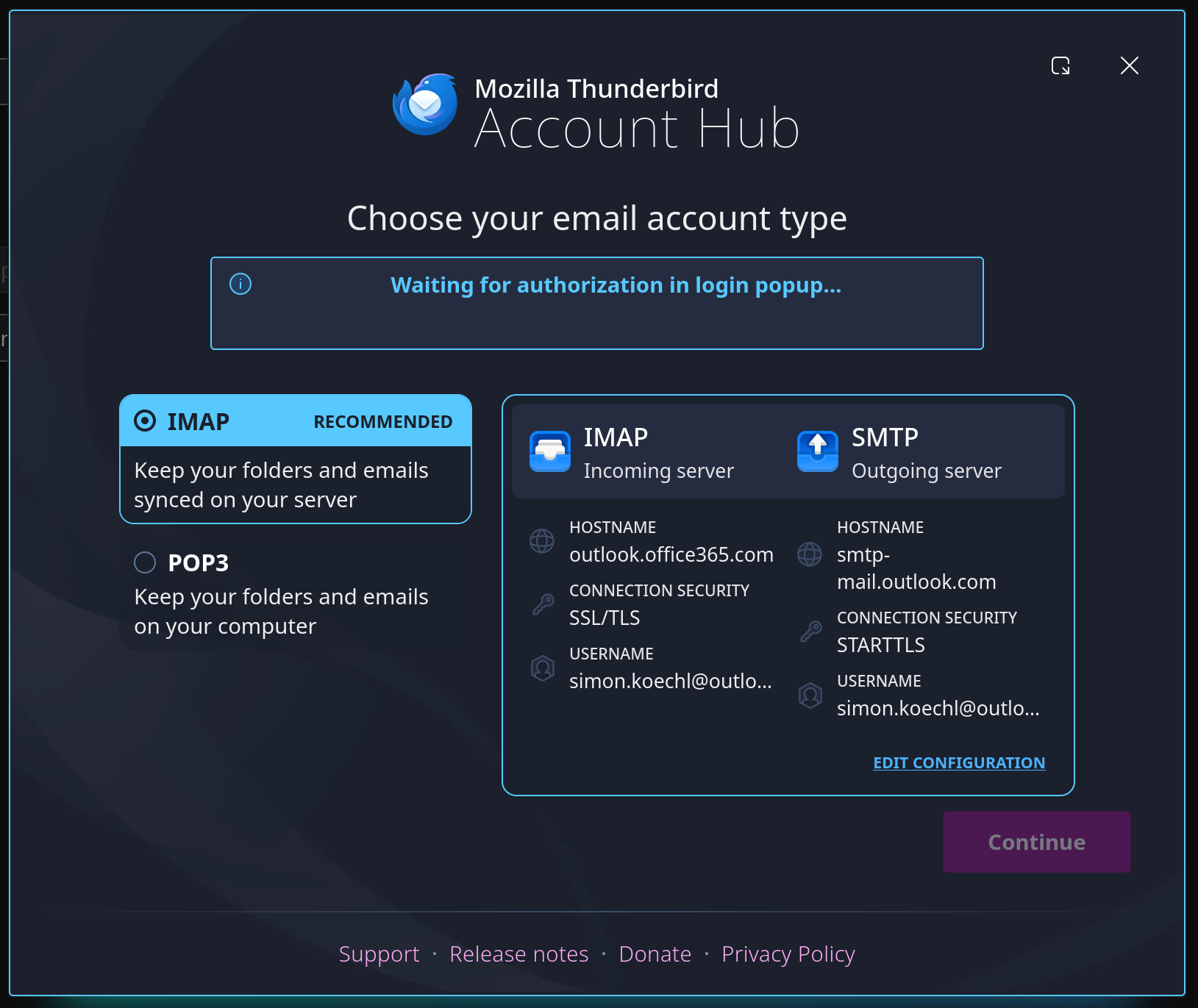
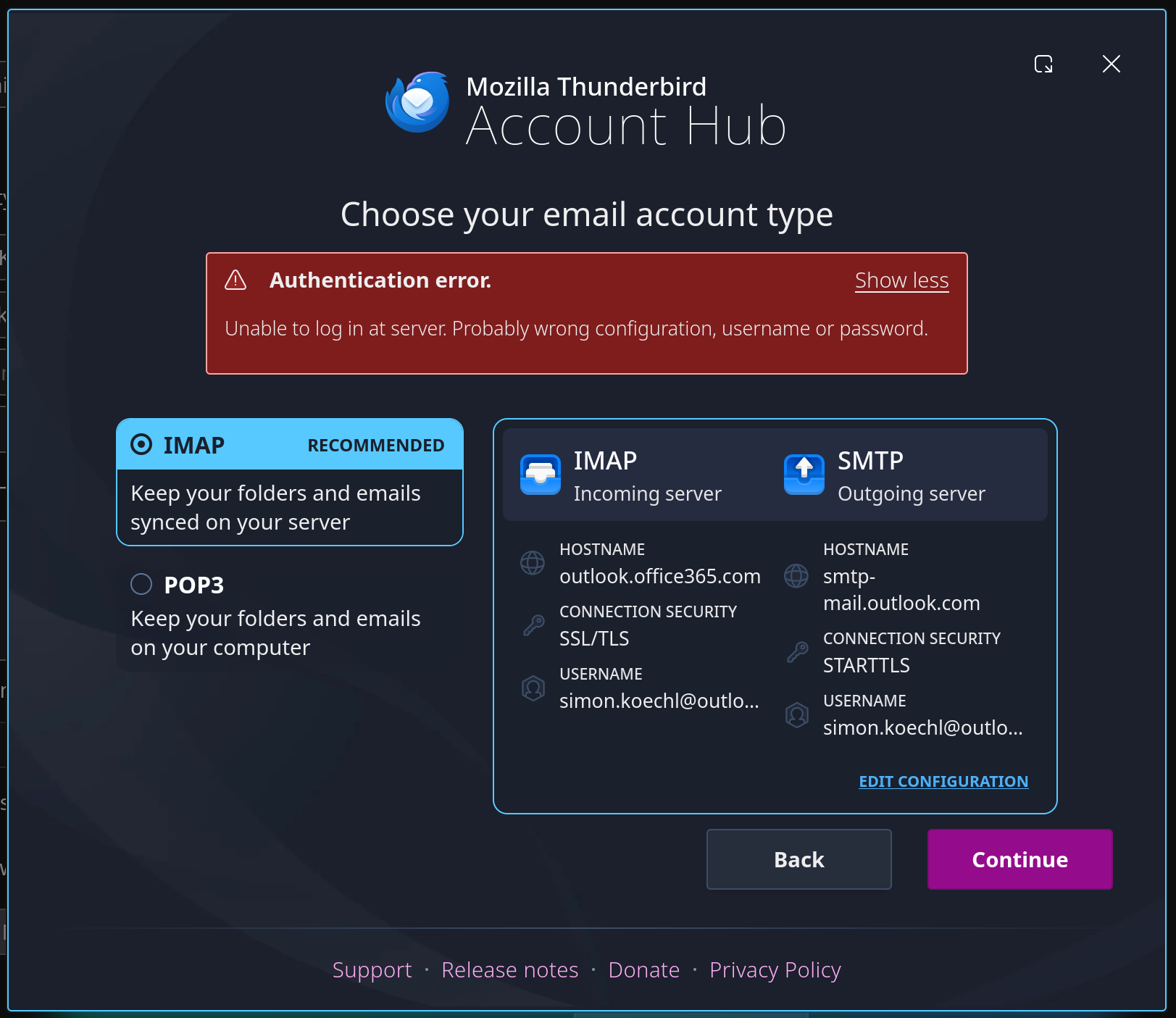
I used to be able to add my account just fine (using OAuth2). But for a few months now, I have been getting "Authentication failed" errors (see first picture).

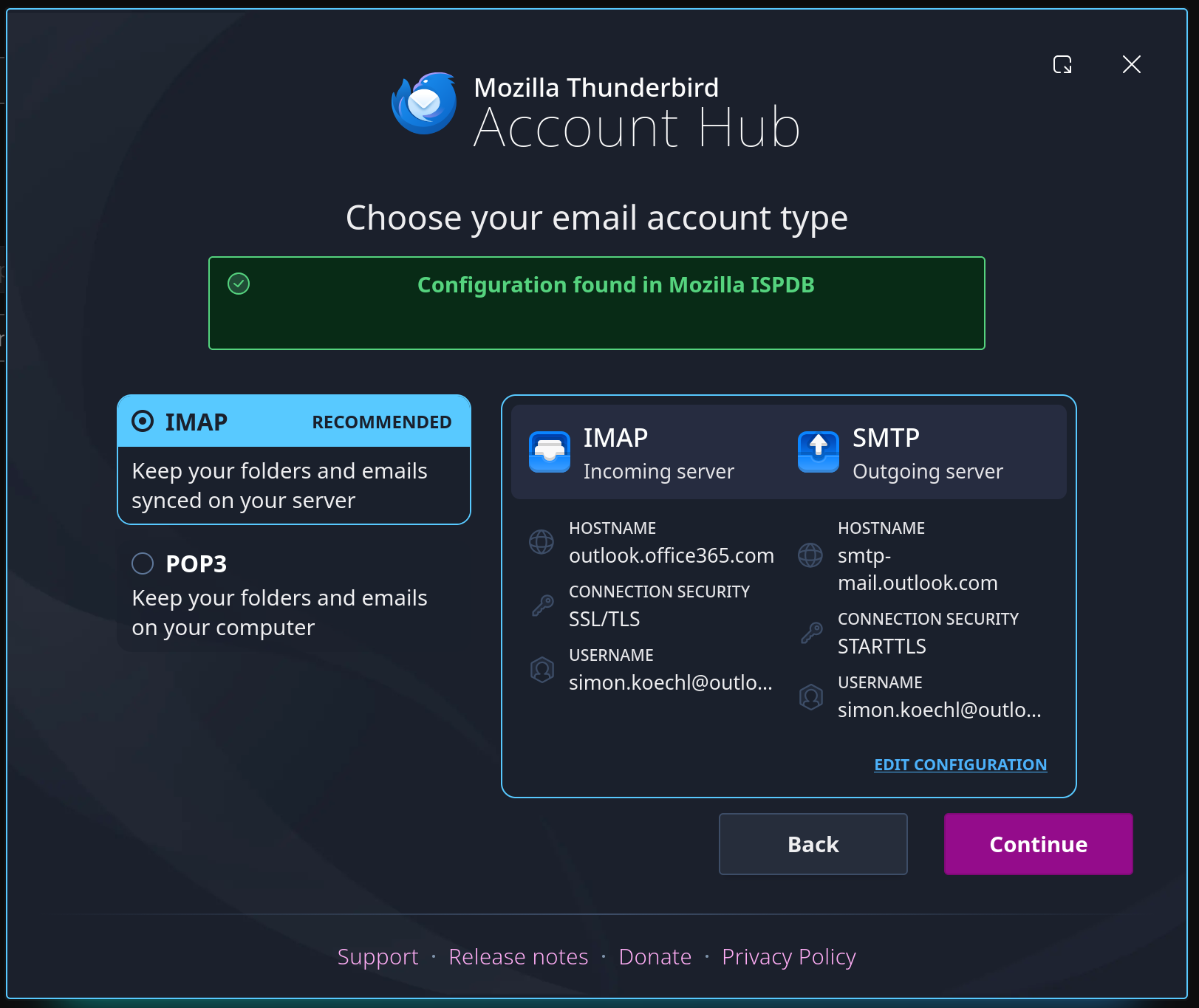
It used to be that I could temporarily remedy this by signing out and back in. Today, however, I was unable to sign back in, using the stock settings for Outlook (see second - fourth picture). No authentication popup appeared.

I was sporadically able to add the account and get messages to start appearing by clicking on "Edit configuration" and removing and re-adding the hostname for the IMAP server, without an authentication popup appearing. I therefore suspected that there might be some half-stale credentials stuck in the cache, and there probably were, because after clearing my cache this method doesn't work anymore. I am still not getting any authentication popup though.

All the usual suspects I already tried: Thunderbird is up-to-date (151.0.1), my Outlook account definitely has IMAP and SMTP activated, and another mail account (gmail) works without a hitch on the same system.

I hope that someone can help me, as I'm at my wit's end. Thanks in advance!
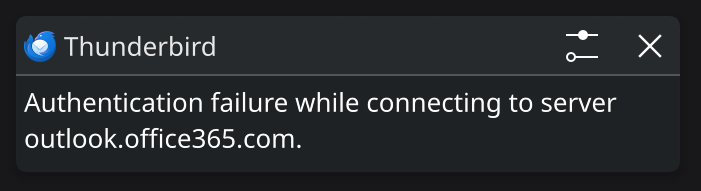
Hi all! I'm having an issue with Thunderbird in conjunction with my Outlook account. I used to be able to add my account just fine (using OAuth2). But for a few months now, I have been getting "Authentication failed" errors (see first picture). It used to be that I could temporarily remedy this by signing out and back in. Today, however, I was unable to sign back in, using the stock settings for Outlook (see second - fourth picture). No authentication popup appeared. I was sporadically able to add the account and get messages to start appearing by clicking on "Edit configuration" and removing and re-adding the hostname for the IMAP server, without an authentication popup appearing. I therefore suspected that there might be some half-stale credentials stuck in the cache, and there probably were, because after clearing my cache this method doesn't work anymore. I am still not getting any authentication popup though. All the usual suspects I already tried: Thunderbird is up-to-date (151.0.1), my Outlook account definitely has IMAP and SMTP activated, and another mail account (gmail) works without a hitch on the same system. I hope that someone can help me, as I'm at my wit's end. Thanks in advance!
Đính kèm ảnh chụp màn hình

Tất cả các câu trả lời (1)

After poking around a bit, I noticed that I had the option to disable the new Account Hub in the settings. I suspect that using the old authentication method may help, but it doesn't look like the option does anything on my system, as I still land on the Account Hub screen, even with the checkmark disabled (and after restarting Thunderbird, rebooting, reinstalling etc.)

Đặt một câu hỏi

Bạn phải đăng nhập vào tài khoản của bạn để trả lời bài viết. Vui lòng bắt đầu một câu hỏi mới, nếu bạn chưa có tài khoản.