How to remove a program from the "open with" dropdown.

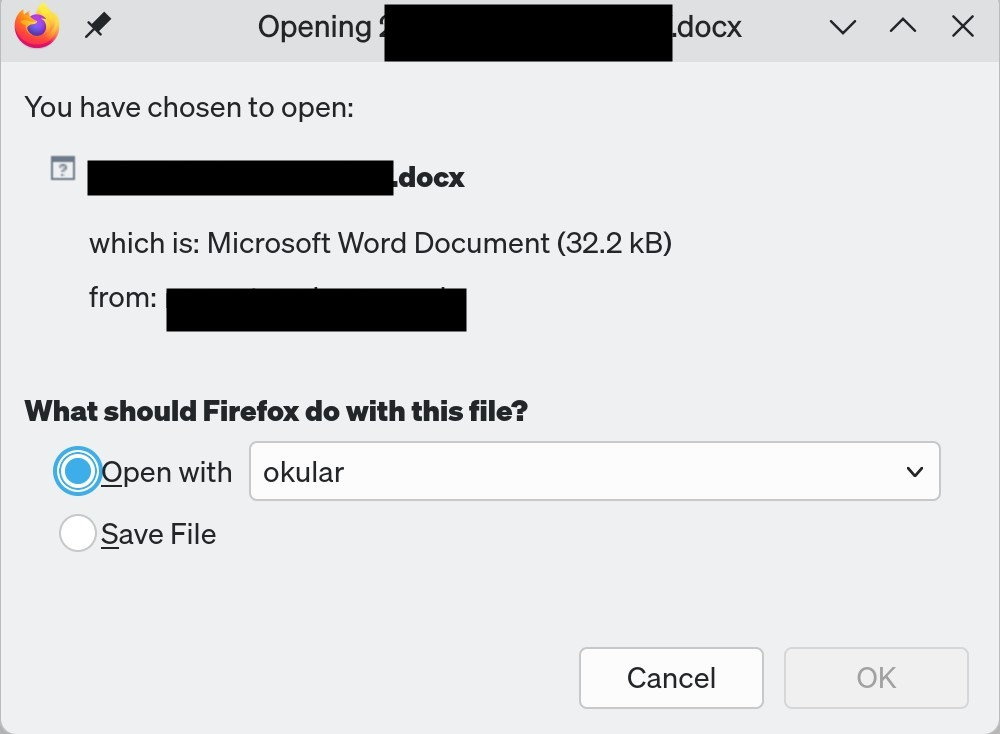
I have Firefox set to "ask me every time" what to do with doc and docx files. When I click on one, I get the popup shown in the image. As it shows, for some reason, okular (a pdf viewer) is shown as the pre-selected "open with" option. The dropdown menu also includes LibreOffice Writer, and says (correctly) that this is the default program.
I cannot find any setting on my system where Okular has been associated with doc files. So I think this is a Firefox problem.
How do I remove Okular from this dropdown, or at least make LibreOffice Writer the default pre-selected option?
I have Firefox set to "ask me every time" what to do with doc and docx files. When I click on one, I get the popup shown in the image. As it shows, for some reason, okular (a pdf viewer) is shown as the pre-selected "open with" option. The dropdown menu also includes LibreOffice Writer, and says (correctly) that this is the default program.
I cannot find any setting on my system where Okular has been associated with doc files. So I think this is a Firefox problem.
How do I remove Okular from this dropdown, or at least make LibreOffice Writer the default pre-selected option?