


Searches going back 2 searches

Hi. So I've been having this issue where, I search something in google, it searches what I asked it to. Then I search again and it finds what I asked it to. The third time if I search again it'll go back to the first thing I tried to search as if i just pressed BACK twice. Something similar happens if I search for something, and then if I search the second thing and tap on the website and then press BACK, it'll go back to the first Google result I ssearched. It's been a few weeks this has been happening and the only thing that'll TEMPORARILY fix it is if I close firefox. If you need any more information I'd be happy to help you help me. Thank you!
Giải pháp được chọn
I think the last patch fixed the problem
Tất cả các câu trả lời (13)
Hi,
Sorry for the late response. We've deployed a fix for this, and the issue should now be resolved. Could you please check whether it's fixed for you?
A late response is better than no response. It looks like it's still doing it. That might be user error though. Is there anything that needs to be done on my end?
Được chỉnh sửa bởi Pistol_Bobcat vào
Thank you for the reply! I've looked through your initial question once again, and it seems that you have encountered two separate issues: the second one includes tapping the Back button, and the first one doesn't. I know it sounds confusing, but could you please clarify which of the issues (or both) still persist for you? You could just share the steps that reproduce the issue now (it would be even better).
Thank you in advance, and please accept our apologies for the inconvenience!
Ok so. You might be right about having 2 separate issues. So right now if I search(without tapping on any links) and then search and then search again the third search will bring me back to the first search.
Now in a completely new tab. If I search for something and search for something else and finally tap on a link and press back it won't take me back to a previous search. It'll take me back to the first search results.
Sorry if I'm doing a poor job of explaing the issue. I'll post pics that might help clarify
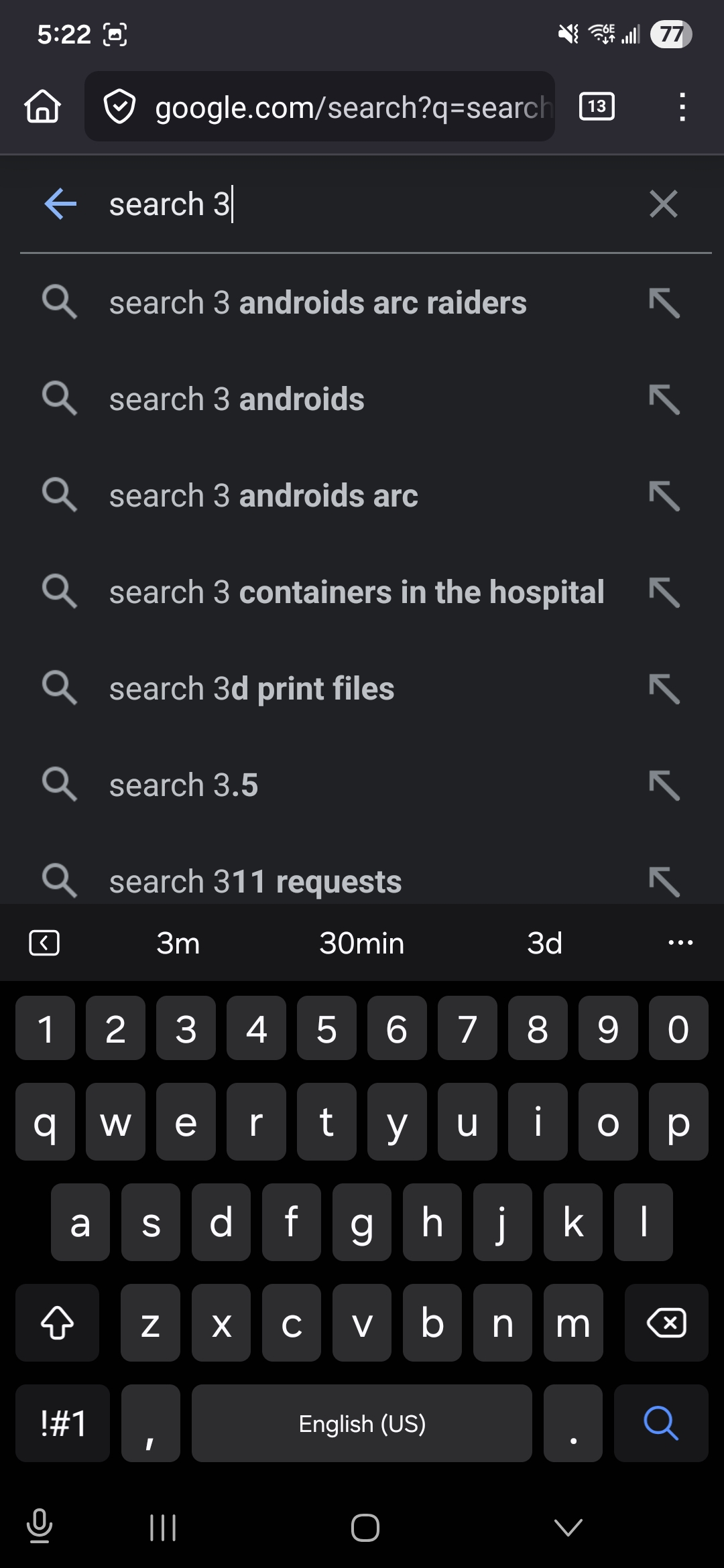
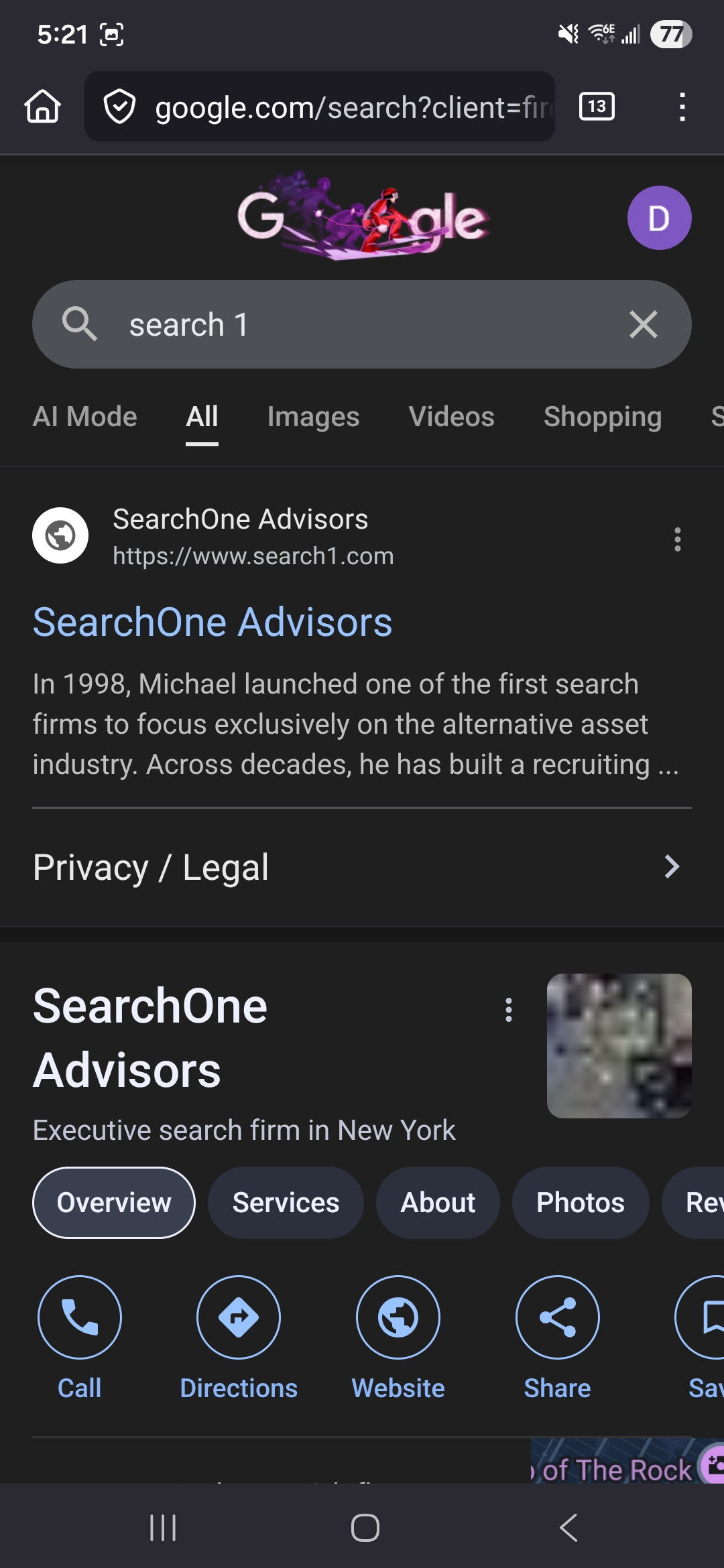
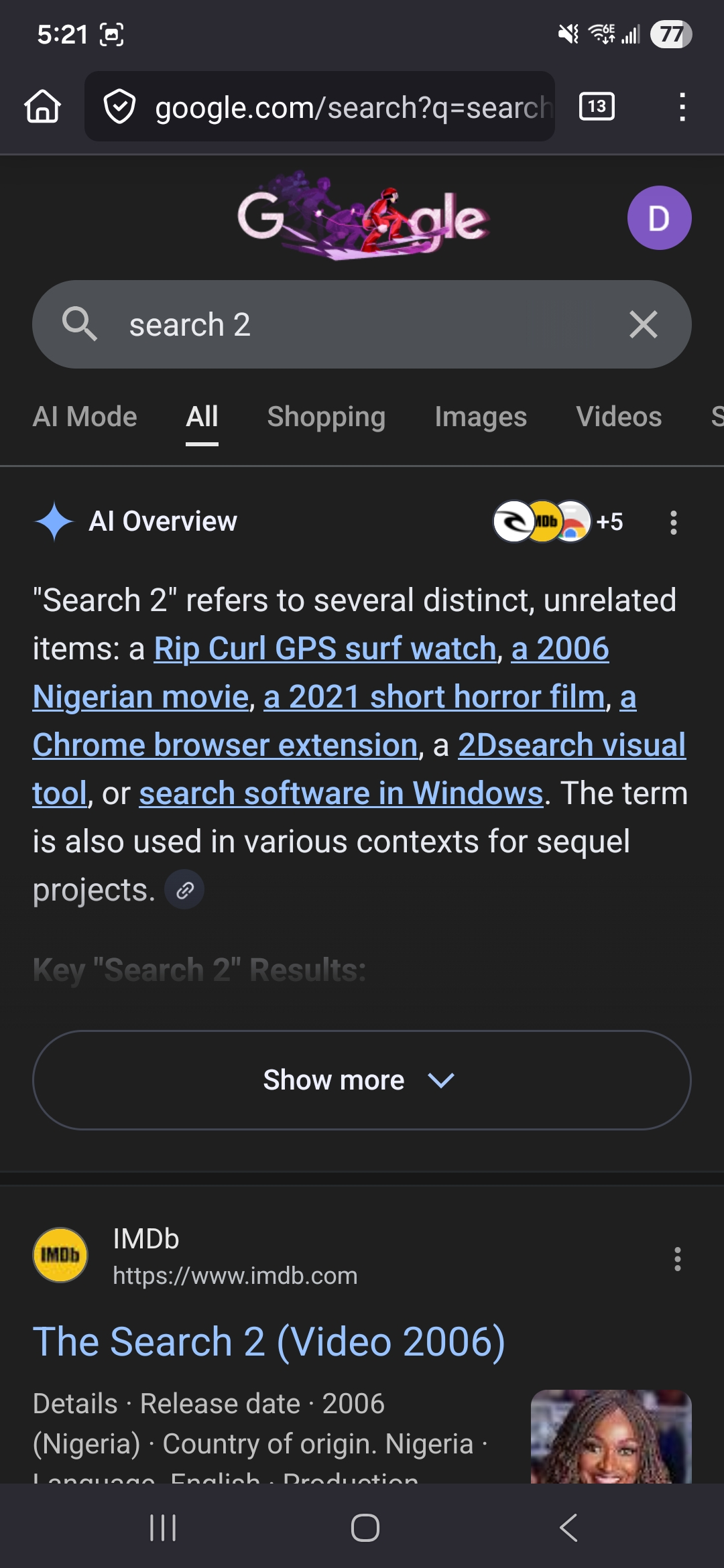
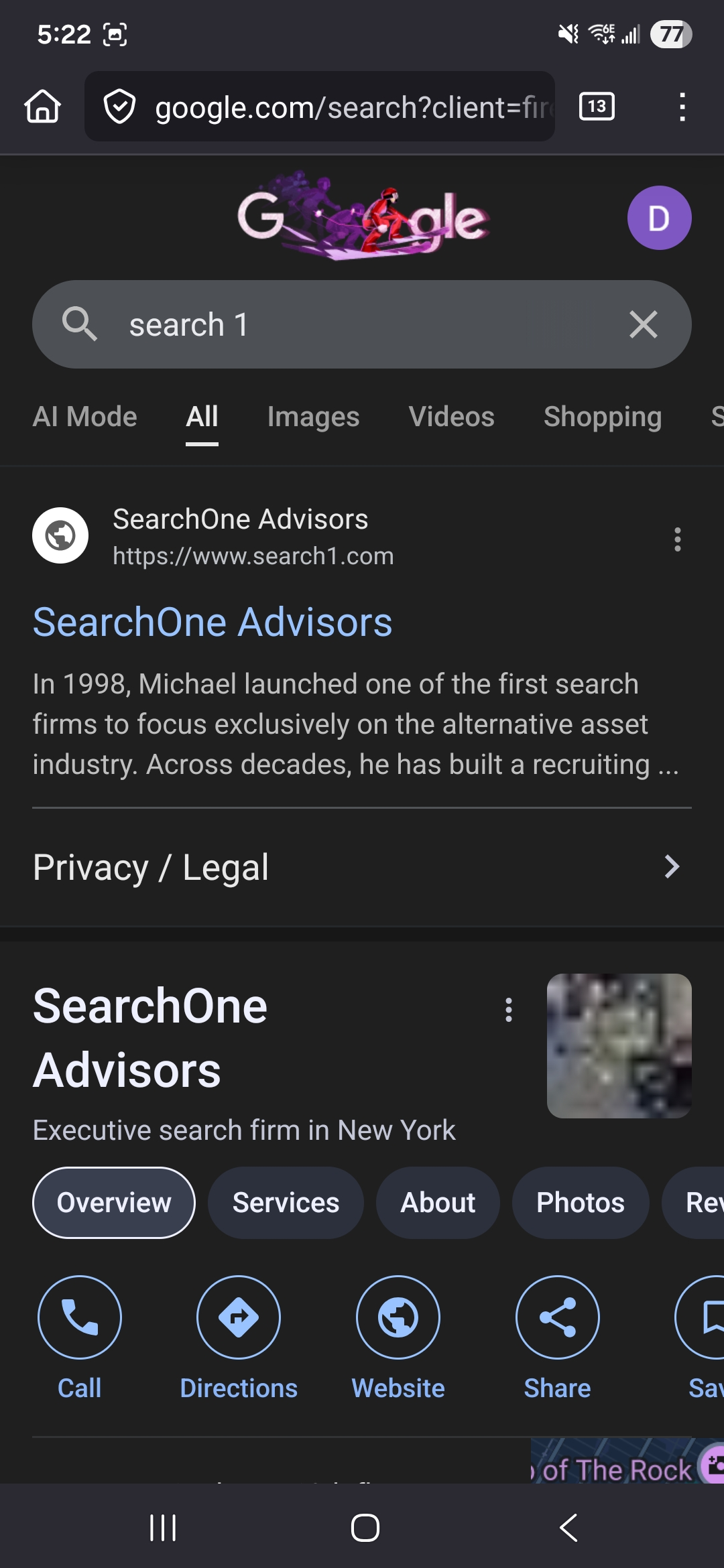
Được chỉnh sửa bởi Pistol_Bobcat vào
Thank you for the clarifications!
Regarding the first issue, let me ask the engineers who worked on this and reach back to you once I have an answer.
Regarding the second one, that's most likely expected. A fix for that issue hasn't been rolled out to all the users yet, so you may just not have it. The fix will be included in the next release anyway, but if you want to get it earlier, make sure you have Install and run studies enabled (Settings -> Data collection).
Thank you for replying
So, the engineers are looking into, but have troubles reproducing this... We'd appreciate if you could help with the following (regarding the first issue):
- How many (roughly) tabs do you have open in background?
- Does the issue reproduce in a new tab (where no other pages have been loaded)?
- Are you searching from the address bar, or navigating to google.com and searching there?
- Does this happen every time you perform the steps?
- If you are comfortable with that, could you please record the issue being reproduced and share the recording with us? You don't need to show your tabs, just the tab where the issue reproduces (a new tab preferably), and the searches that trigger the issue. Unfortunately, this website doesn't allow attaching videos, but you can either upload it somewhere and share a link (e.g., YouTube with access by link only) or send me by email to denyshon@outlook.com
Thank you very much for staying in contact!
Ok so let's start.
1. 12 tabs 2. If I open a new tab and just constantly search it doesn't happen. 3. I tried searching from both Google and the address bar on a fresh tab and it doesn't seem to trigger it 4. So this issue seems to only happen if, I click on a link, press back and use GOOGLE to search. If I use the address bar to search, it's like it fixes it until the next link i tap on and then press back and use google to search. Also. If I click on "images" "videos" "shopping" or any of the other options and then go back to "all" and search it also fixes it until the next link I click on. 5. Let me know if you still need the video. I can record with a different phone and upload somewhere.
I know i added a lot more information but I didn't do any "rigorous" testing until now.
I haven't heard back from you so I'm just going to assume this is a lost cause?
Unfortunately, I haven't heard back from the team yet... But I'll let you know if I get any updates
Thank you
Giải pháp được chọn
I think the last patch fixed the problem
Glad to hear that, thank you for sharing!