


Moving Thunderbird data from Win7 machine to a Linux Mint machine.

I use Thunderbird 115.18.0 on a Windows 7 machine. I wish to transfer all my Thunderbird data to a machine running Linux Mint 21.3 which has Thunderbird 128.12.0esr. I have not been successful after many tries. Could this be because the Thunderbird revisions are different? If so, can I get 115.18.0 to install on my Mint machine? If not how should I proceed? I have already tried creating a new .thunderbird directory with ********.default directory from the other machine. I have also tried a new .thunderbird directory with a the ********default-release directory as directed by one site.
Giải pháp được chọn
Hello Toad Hall, Well, that seems to be it! SUCCESS!! I did not click the "Solved the Problem" box yet, as that might have shut down the thread, and I wanted to say THANK YOU. I will now say that my problem is solved.
Richard.
Tất cả các câu trả lời (23)
Hello Toad Hall, I found that I could not reduce the images of the screen shots of "prefs.js" at all without serious degeneration of the readability. I have cropped them a little and attach them here. Please inform me if it is acceptable to send you files by embedding them in an html on my site. That would give you a much better read. You had suggested "To gain space - You could delete the contents of the other profile '1v5bp4mz.default-release' folder which fails to work.", so I ran the process again from the start, including that step. This time, I explored the setting up facilities more than before, and tried the "Import from another Program" option. This had an option for importing from another Thunderbird installation, so I tried that. THIS HAS GIVEN ME A BIG STEP FORWARD. I can now see all the contents of the 'Inbox" and 'Sent' folders for both my accounts. It did not ask me for an email address this time, but told me, and asked for the passwords. It is lovely to have some real progress here, THANK YOU for your help. Richard.
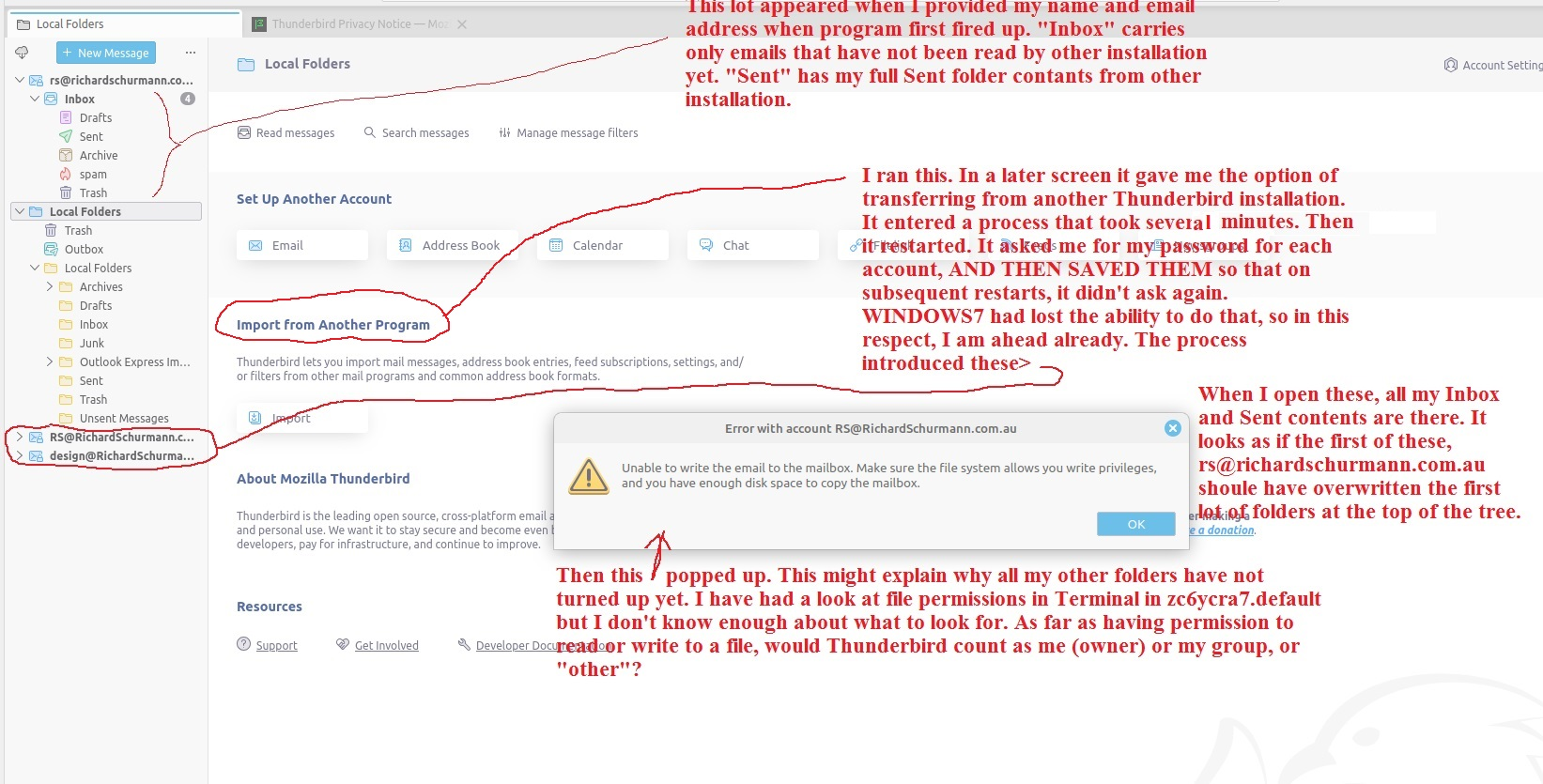
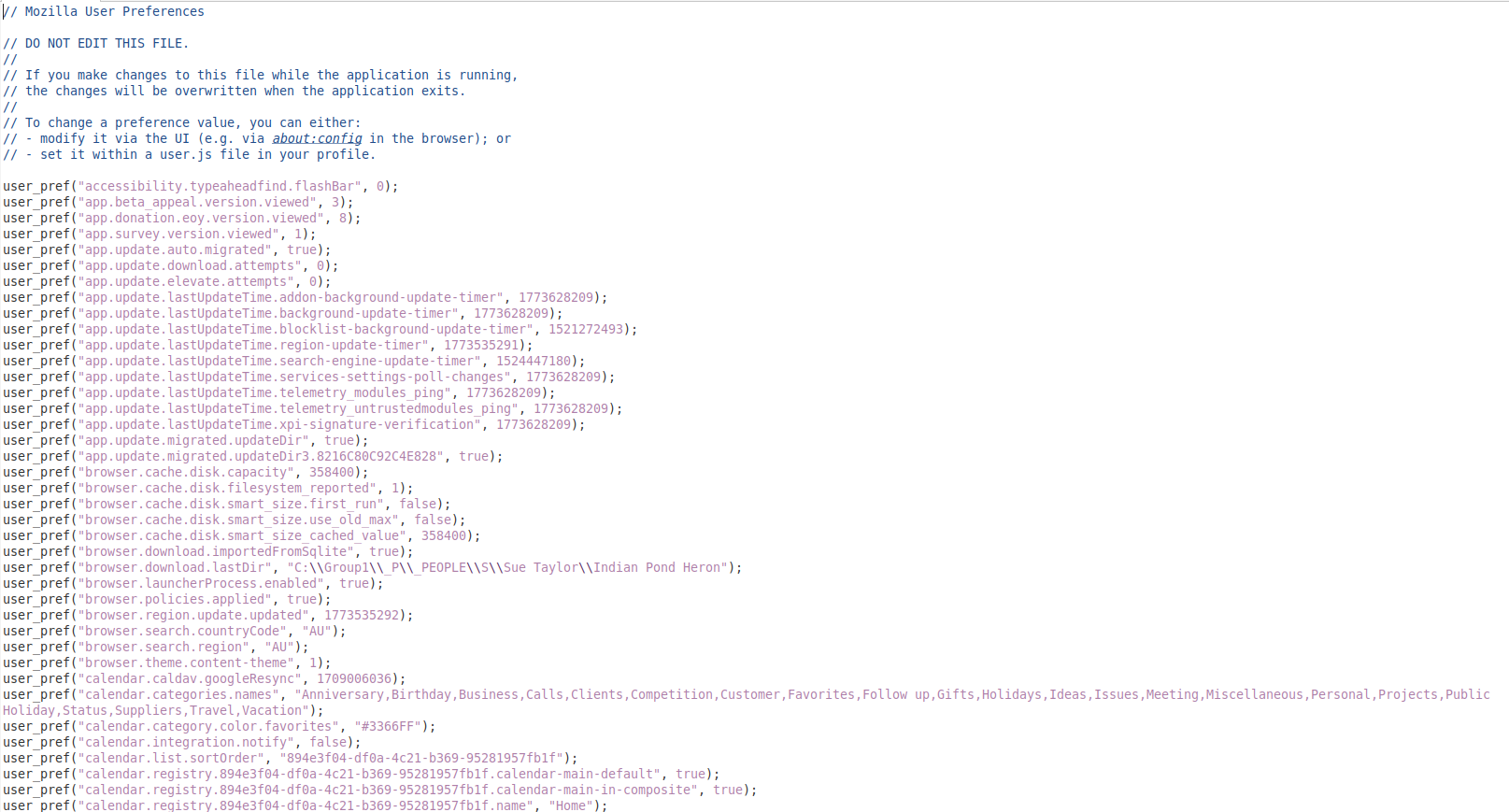
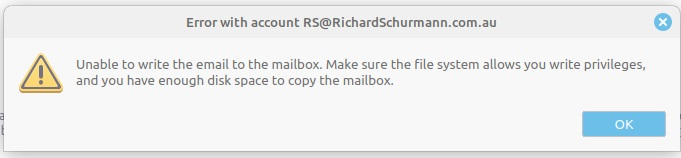
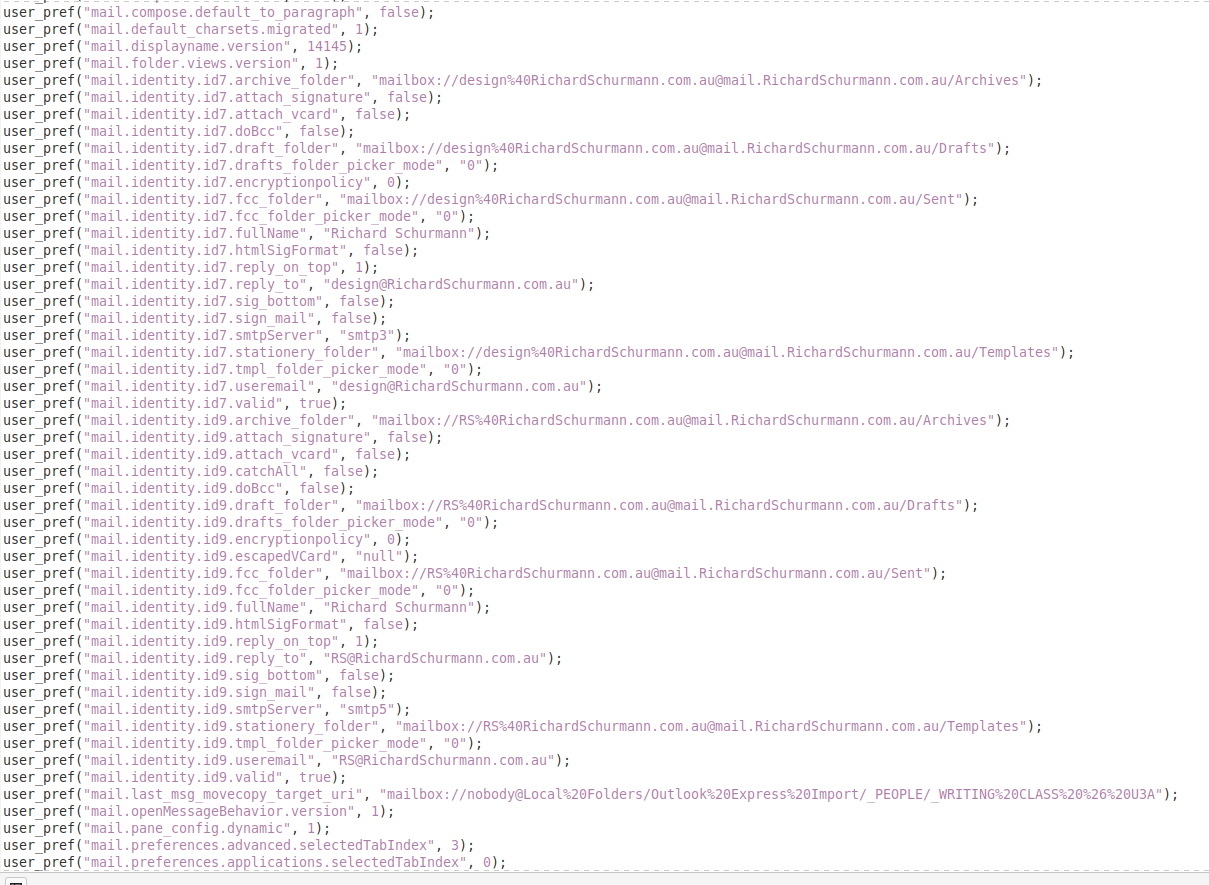
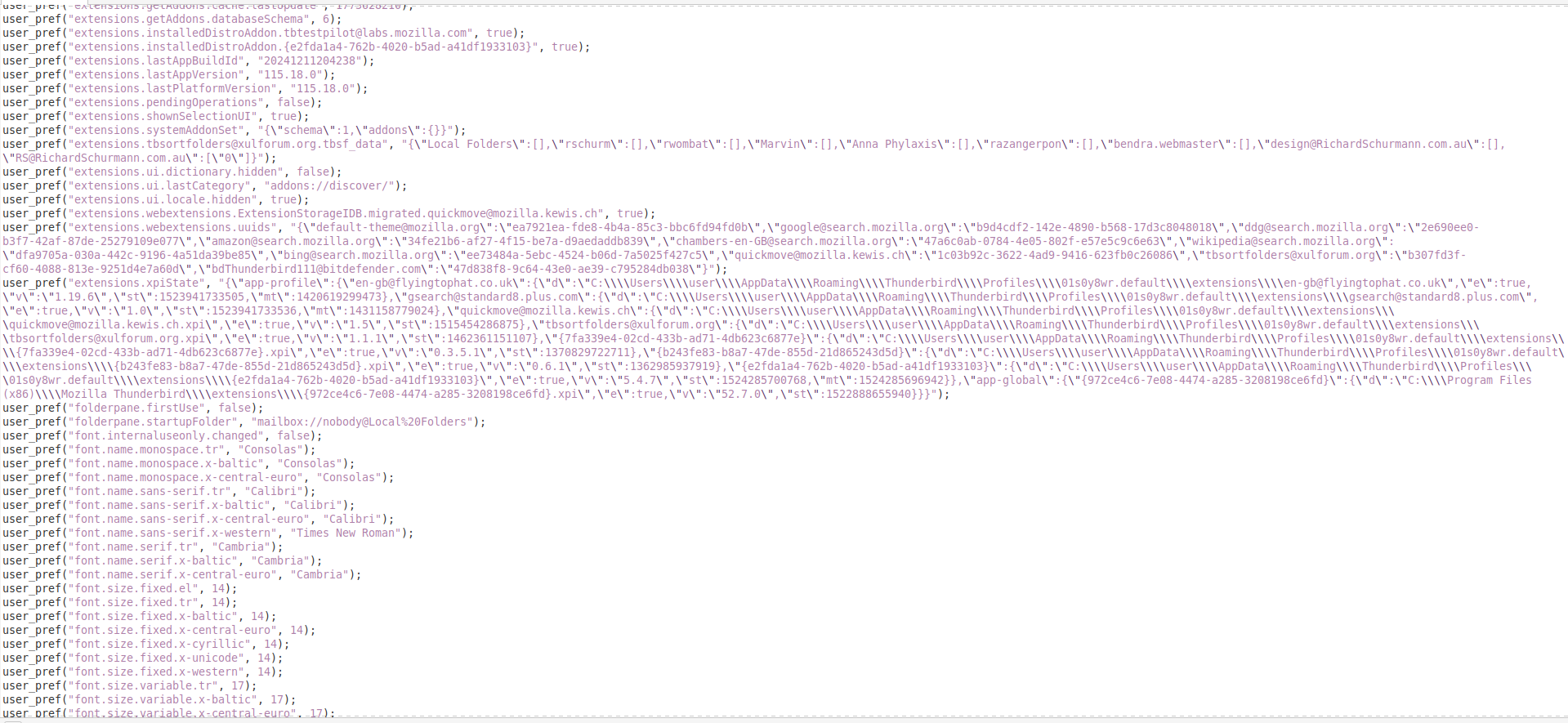
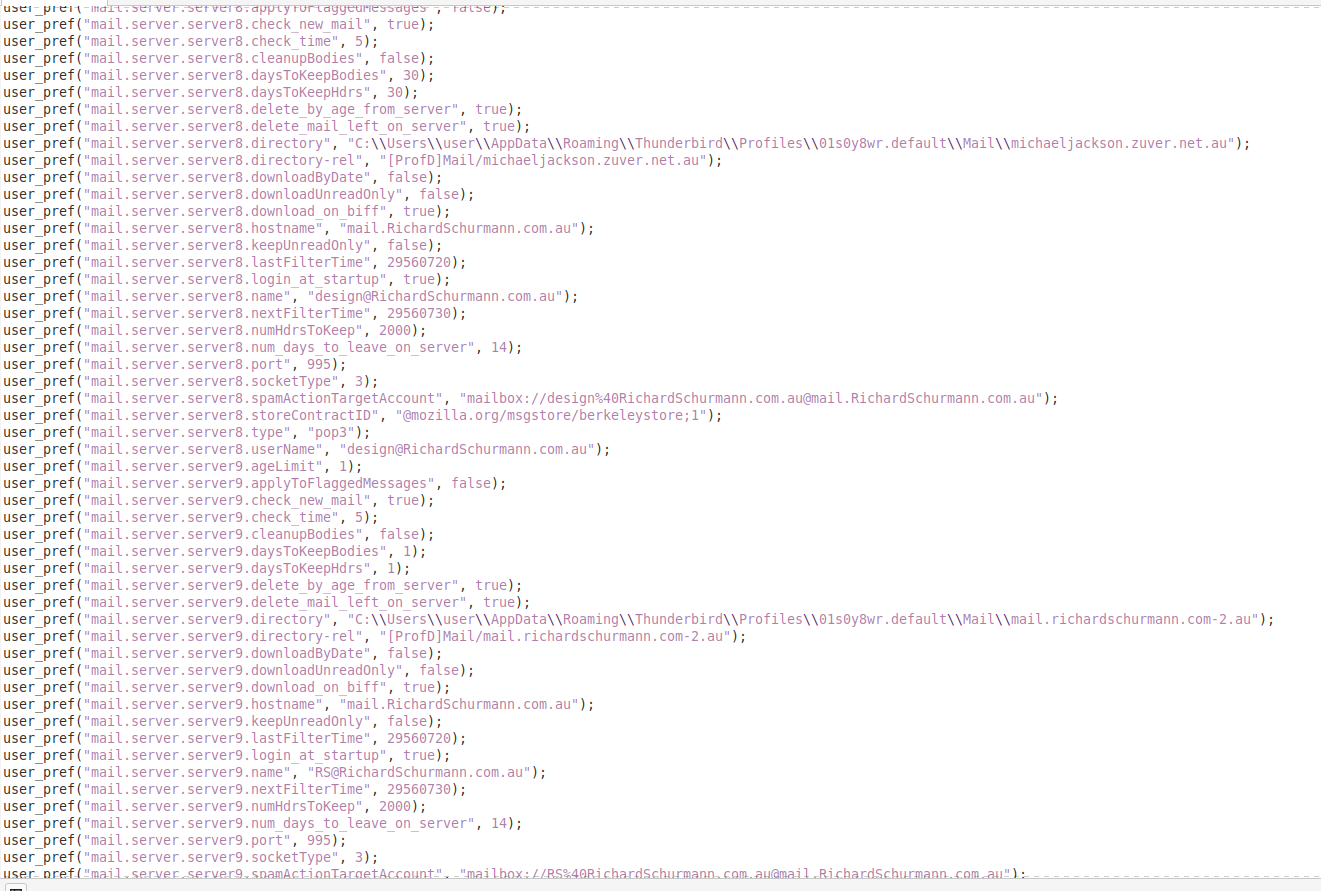
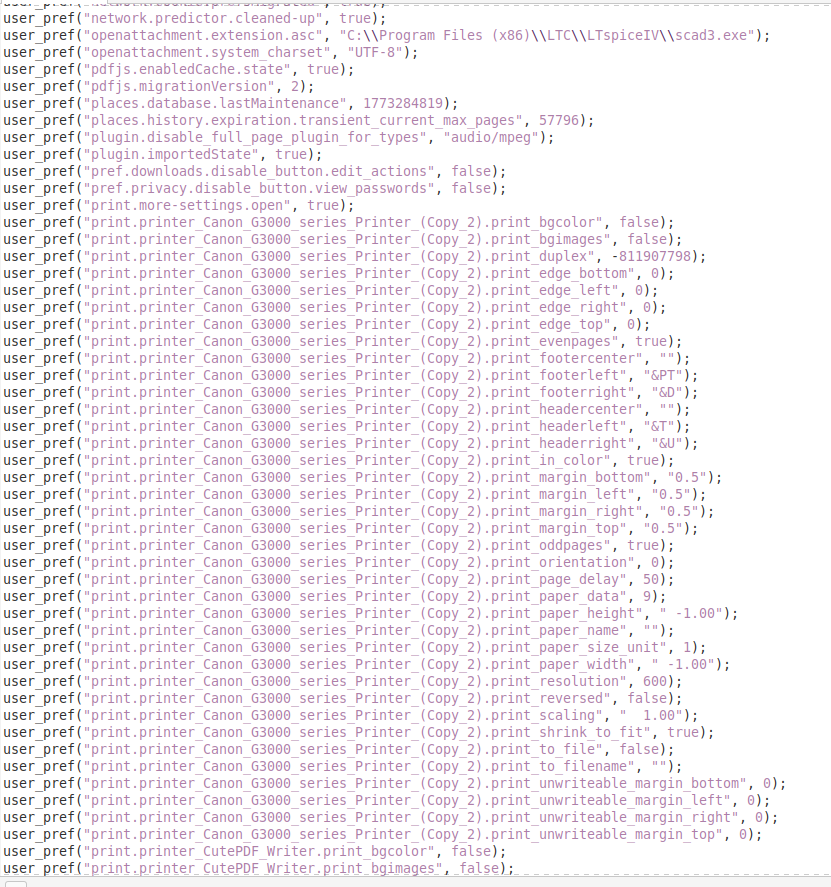
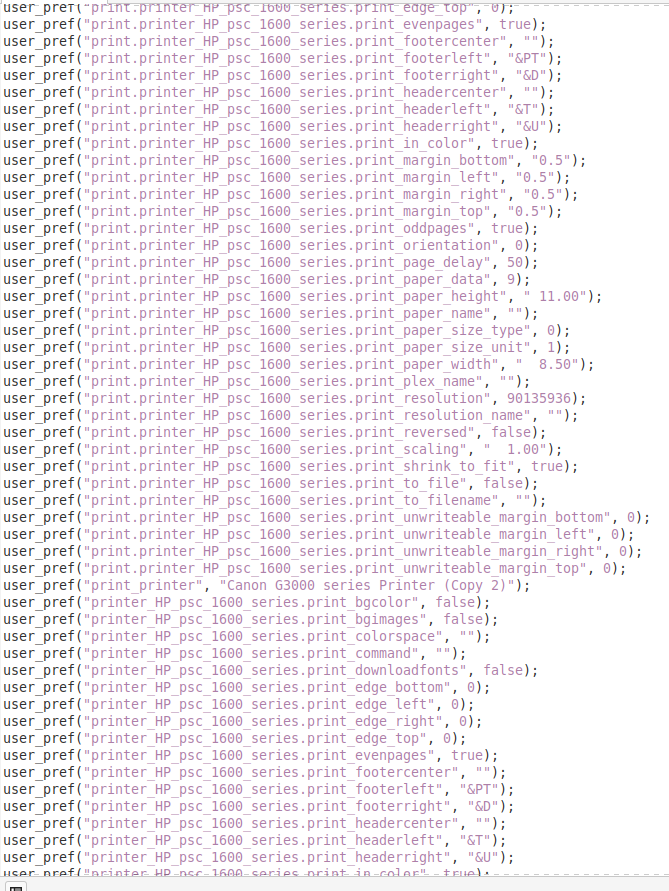
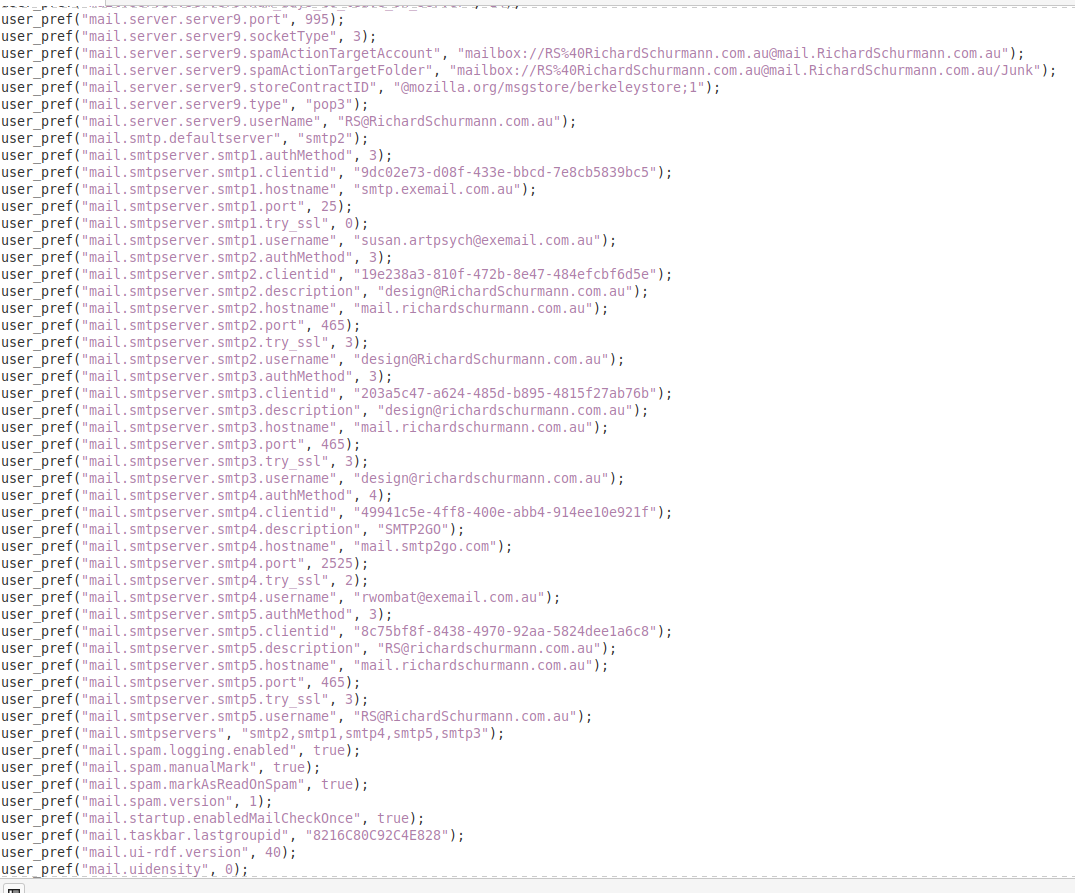
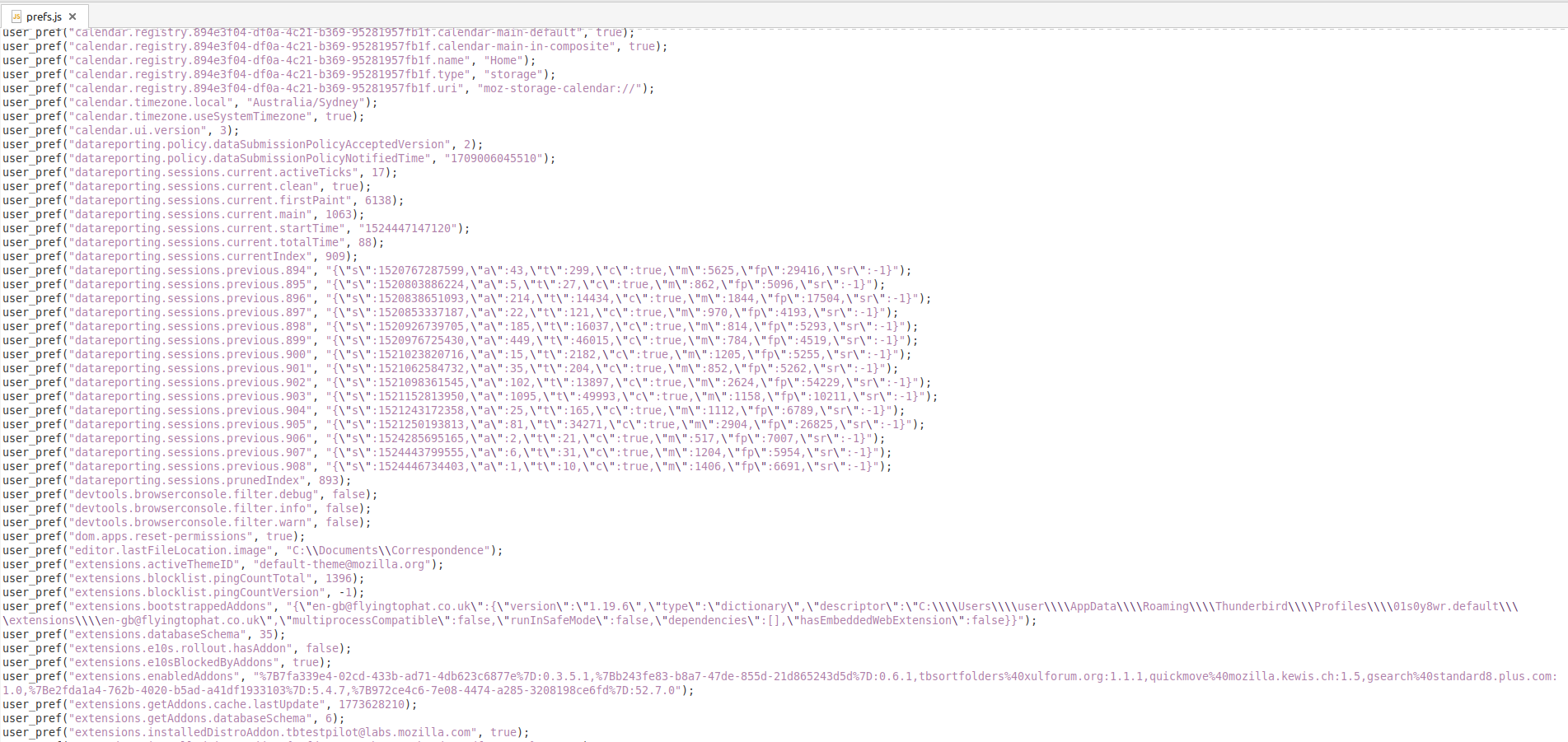
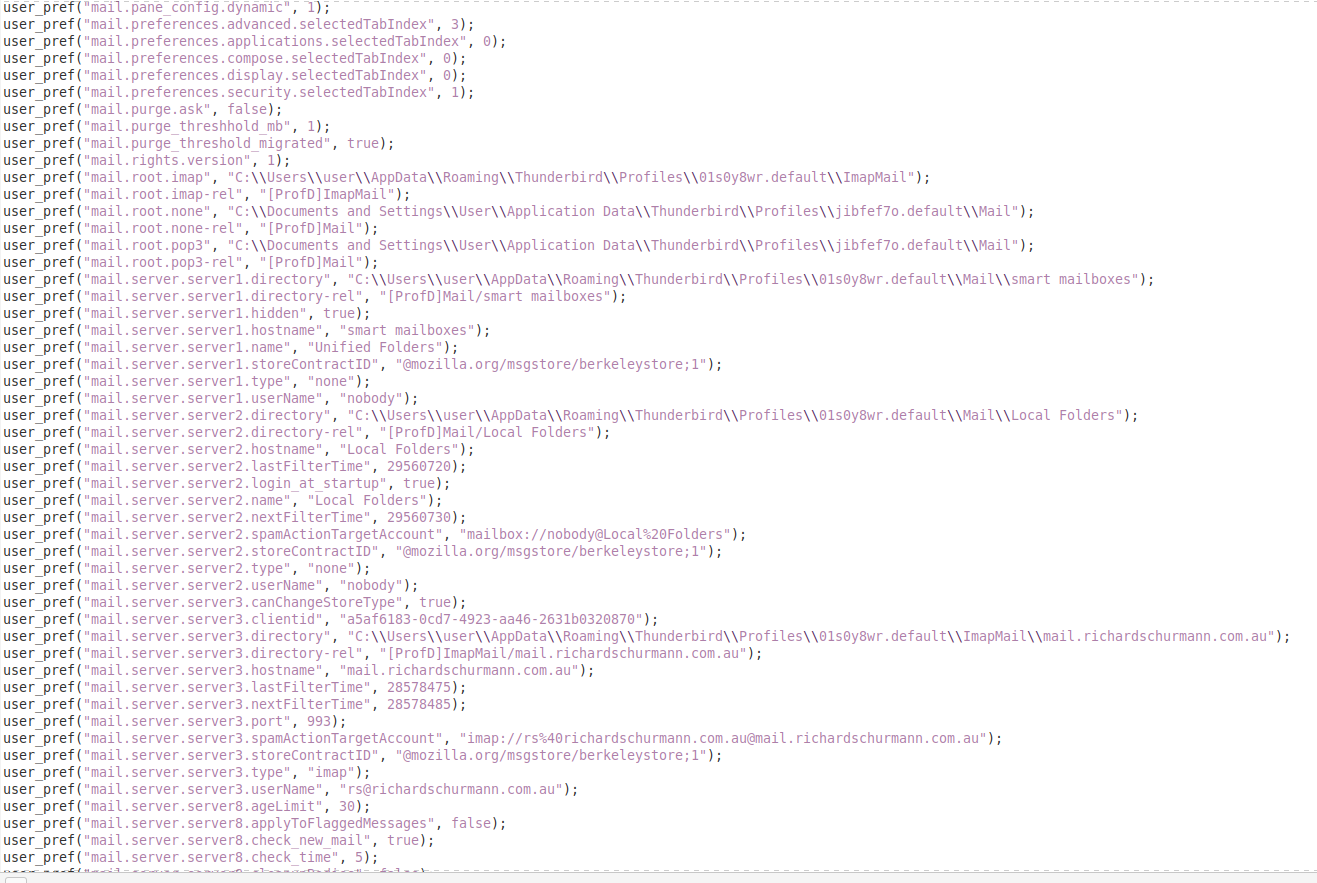
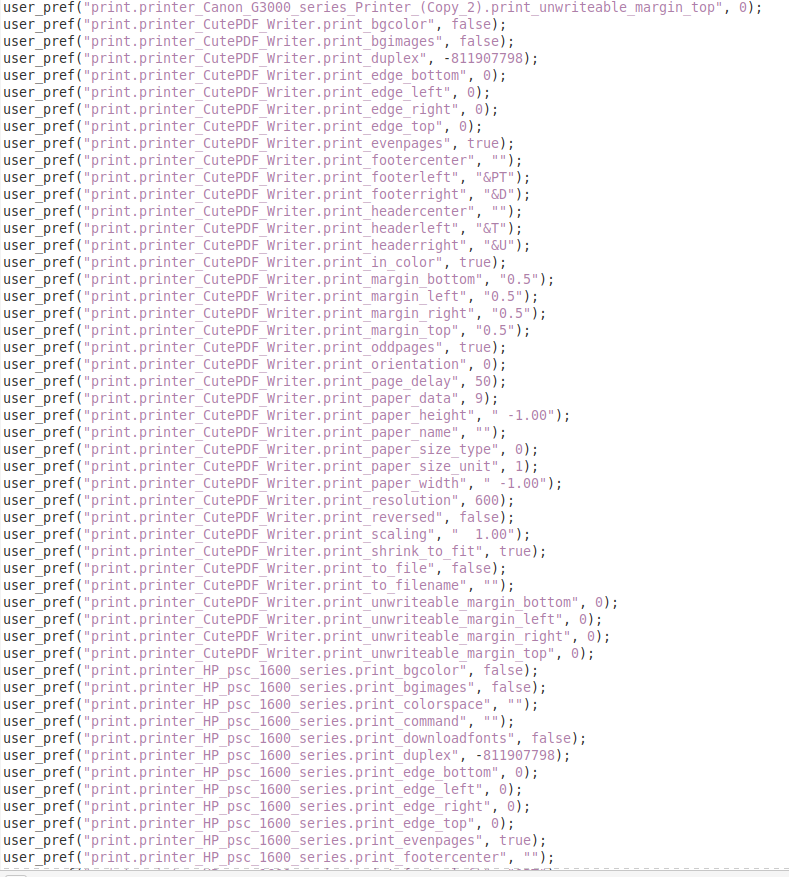
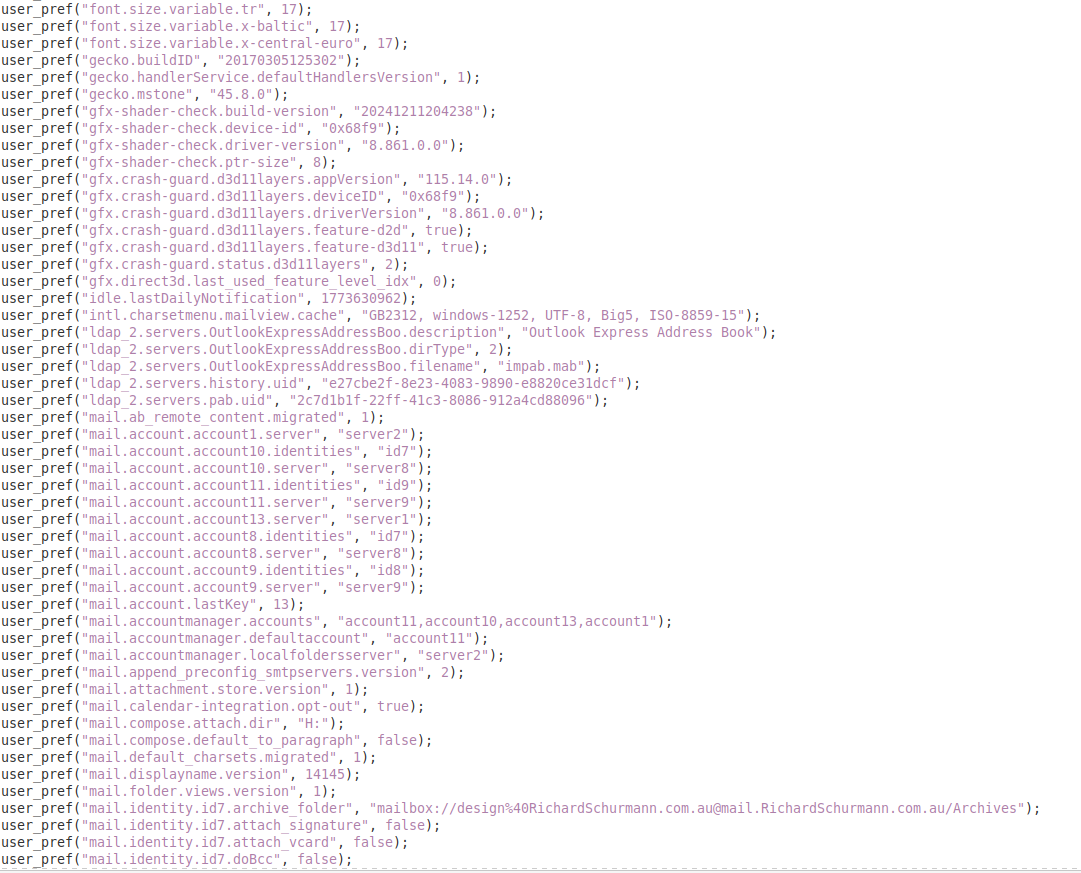
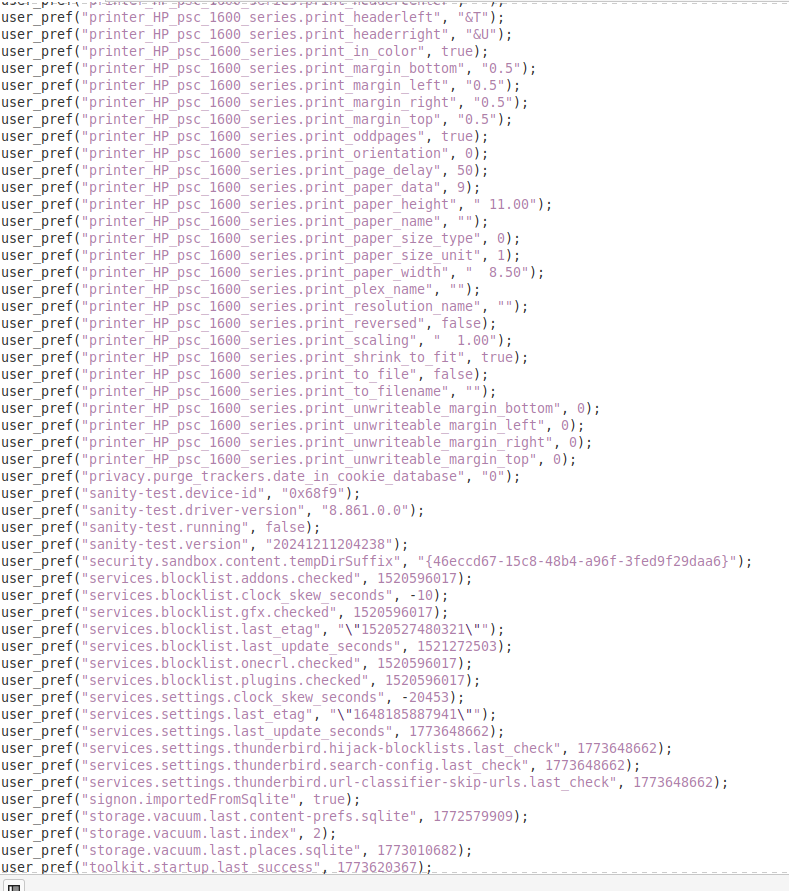
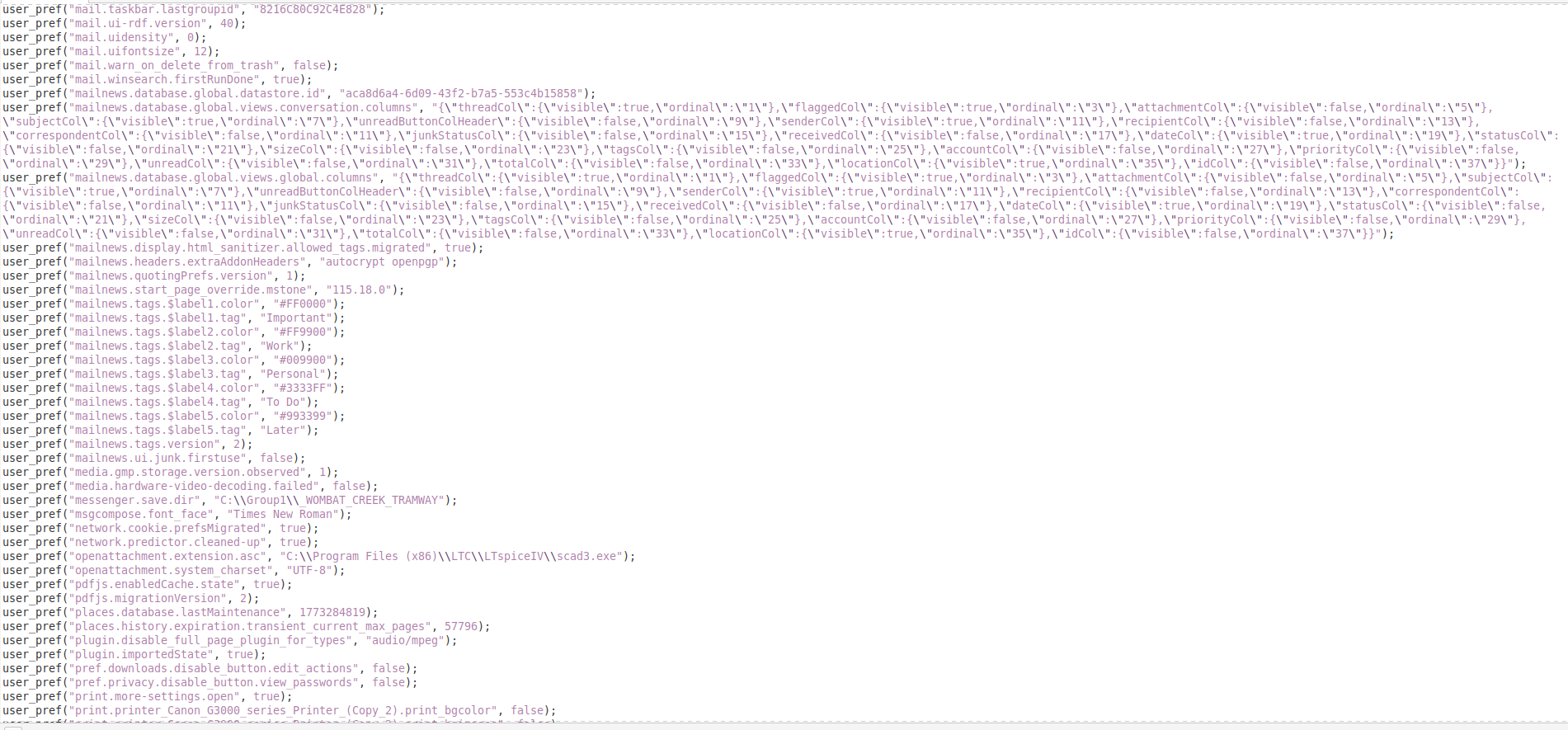
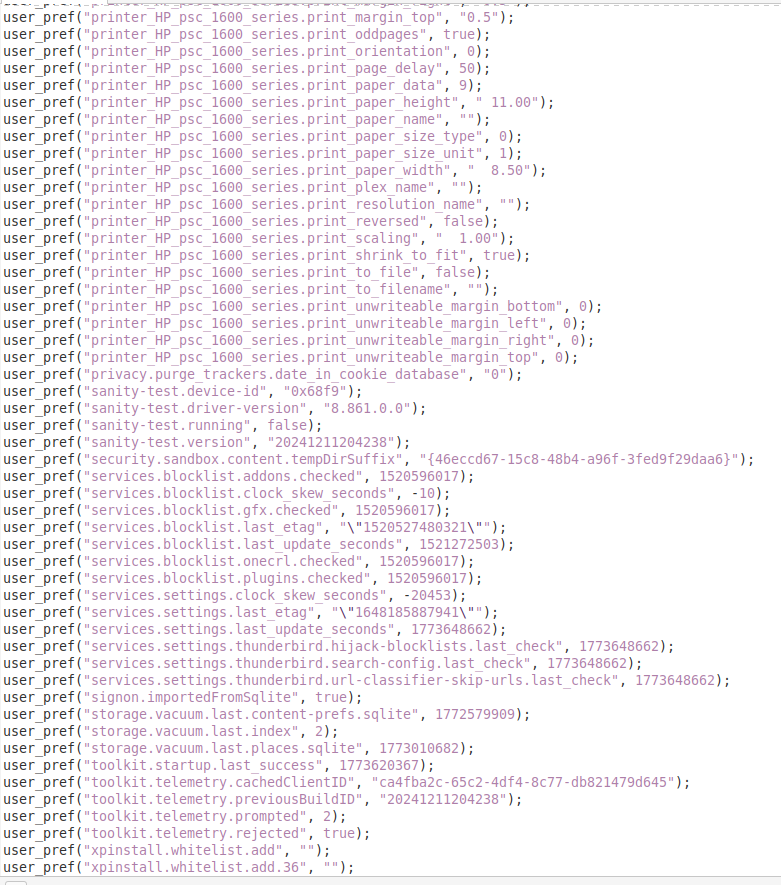
On Linux Mint 21.3 which has Thunderbird 128.12.0esr.
Please check the following: You need to do this for each mail account and Local Folders.
- Account Settings > 'Server Settings' for account name
- Bottom right locate 'Local directory: - the text here needs to be pointing to correct location.
Previously on Windows OS it would have said something like this: C://Users/username/Appdata/Roaming/Thunderbird/Profiles/01s0y8wr.default/Mail/mail.domain.com-2.au
But now you are using Linux, so everything is in a different location. Click on 'Browse' to open directory. Locate where your mail account name folder is located - select 'Mail' to see list of Pop accounts select the correct mail account name folder in list and click on 'Select folder' button. Then 'Local directory:...' will say something like this if in default location
- home/.thunderbird/zc6ycra7.default/Mail/mail.domain.com-2.au
Giải pháp được chọn
Hello Toad Hall, Well, that seems to be it! SUCCESS!! I did not click the "Solved the Problem" box yet, as that might have shut down the thread, and I wanted to say THANK YOU. I will now say that my problem is solved.
Richard.