Windows 10 reached EOS (end of support) on October 14, 2025. If you are on Windows 10, see this article.

Tìm kiếm hỗ trợ

Tránh các lừa đảo về hỗ trợ. Chúng tôi sẽ không bao giờ yêu cầu bạn gọi hoặc nhắn tin đến số điện thoại hoặc chia sẻ thông tin cá nhân. Vui lòng báo cáo hoạt động đáng ngờ bằng cách sử dụng tùy chọn "Báo cáo lạm dụng".

Tìm hiểu thêm
Đã lưu trữ

Homepage Shortcuts

MSl1 đã trả lời
MSl1

Hello!

It would be nice to go back to the old style of the management of the Shortcuts in the browsers homepage. The new style was a regression. Let the browser user decide what style he likes.

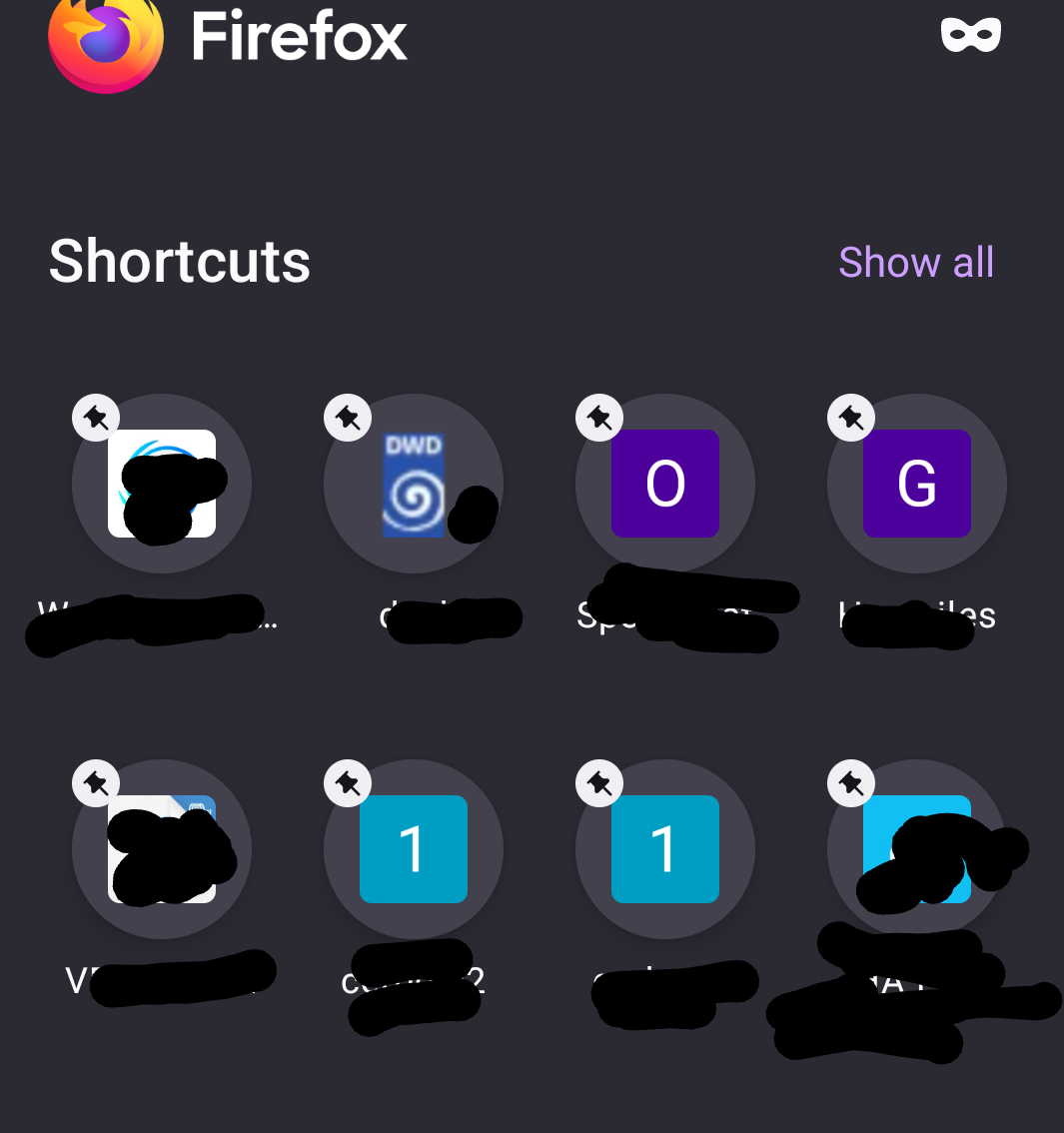
And, - allow moving (sorting) the Shortcut links within the homepage (per drag and drop), - allow more than two Shortcut separate pages within the homepage or more than 16 Shortcuts, - remove the pin symbol from the Shortcut image, it looks terrible and it is superfluous. (I use ONLY my own shortcuts, nothing else, so the pin symbol is not needed.)

Thank you Mario

Hello! It would be nice to go back to the old style of the management of the Shortcuts in the browsers homepage. The new style was a regression. Let the browser user decide what style he likes. And, - allow moving (sorting) the Shortcut links within the homepage (per drag and drop), - allow more than two Shortcut separate pages within the homepage or more than 16 Shortcuts, - remove the pin symbol from the Shortcut image, it looks terrible and it is superfluous. (I use ONLY my own shortcuts, nothing else, so the pin symbol is not needed.) Thank you Mario

Tất cả các câu trả lời (1)

As explanation here a screenshot of my Shortcuts.

And, in the old style is was allowed to swipe from Shortcut page 1 to 2 and back. This is more user-friendly as a click at the link top right and let show ALL Shortcuts.