


IMPORTAZIONE MESSAGGI MAIL DA VECCHIO A NUOVO PC

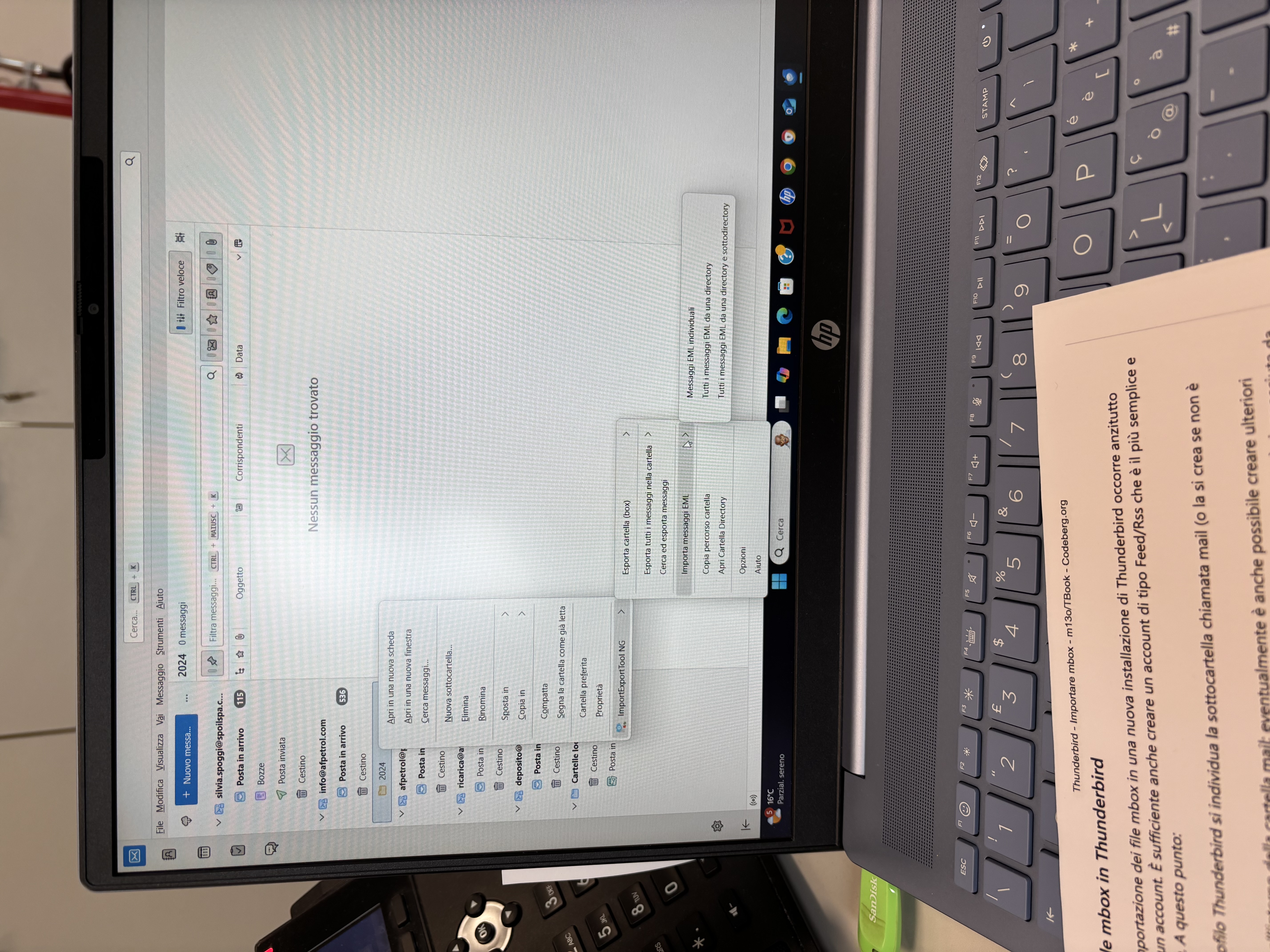
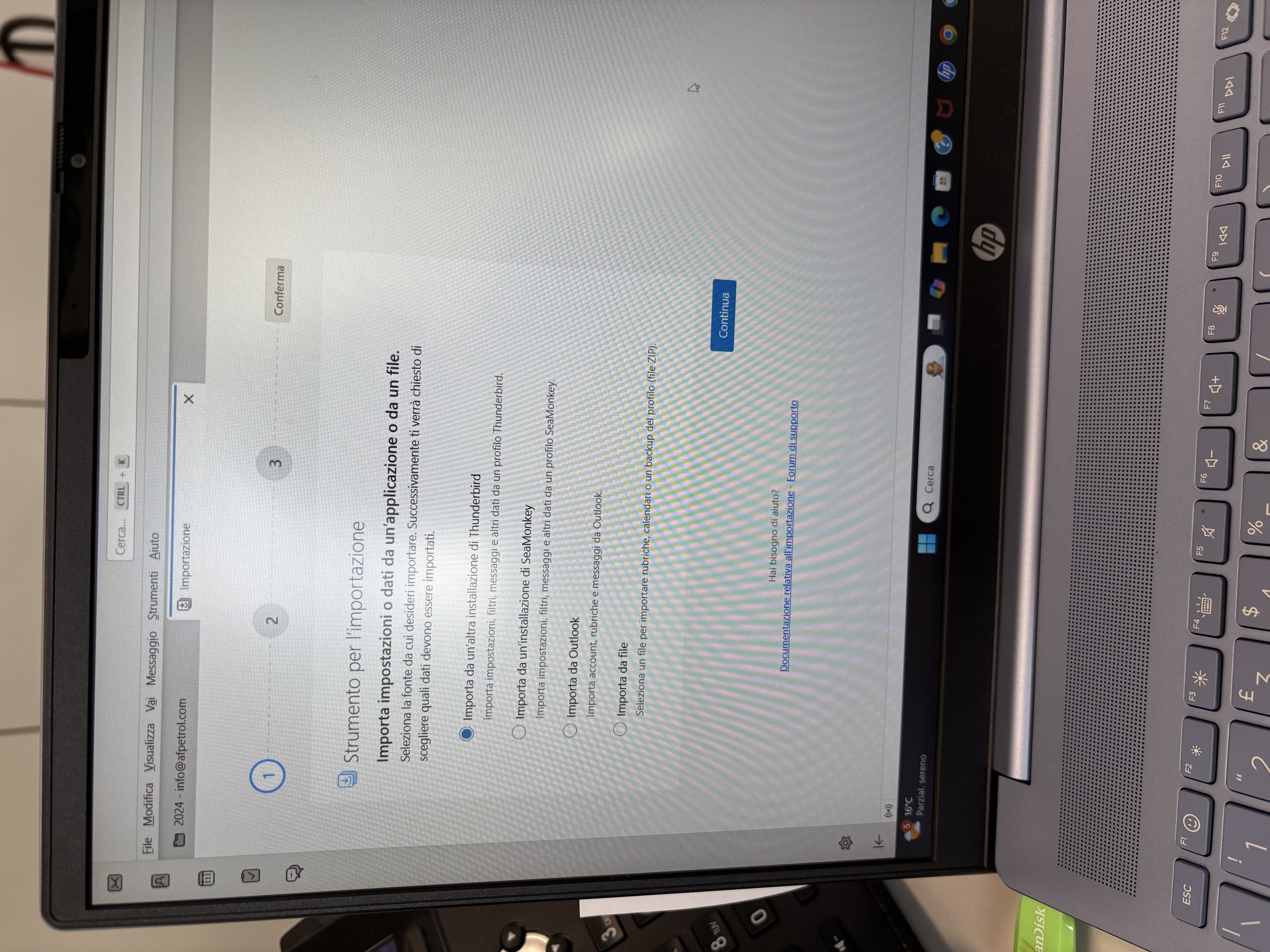
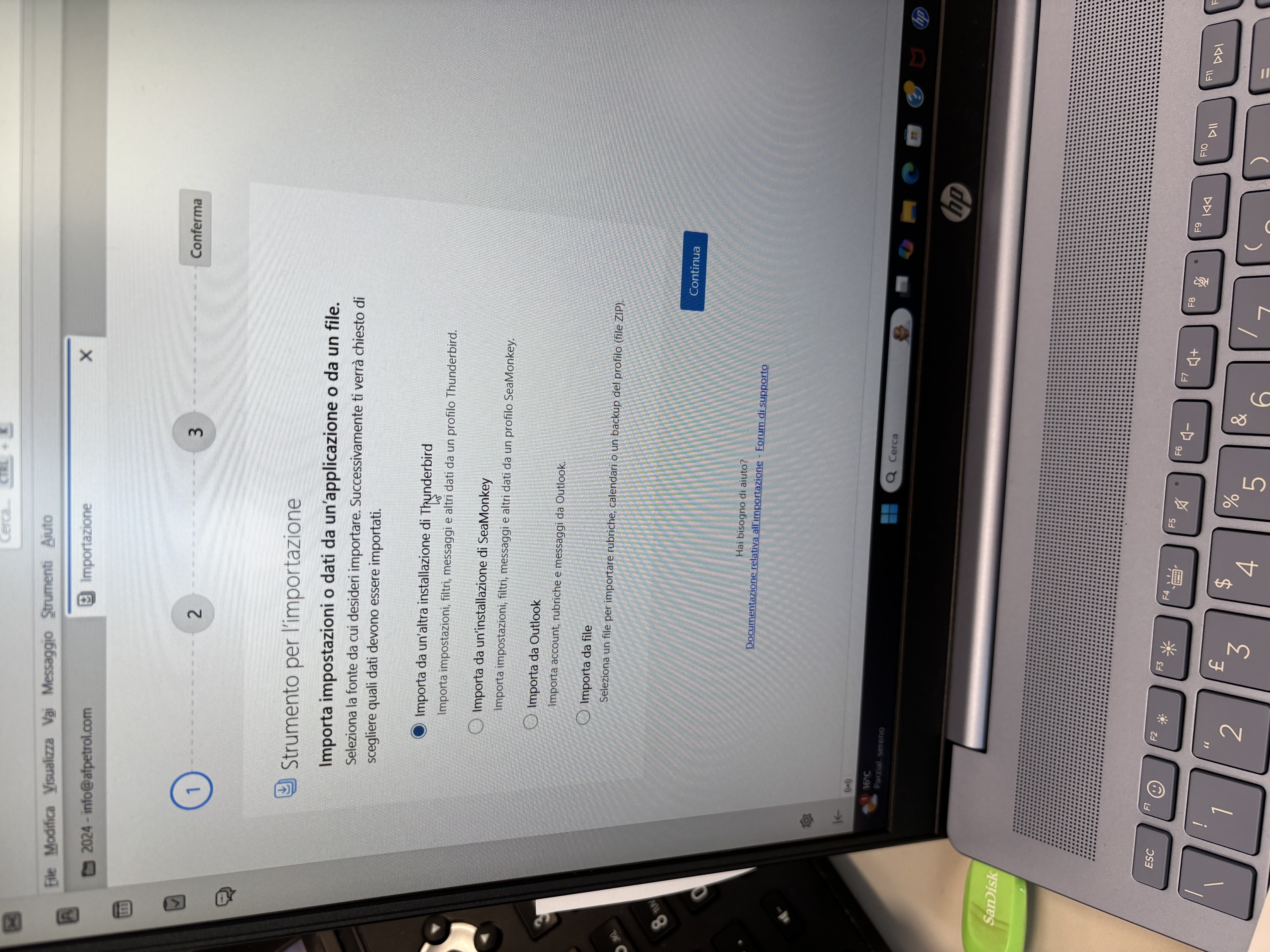
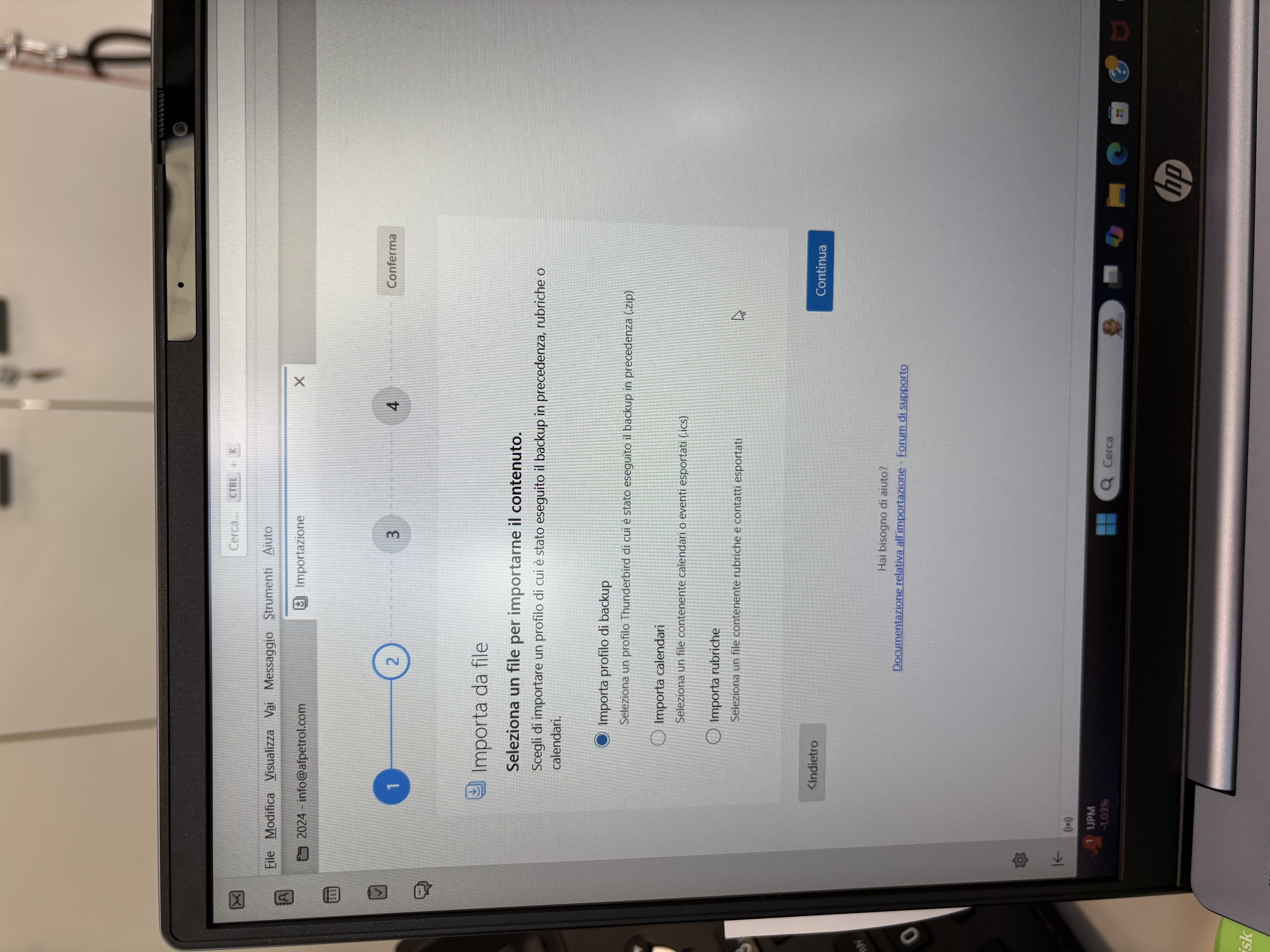
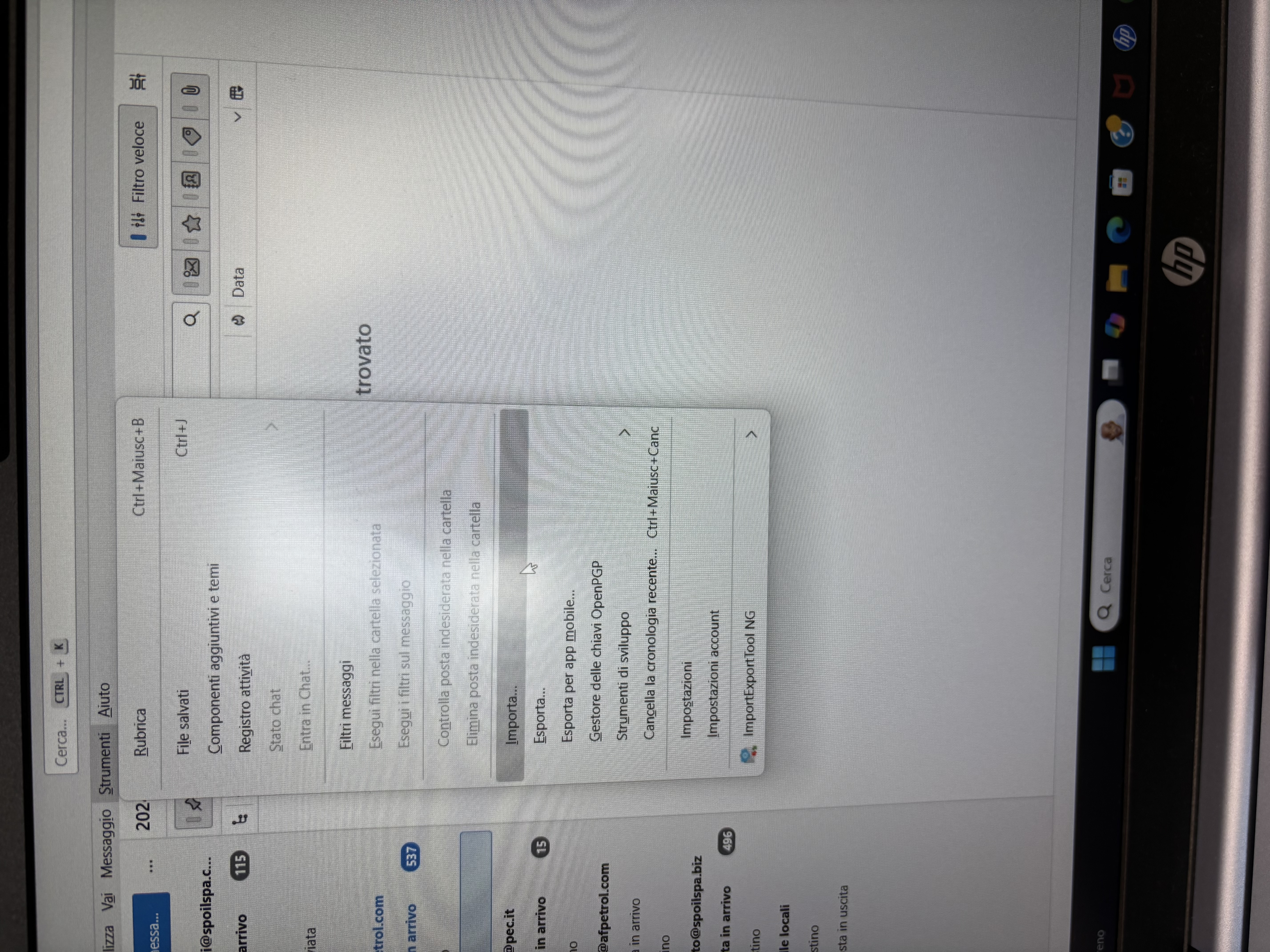
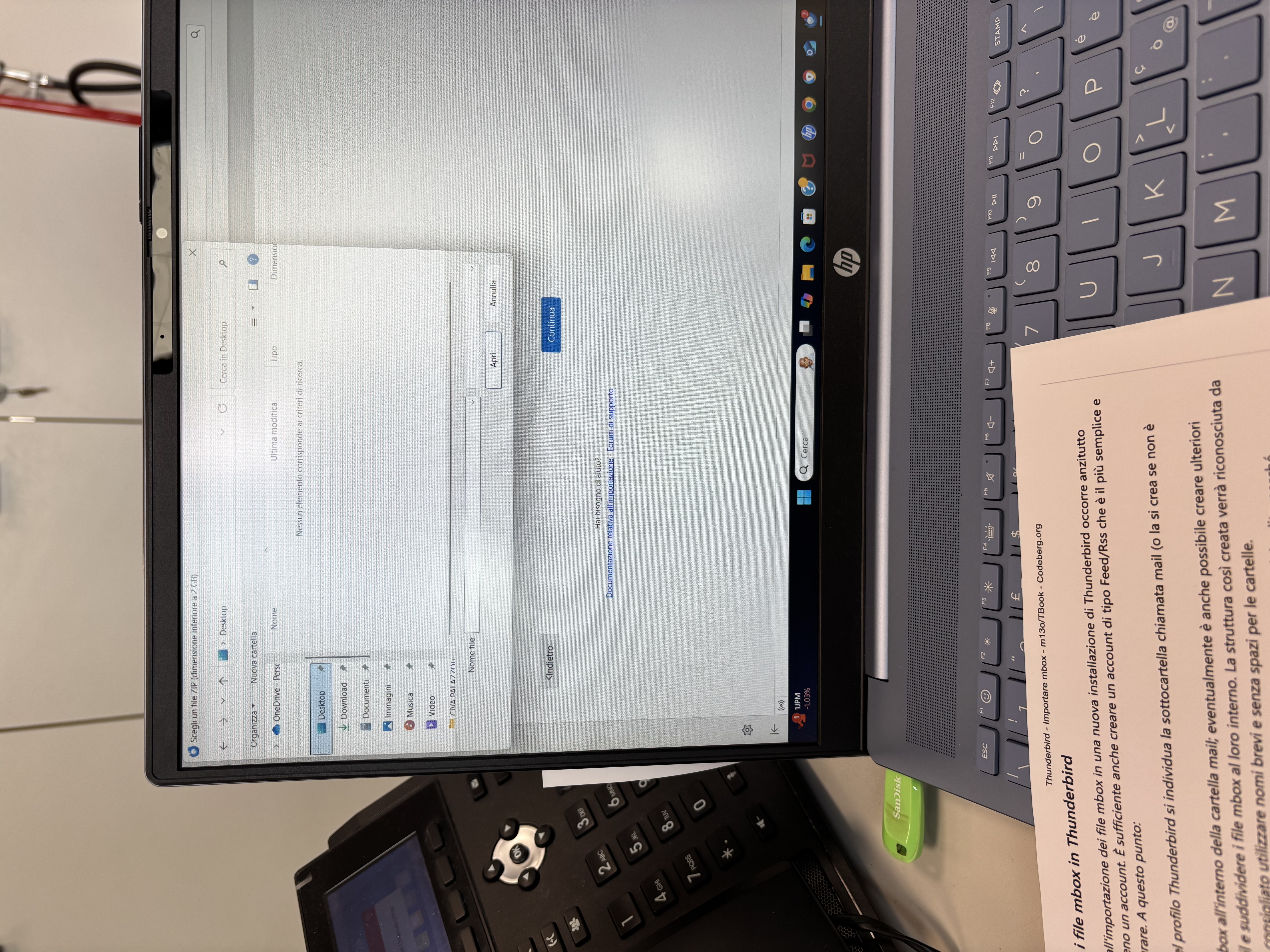
pc nuovo ho creato cartella nuova 2024 importexporttNG - LE VOCI DISPONIBILI SONO ESPORTA CARTELLE ESPORTA TUTTI I MESSAGGI ( VEDI FOTO) SE FACCIO STRUMENTI IMPORTA , IMPORTA DA FILE SCEGLI UN FILE ZIP(MA IO HO UN FILE MBOX).QUALE ALTRA VOCE DEVO SELEZIONARE VI ALLEGO LE FOTO GRAZIE MILLE SILVIA
Tất cả các câu trả lời (4)
Please explain what you are wanting to do. For example, is it that you have an mbox file that you want to place in Thunderbird, or are you wanting to export an mbox from THunderbird. That is, instead of describing which tool you think is needed, just explain what you want to accomplish. Thank you
ciao ho una cartella di posta 2024 nel vecchio pc; voglio copiarla nel nuovo pc vedi foto
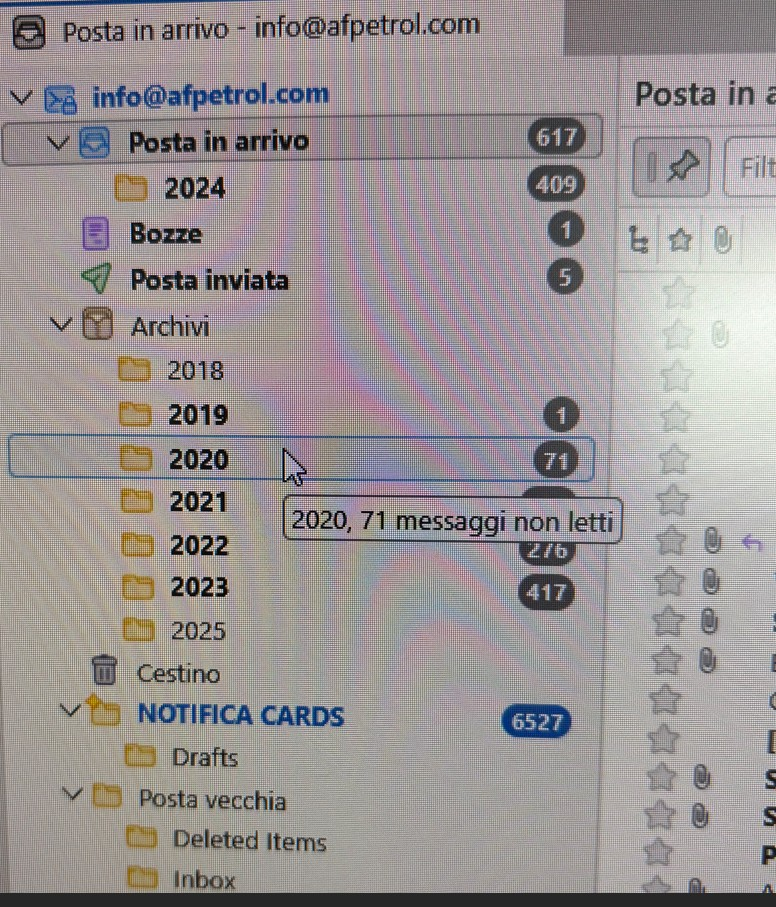
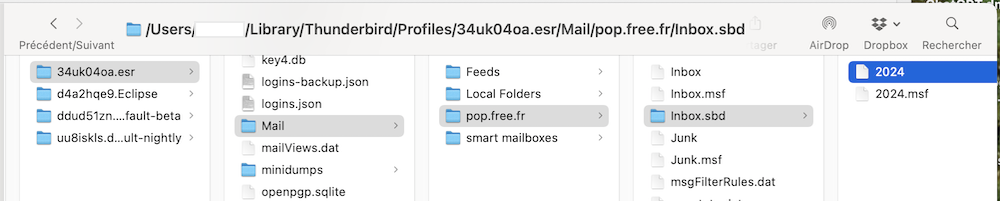
Il tipo di server del account info@afpetrol.com è POP o IMAP ? Se POP et senza il ImportExportTools: Sul vecchio PC vai a Aiuto > Informazioni per la risoluzione di problemi > Cartella di profilo > Mestra la cartella. Nella cartella del profilo vai à Mail > pop.afpetrol.com > Inbox.sbd e copia il file "2024". Transferire il file 2024 sul nuovo PC. Apri cartella di profilo, esci da Thunderbird. Nella cartella di profilo vai à Mail > Local Folders e incolla il file 2024 nel Local Folders. Avviare Thunderbird et guardare nelle Cartelle Locale: c'è un file 2024 con messagi ?
Được chỉnh sửa bởi Mapenzi vào
@Sylvia: hai risolto il tuo problema?