


Received emails from a plus address do not show the Display Name that is in my address book

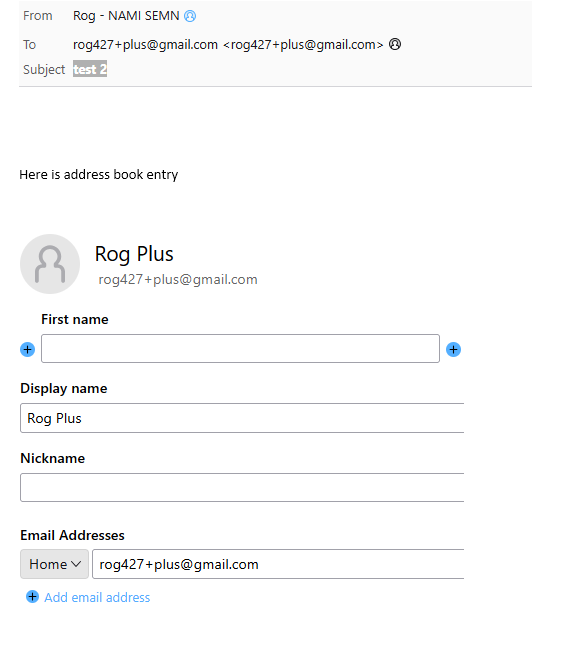
I receive emails sent to plus addresses. eg user+text@gmail.com . In my address book, I have an entry that has a display name for the email user+text@gmail.com , but it is not displayed in the email view. Other emails that are not plus addresses do correctly get the display name and display it.
I have tried switching the setting for display names, but it does not matter how it is set. It does not display the display name.
Tất cả các câu trả lời (1)
A plus address is a whole name email address. That is how it comes to be delivered, because it is an entirely complete and valid address. So of course it is not in your address book, another email address for the same person is in the address book and the two addresses are not associated in any way.
I do however see your point that it should be supported so I have filed an enhancement bug requesting it as well as updating an ancient request for overall support. We will see how that goes. https://bugzilla.mozilla.org/show_bug.cgi?id=1983434