


Windows 10 reached EOS (end of support) on October 14, 2025. If you are on Windows 10, see this article.

Tìm kiếm hỗ trợ

Tránh các lừa đảo về hỗ trợ. Chúng tôi sẽ không bao giờ yêu cầu bạn gọi hoặc nhắn tin đến số điện thoại hoặc chia sẻ thông tin cá nhân. Vui lòng báo cáo hoạt động đáng ngờ bằng cách sử dụng tùy chọn "Báo cáo lạm dụng".

Tìm hiểu thêm

Nonsensical instructions trying to sync phone to desktop!?

  • 1 trả lời
  • 0 gặp vấn đề này
  • 200 lượt xem
  • Trả lời mới nhất được viết bởi Paul

Am i the only one that finds these instructions totally hopeless when syncing my desktop to phone?.. So i tap on the 3 dots / Menu in Firefox on mobile, but after that there is NO Sync & Save Data to tap on anywhere in Firefox mobile after hitting the menu dots??.. and i mean ANYWHERE in the menu, or settings or account (of course there is the ususl Syncronise Now option in the account.

So just where is this Sync & Save Data i would lobe to know, nevermind how am i supposed to pair my devices when theres no clear way to access this and the associated QR code?

Totally frustrating, I've never understood these instructions with no outcome possible.
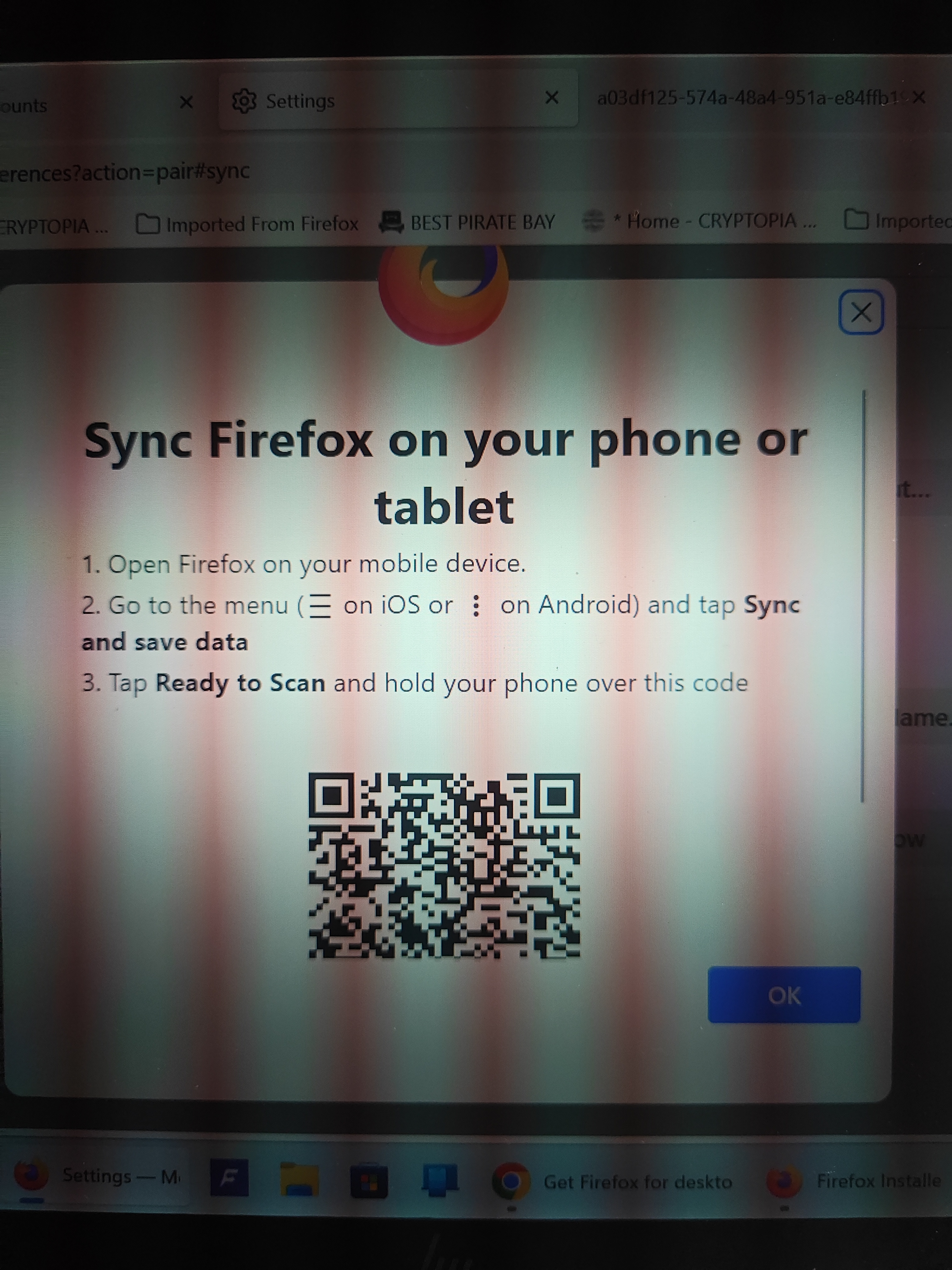
Am i the only one that finds these instructions totally hopeless when syncing my desktop to phone?.. So i tap on the 3 dots / Menu in Firefox on mobile, but after that there is NO Sync & Save Data to tap on anywhere in Firefox mobile after hitting the menu dots??.. and i mean ANYWHERE in the menu, or settings or account (of course there is the ususl Syncronise Now option in the account. So just where is this Sync & Save Data i would lobe to know, nevermind how am i supposed to pair my devices when theres no clear way to access this and the associated QR code? Totally frustrating, I've never understood these instructions with no outcome possible.
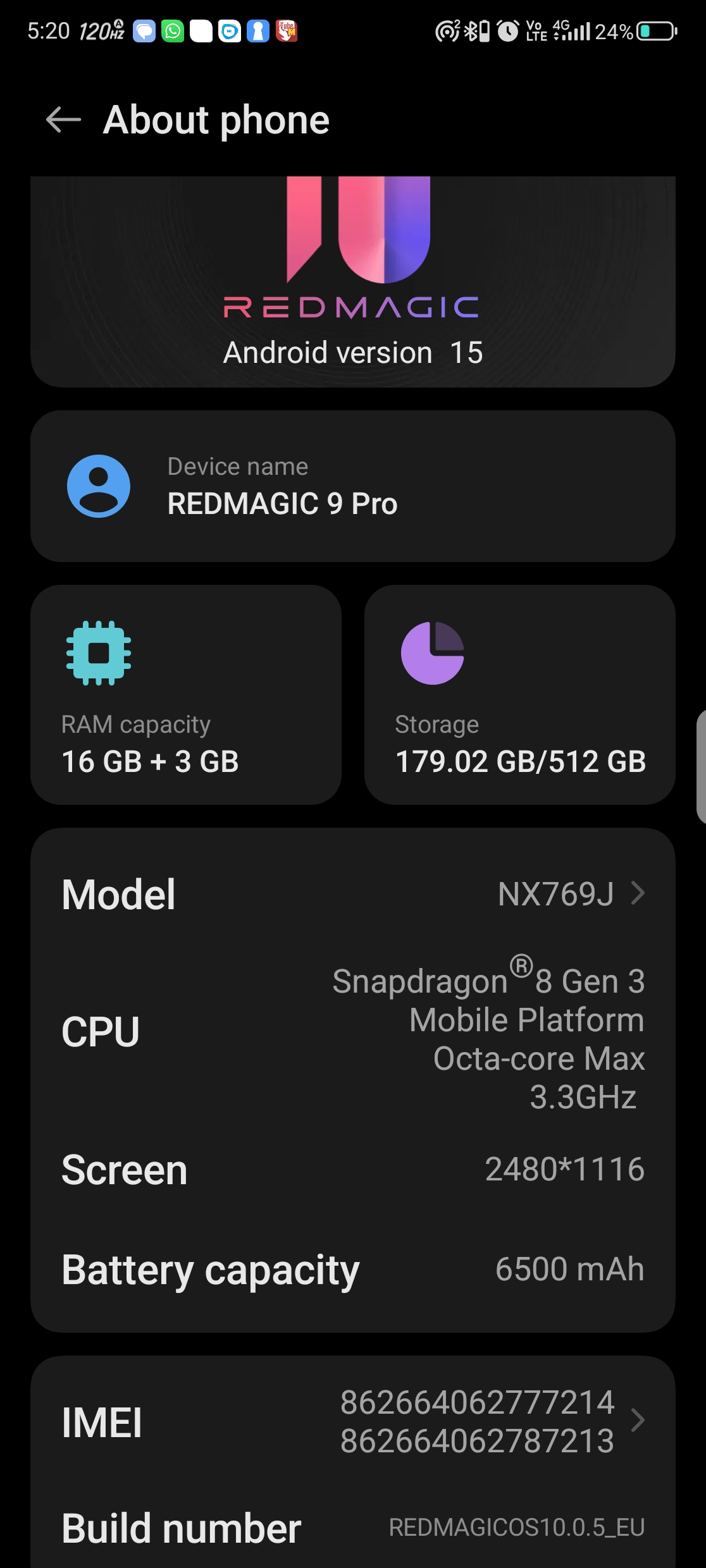
Đính kèm ảnh chụp màn hình

Tất cả các câu trả lời (1)

Hi

Do you see your user name or email address in the Firefox for Android menu? If so, select this to access the Firefox Sync settings.

I hope that this helps.