Windows 10 reached EOS (end of support) on October 14, 2025. If you are on Windows 10, see this article.

Tìm kiếm hỗ trợ

Tránh các lừa đảo về hỗ trợ. Chúng tôi sẽ không bao giờ yêu cầu bạn gọi hoặc nhắn tin đến số điện thoại hoặc chia sẻ thông tin cá nhân. Vui lòng báo cáo hoạt động đáng ngờ bằng cách sử dụng tùy chọn "Báo cáo lạm dụng".

Tìm hiểu thêm

Thunderbird folder not visible in App/Data/Roaming

  • 2 trả lời
  • 0 gặp vấn đề này
  • 147 lượt xem
  • Trả lời mới nhất được viết bởi sfhowes

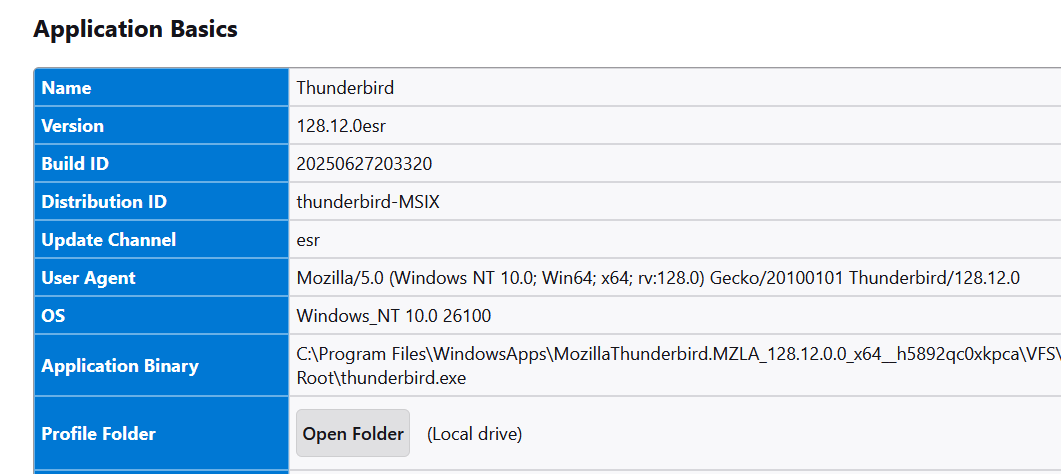
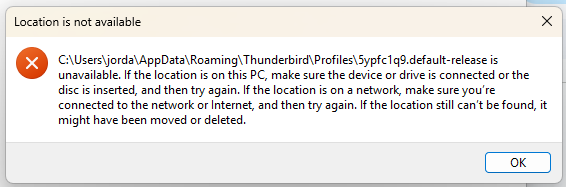
I would like to back up my huge email history which is saved in numerous sub-folder folders on my Windows 11 computer. According to Thunderbird settings, my profile should be at the default location: C:\Users\jorda\AppData\Roaming\Thunderbird\Profiles\5ypfc1q9.default-release\ImapMail\imap.dreamhost.com But when I open the AppData folder, there is no sub-folder named "Thunderbird". In the "View" menu, "show hidden items" is checked. In the Troubleshooting menu, under Application Basics, Profile Folder, when I click on "Open Folder (Local drive)", I get a message saying: "C\Users\jorda\AppData\Roaming\Thunderbird\Profiles\5ypfc1q9.default-release is unavailable. If the locatoin is on this PC, make sure the device or drive is connected or the disc is inserted, and then try again. If the location is on a network, make sure you're connected to the network or Internet, and then try again. If the location still can't be found, it might have been moved or deleted". Yet Thunderbird is still working fine and all my past emails are accessible. I'm stumped - can anyone help me find or expose my Thunderbird profile folder?
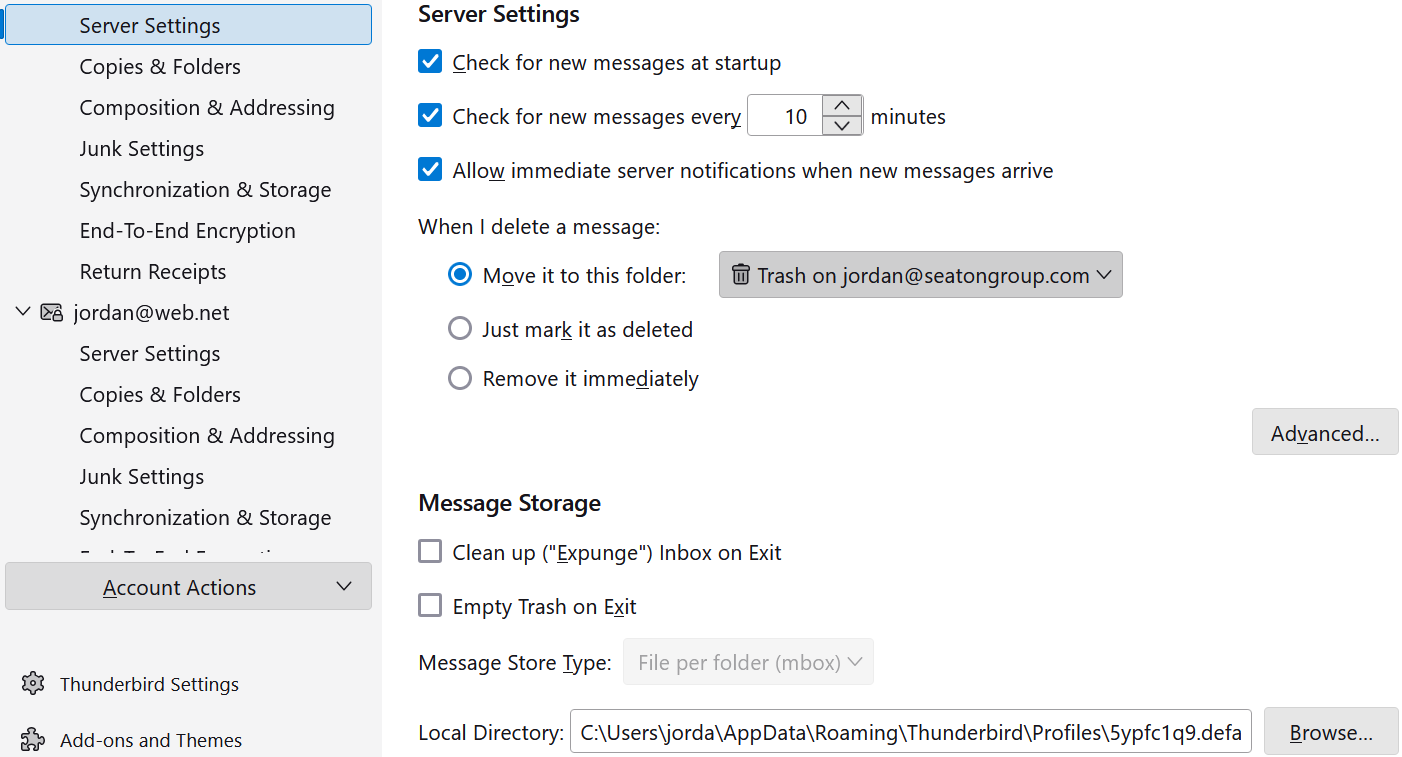
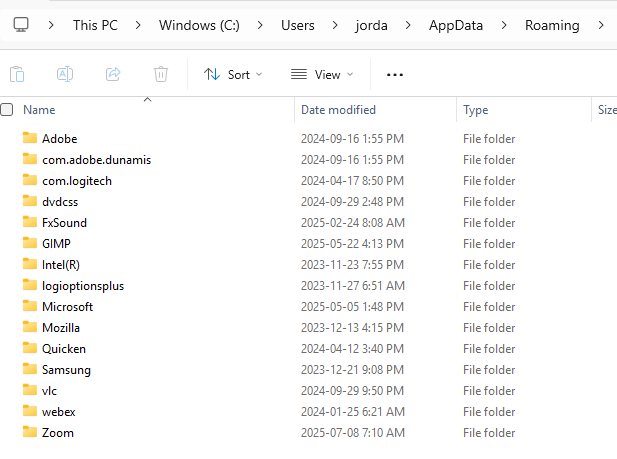
I would like to back up my huge email history which is saved in numerous sub-folder folders on my Windows 11 computer. According to Thunderbird settings, my profile should be at the default location: C:\Users\jorda\AppData\Roaming\Thunderbird\Profiles\5ypfc1q9.default-release\ImapMail\imap.dreamhost.com But when I open the AppData folder, there is no sub-folder named "Thunderbird". In the "View" menu, "show hidden items" is checked. In the Troubleshooting menu, under Application Basics, Profile Folder, when I click on "Open Folder (Local drive)", I get a message saying: "C\Users\jorda\AppData\Roaming\Thunderbird\Profiles\5ypfc1q9.default-release is unavailable. If the locatoin is on this PC, make sure the device or drive is connected or the disc is inserted, and then try again. If the location is on a network, make sure you're connected to the network or Internet, and then try again. If the location still can't be found, it might have been moved or deleted". Yet Thunderbird is still working fine and all my past emails are accessible. I'm stumped - can anyone help me find or expose my Thunderbird profile folder?
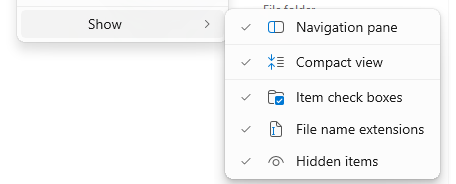
Đính kèm ảnh chụp màn hình

Tất cả các câu trả lời (2)

You seem to have installed thunderbird from microsoft. the preferred source is https://www.thunderbird.net/en-US/thunderbird/all/ the MS version installs to appdata\local in a Microsoft subfolder (I do not know specifics). One of the problems is that help>troublesshootinginformation doesn't work properly with the MS version,