


thunderbird won't 'see' profiles

I was following instructions for the problem of some task bar icons showing as grey boxes. Still have that problem plus added the problem that thunderbird launches with the setup accounts dialogue page. The 'help>troubleshooting information>profile file location' reveals the correct profiles that have been updated to the hour before I caused the problem. I have saved the '...roaming/thunderbird folder to an external SSD, and made a new new thunderbird installation following the instructions for moving files to a new computer. Problem persists. Thunderbird will not 'see' the profiles therefore I cannot see my emails.
Tất cả các câu trả lời (2)
Giải pháp được chọn
mail1780 said
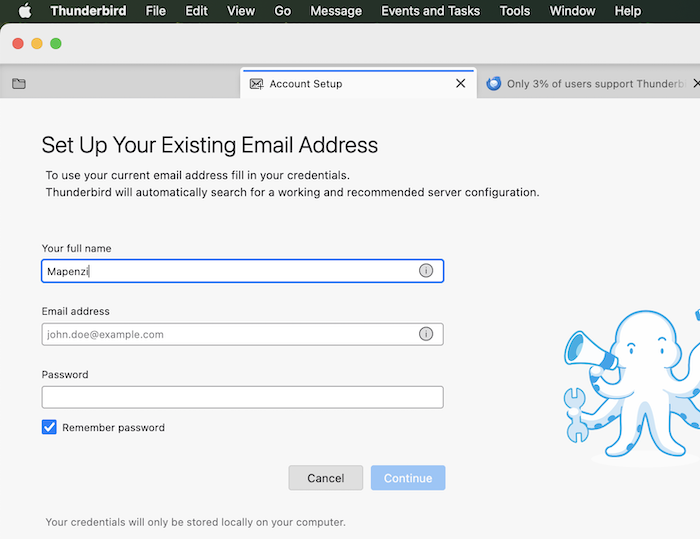
Still have that problem plus added the problem that thunderbird launches with the setup accounts dialogue page.
If you saw this page (see image below) on TB startup the prefs.js file in your TB profile has probably gone corrupt.
Do you use the POP or the IMAP protocol for your email accounts? Which are those "instructions for moving files to a new computer"? Do you still have the URL of the site? Please show screen shots of the folder "Profiles" and the file "profiles.ini". You'll find both in ....\Roaming\Thunderbird\
Thanks for the response. I have solved the issue - not elegantly but satisfactorily.