


Windows 10 reached EOS (end of support) on October 14, 2025. If you are on Windows 10, see this article.

Tìm kiếm hỗ trợ

Tránh các lừa đảo về hỗ trợ. Chúng tôi sẽ không bao giờ yêu cầu bạn gọi hoặc nhắn tin đến số điện thoại hoặc chia sẻ thông tin cá nhân. Vui lòng báo cáo hoạt động đáng ngờ bằng cách sử dụng tùy chọn "Báo cáo lạm dụng".

Tìm hiểu thêm

No Ready To Scan Button

  • 2 trả lời
  • 3 gặp vấn đề này
  • 778 lượt xem
  • Trả lời mới nhất được viết bởi daniel.bondoroi
  • Đã giải quyết

Hello.

Please help me with the following, highly annoying issue. I just changed laptops and signed in to Firefox with my Mozilla account on the new device. Unfortunately the bookmarks and passwords were not updated so I can't see them.

I thought I'll sync the windows app with the android app that I have on my phone and where I have and can see all the saved passwords.

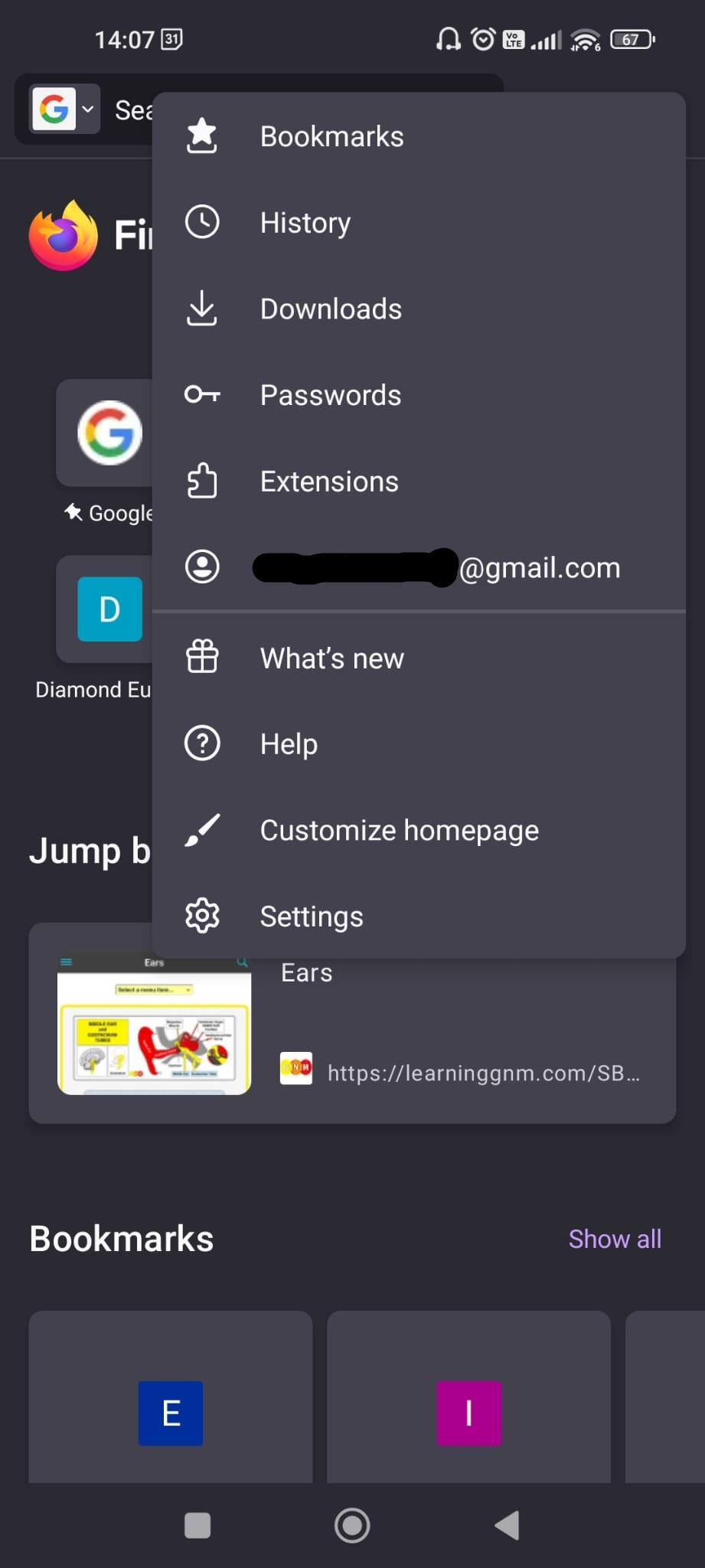
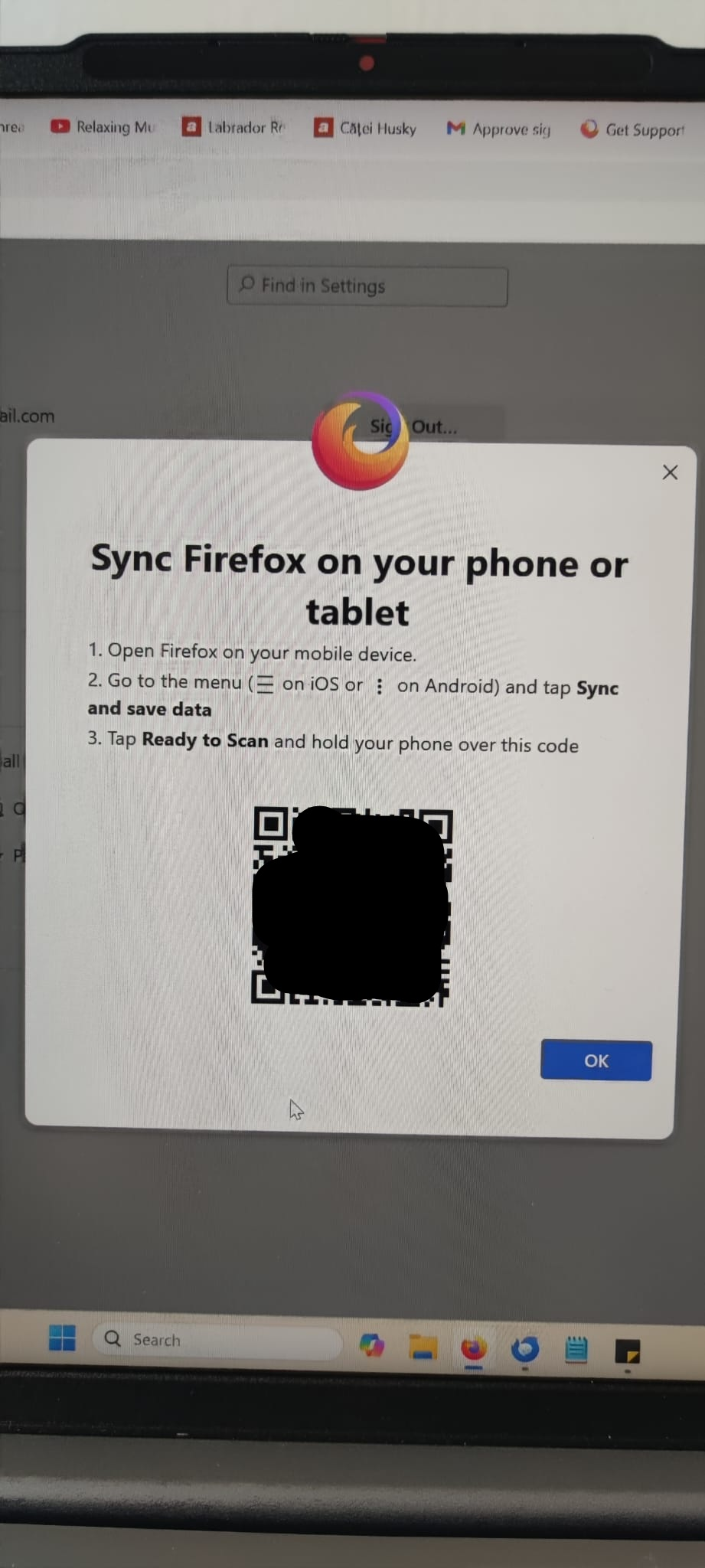
I followed the instructions on how to connect another device that say to open the Android app, go to syncing and tap the ready to scan button to read the QR code. The problem: there is no Tap Ready To Scan button on my phone! I looked for it everywhere and it just isn't there. Please see the attached images.

All I want is to import the passwords and bookmarks from my phone to my laptop. Please help me.

Looking forward to your reply. Daniel B.
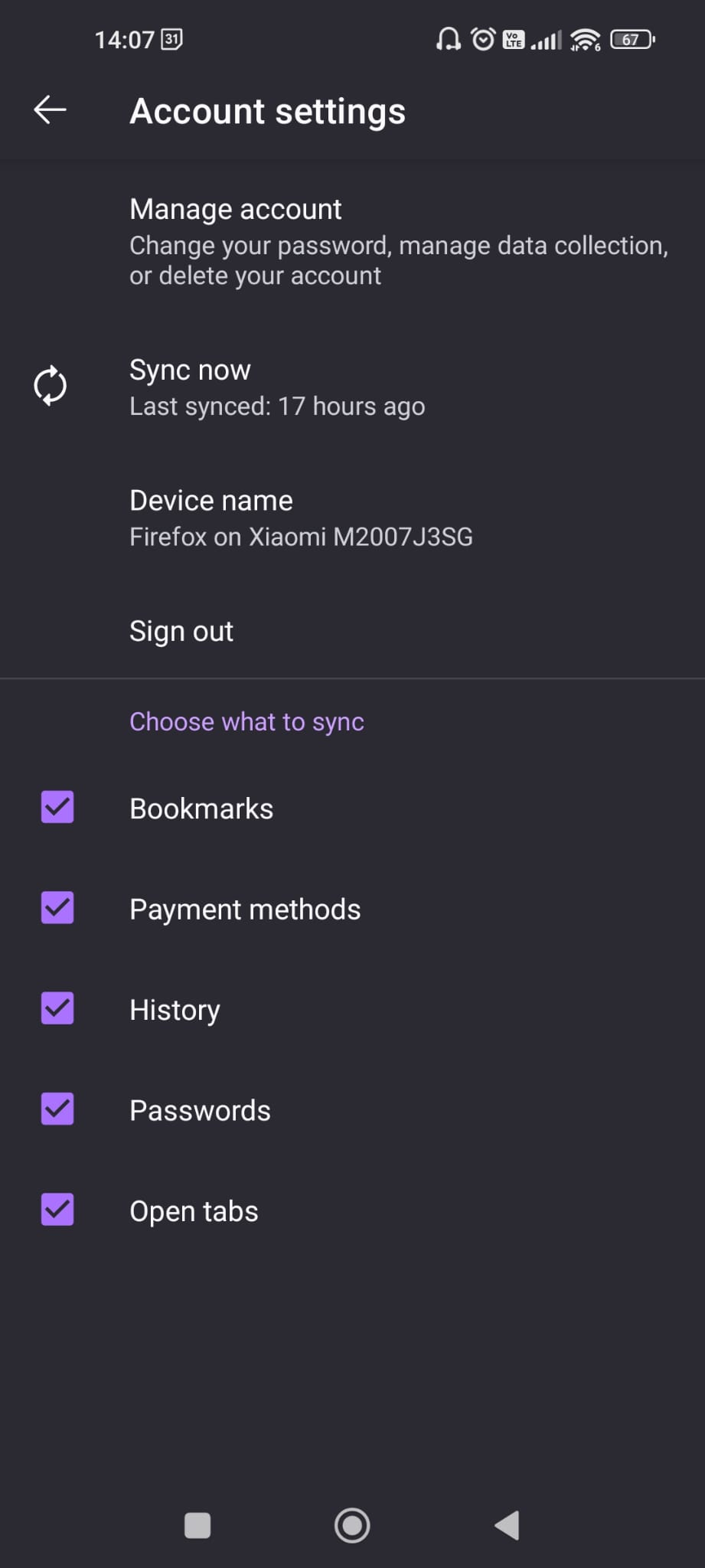
Hello. Please help me with the following, highly annoying issue. I just changed laptops and signed in to Firefox with my Mozilla account on the new device. Unfortunately the bookmarks and passwords were not updated so I can't see them. I thought I'll sync the windows app with the android app that I have on my phone and where I have and can see all the saved passwords. I followed the instructions on how to connect another device that say to open the Android app, go to syncing and tap the ready to scan button to read the QR code. The problem: there is no Tap Ready To Scan button on my phone! I looked for it everywhere and it just isn't there. Please see the attached images. All I want is to import the passwords and bookmarks from my phone to my laptop. Please help me. Looking forward to your reply. Daniel B.
Đính kèm ảnh chụp màn hình

Giải pháp được chọn

It seems that it somehow synced by itself and now everything is alright.

Đọc câu trả lời này trong ngữ cảnh 👍 0

Tất cả các câu trả lời (2)

I checked if my Android is up to date and it is. My laptops runs on win 11. I saw now in the community that others are facing the same issue.
Giải pháp được chọn

It seems that it somehow synced by itself and now everything is alright.