


importing calender not working on new laptop windows 11.

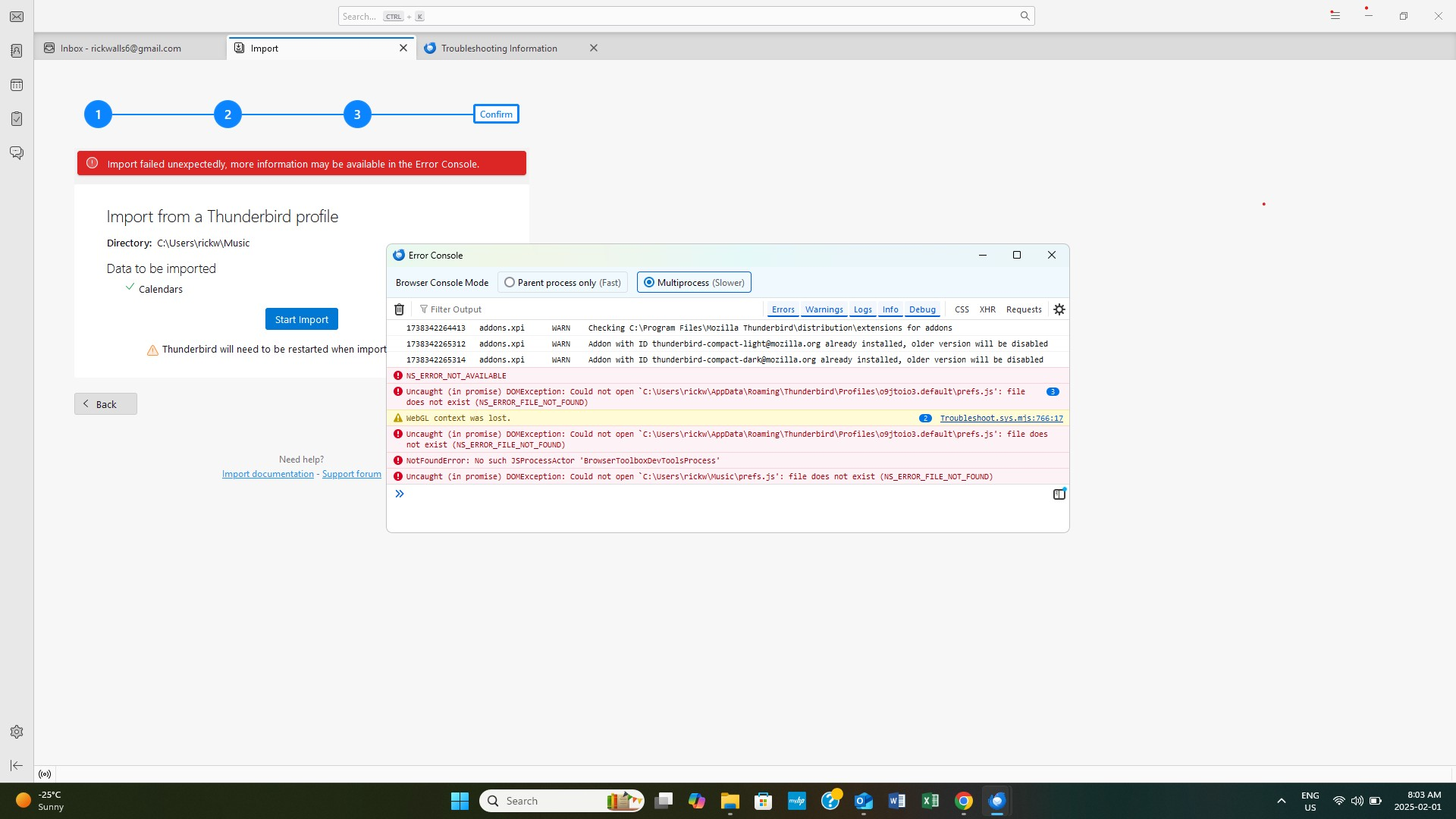
import calender not working on new laptop windows 11. I have all my emails but no events show. i tried to import from your app but got an error message, I copied the calender export to a key but I still get the error message and the new calender has no events.
Giải pháp được chọn
I figured it out. I had hotmail (which hasn't worked for a long time due to microsoft) and gmail on the old system of thunderbird. My events were no longer accessible in thunderbird because they were stored and blocked by microsoft. I imported the calender in outlook (hotmail) which worked fine and all my events are there s now I use outlook for all my new events.
Tất cả các câu trả lời (4)
Please explain a bit more fully where you were trying to export the calendar from, which format you were using and what the 'key' is? Are you trying to move the calendar into a desktop TB set up? Which OS are you using?
If you are trying to move a Calendar from one TB set up to another, this article may be of use - https://support.mozilla.org/en-US/kb/exporting-and-sharing-a-calendar
Bought new laptop windows 11, installed thunderbird but only emails show in thunderbird and no events on
calender - old one with good calender and events will not import from my thunder account.
I tried to import it from thunderbird error message says file does not exist-cannot open but exists on thunderbird in old laptop with same path. I exported it from my old laptop and saved it on a key but import on new laptop says cannot open.
Giải pháp được chọn
I figured it out. I had hotmail (which hasn't worked for a long time due to microsoft) and gmail on the old system of thunderbird. My events were no longer accessible in thunderbird because they were stored and blocked by microsoft. I imported the calender in outlook (hotmail) which worked fine and all my events are there s now I use outlook for all my new events.