


Windows 10 reached EOS (end of support) on October 14, 2025. If you are on Windows 10, see this article.

Tìm kiếm hỗ trợ

Tránh các lừa đảo về hỗ trợ. Chúng tôi sẽ không bao giờ yêu cầu bạn gọi hoặc nhắn tin đến số điện thoại hoặc chia sẻ thông tin cá nhân. Vui lòng báo cáo hoạt động đáng ngờ bằng cách sử dụng tùy chọn "Báo cáo lạm dụng".

Tìm hiểu thêm
Đã lưu trữ

Thunderbird is horribly slow

Wayne Mery đã trả lời
hijohnperez

At some point after one of the recent major updates, Thunderbird has become horribly slow. In particular, filters and searches. After typing the first character, the program becomes unresponsive for 6-10 seconds, and this continues this behavior after typing each character. At the same time, the screen will compress to the left, and then go back to normal size. The application becomes unresponsive, but there is no category in the performance monitor that is at 100% (CPU, RAM, SSD, Network, GPU). Thunderbird doesn't use more than about 20% of CPU capacity, and I have 24GB of RAM free, but still becomes unresponsive.

Do you have any suggestions?

My computer has NVME SSDs and 32GB of ram, so I don't think it should be a performance issue. I am running Windows 10 Pro.

Thanks
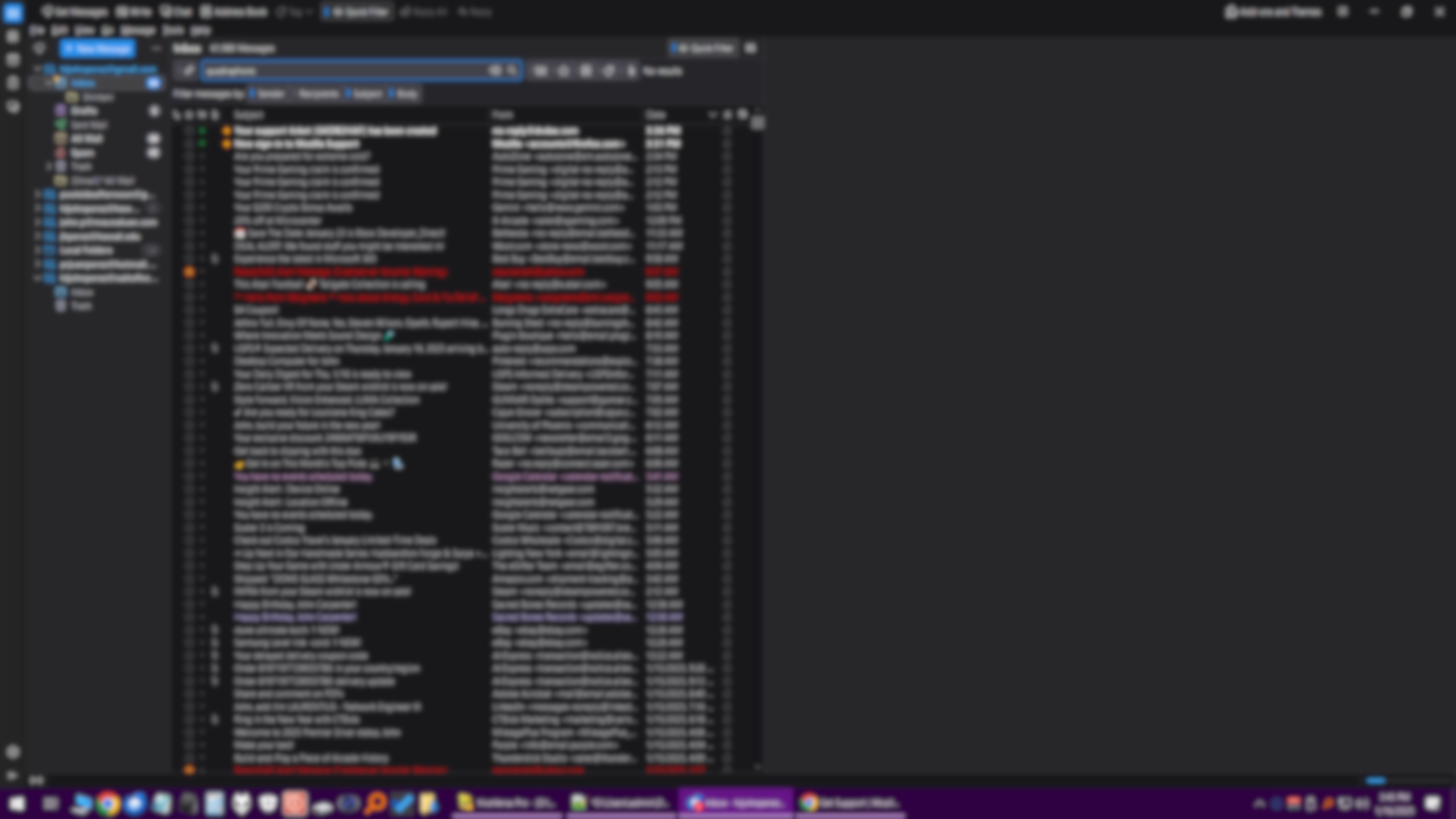
At some point after one of the recent major updates, Thunderbird has become horribly slow. In particular, filters and searches. After typing the first character, the program becomes unresponsive for 6-10 seconds, and this continues this behavior after typing each character. At the same time, the screen will compress to the left, and then go back to normal size. The application becomes unresponsive, but there is no category in the performance monitor that is at 100% (CPU, RAM, SSD, Network, GPU). Thunderbird doesn't use more than about 20% of CPU capacity, and I have 24GB of RAM free, but still becomes unresponsive. Do you have any suggestions? My computer has NVME SSDs and 32GB of ram, so I don't think it should be a performance issue. I am running Windows 10 Pro. Thanks
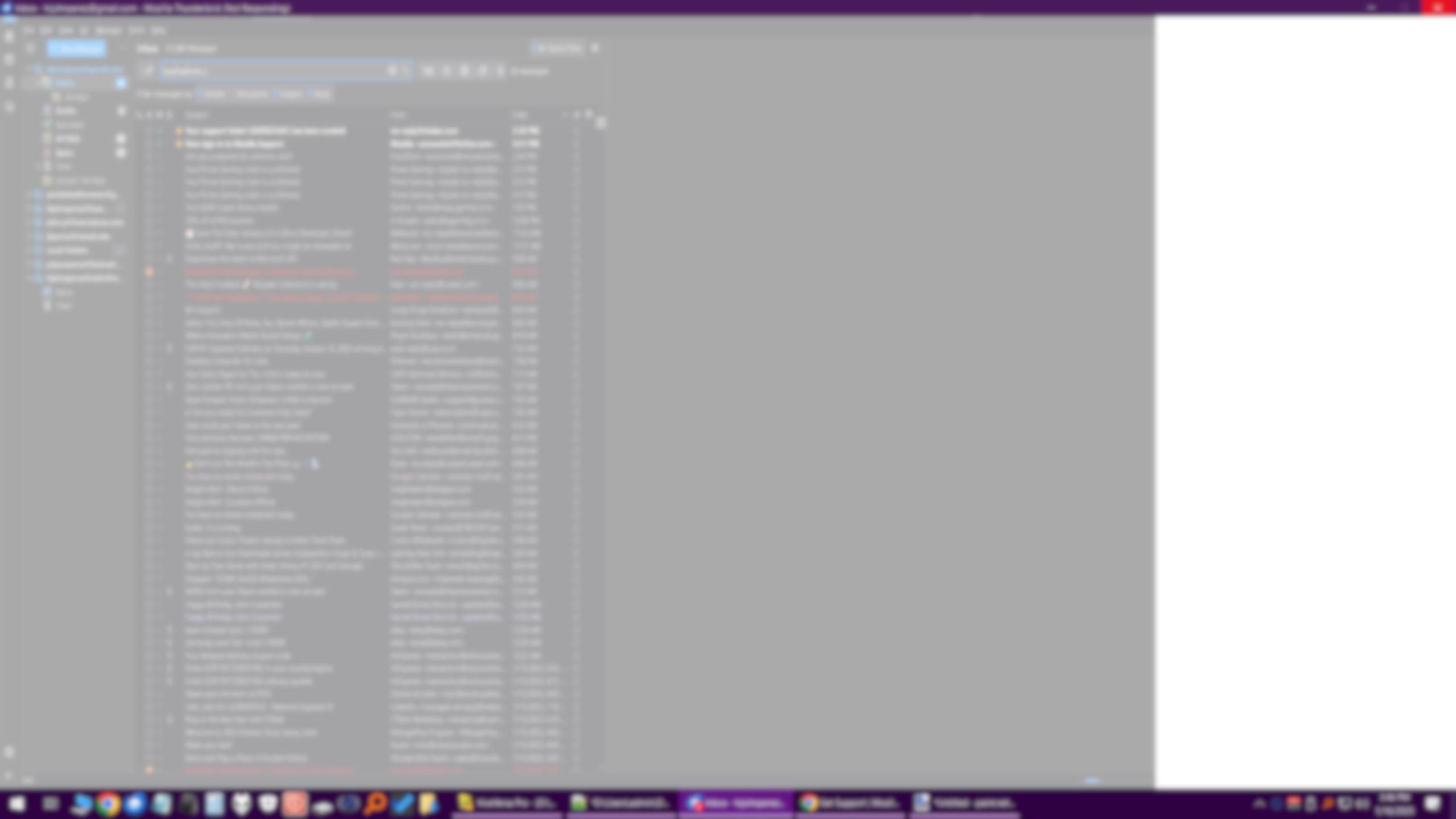
Đính kèm ảnh chụp màn hình

Tất cả các câu trả lời (2)

Check tools > activity manager to see what is running

If you are still having problems when using a newer version, please post a new question and we'll take a new look at it.