

Chủ đề này đã được lưu trữ.
Vui lòng hỏi một câu hỏi mới nếu bạn cần giúp đỡ.

Đã lưu trữ
Editing Bookmarks

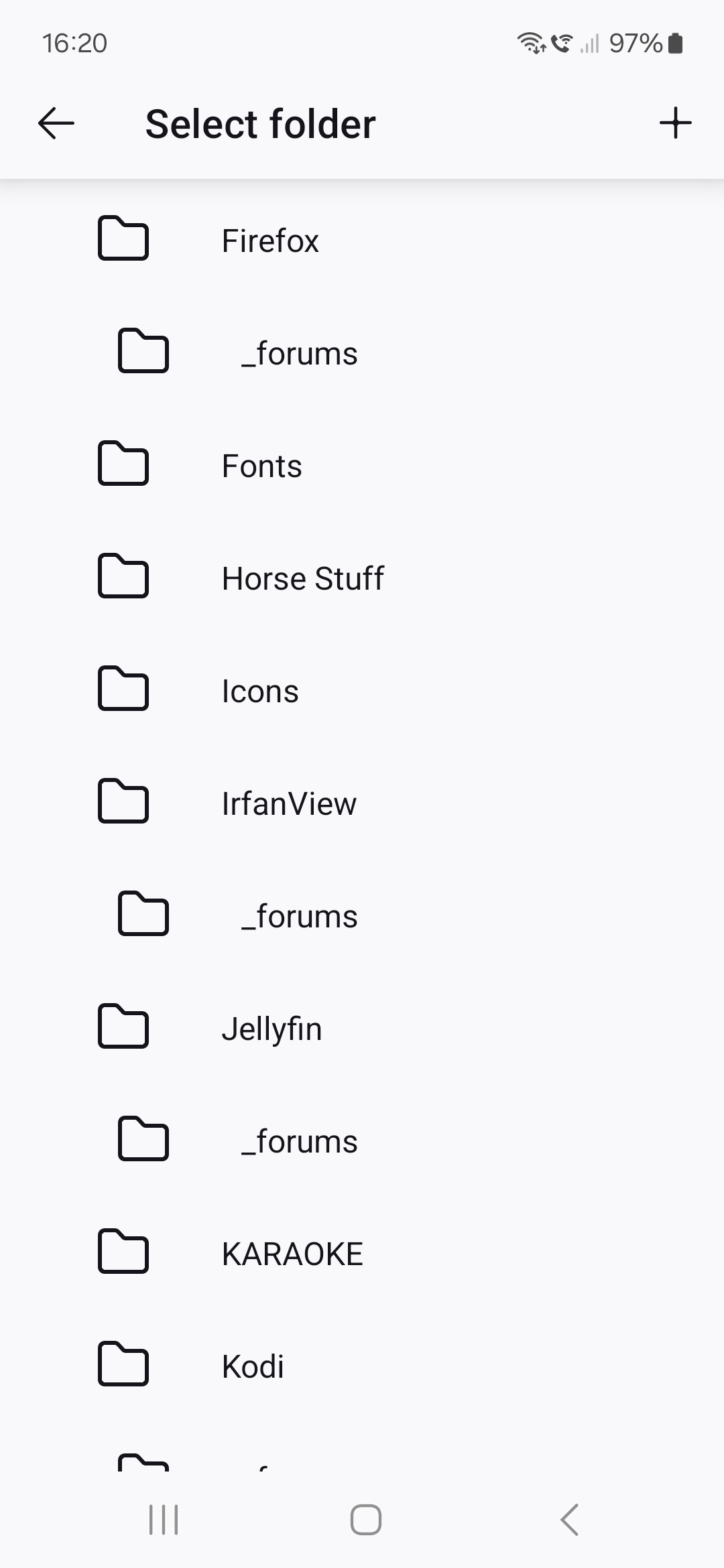
When viewing Bookmarks > Desktop Bookmarks, only the parent folders are displayed (screenshot 1) and one of them has to be tapped to display the subfolders within that parent folder. However, when editing a bookmark, all the parent folders are expanded, displaying every subfolder as well (screenshot 2). It's an absolute nightmare to look at and a pain navigate. It would be more helpful if editing worked the same as viewing.
When viewing Bookmarks > Desktop Bookmarks, only the parent folders are displayed (screenshot 1) and one of them has to be tapped to display the subfolders within that parent folder. However, when editing a bookmark, all the parent folders are expanded, displaying every subfolder as well (screenshot 2). It's an absolute nightmare to look at and a pain navigate. It would be more helpful if editing worked the same as viewing.

Tất cả các câu trả lời (1)

Mark this as resolved and post it here. connect.mozilla.org