

Chủ đề này đã được lưu trữ.
Vui lòng hỏi một câu hỏi mới nếu bạn cần giúp đỡ.

Đã giải quyết
Đã lưu trữ
moving Collections

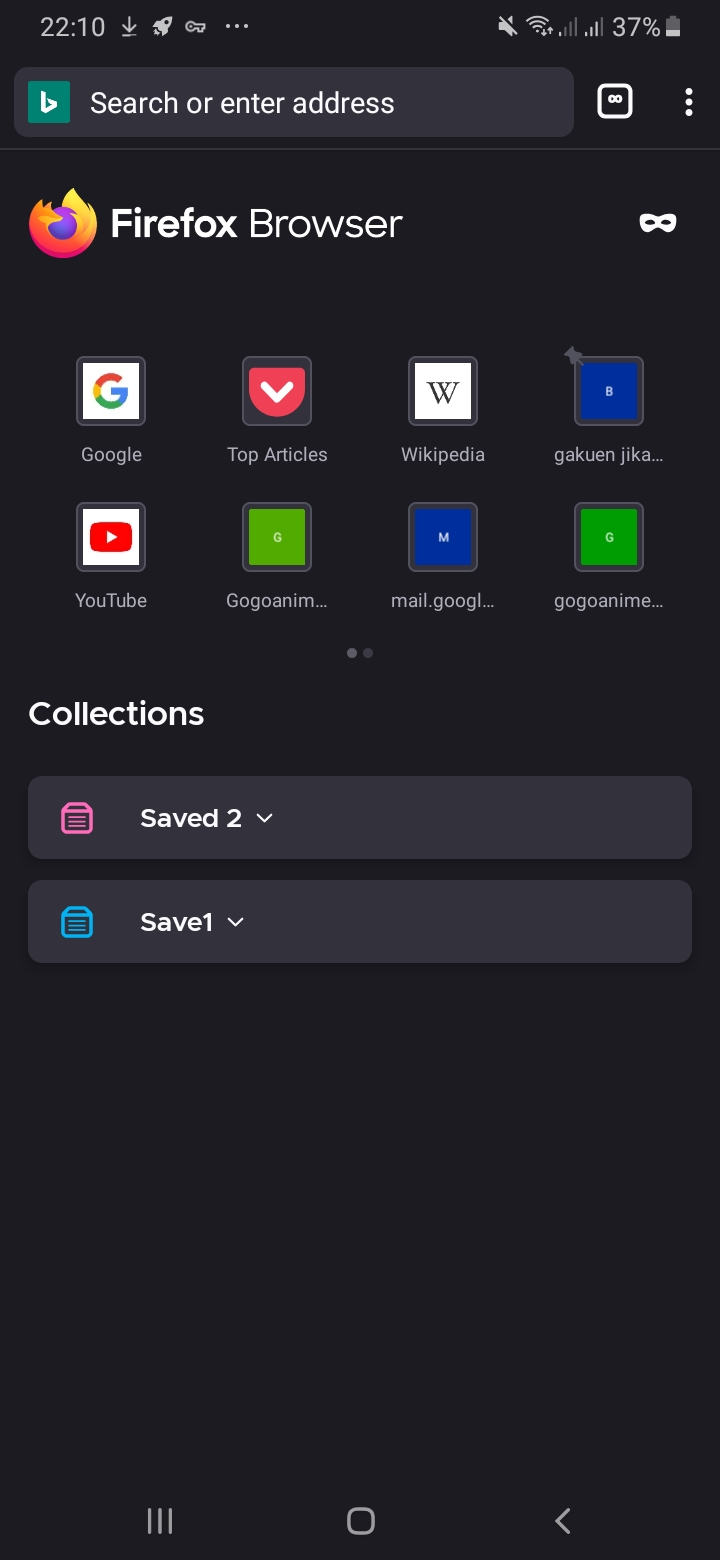
Can't move Collections from my old phone to my new phone I have pressed sync BTW it still doesn't appear on the new phone. The photo is the two Collections containing 100 web addresses each on my old phone.
Can't move Collections from my old phone to my new phone I have pressed sync BTW it still doesn't appear on the new phone. The photo is the two Collections containing 100 web addresses each on my old phone.
Tất cả các câu trả lời (2)
Giải pháp được chọn
Hi
You cannot currently sync collections, but if you expand the collection you should see the share icon that will help you to send the contents to another copy of Firefox. If you have 100 tabs in a collection, it may be better to share them across in groups rather than all together.
Thanks I will try my best, please implement ease of moving these stuff in the future as an actual feature please