


Windows 10 reached EOS (end of support) on October 14, 2025. If you are on Windows 10, see this article.

Tìm kiếm hỗ trợ

Tránh các lừa đảo về hỗ trợ. Chúng tôi sẽ không bao giờ yêu cầu bạn gọi hoặc nhắn tin đến số điện thoại hoặc chia sẻ thông tin cá nhân. Vui lòng báo cáo hoạt động đáng ngờ bằng cách sử dụng tùy chọn "Báo cáo lạm dụng".

Tìm hiểu thêm
Đã giải quyết Đã lưu trữ

Can't add email account to Thunderbird, loops on verification

bigpayne5 đã trả lời
bigpayne5

Set up thunderbird on windows 10 with 1 email account. Everything was working, until it wasn't. Reinstalled thunderbird but when I go to add my mail account, I enter the info and on the gmail pop up, I enter my email, hit "next" and it asks me to enter my email address again.

I have tried to configure manually with no success.

I have confirmed my javascript is enabled in the config editor, I have added Thunderbird as an exclusion on both Windows Firewall and Windows Security, I have turned on third party access under settings for the gmail account, and I still cannot add the email account to Thunderbird.

I don't know how to add my email account, this is very frustrating. Any help would be greatly appreciated.
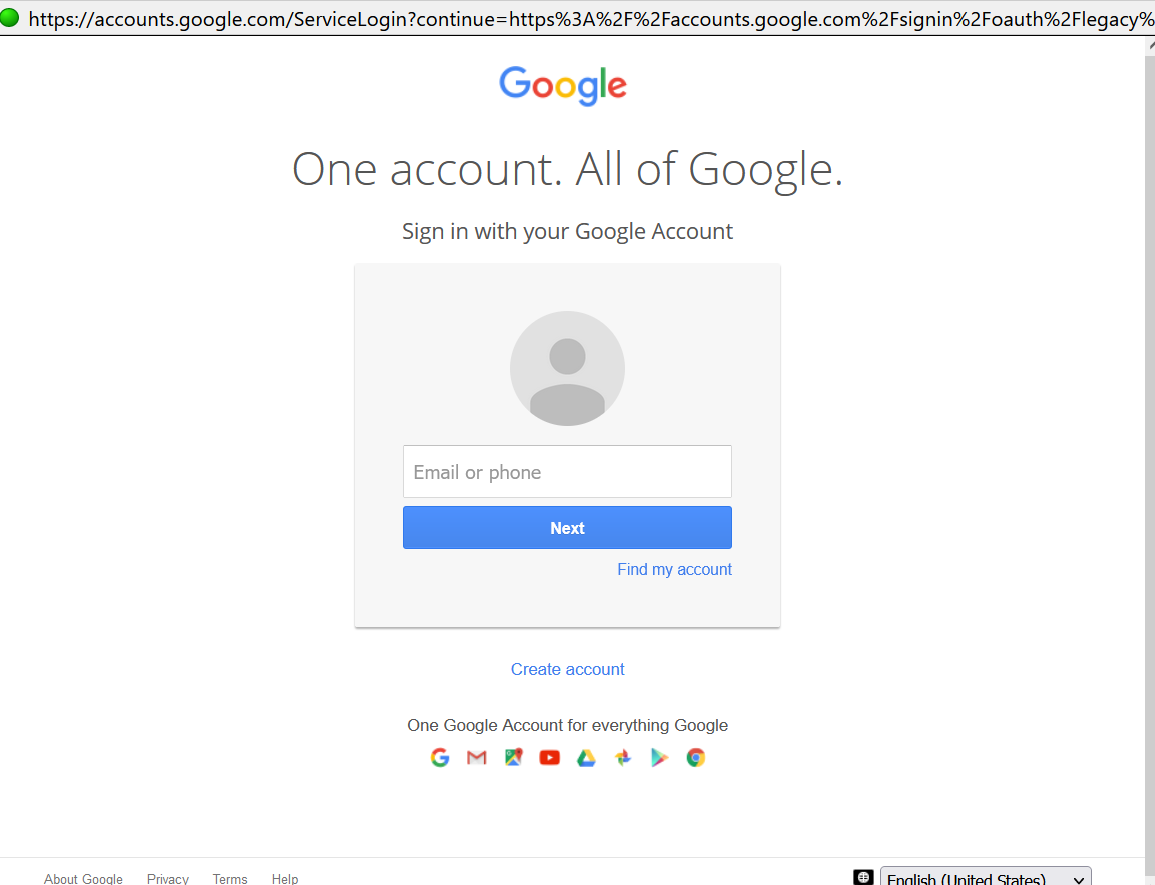
Set up thunderbird on windows 10 with 1 email account. Everything was working, until it wasn't. Reinstalled thunderbird but when I go to add my mail account, I enter the info and on the gmail pop up, I enter my email, hit "next" and it asks me to enter my email address again. I have tried to configure manually with no success. I have confirmed my javascript is enabled in the config editor, I have added Thunderbird as an exclusion on both Windows Firewall and Windows Security, I have turned on third party access under settings for the gmail account, and I still cannot add the email account to Thunderbird. I don't know how to add my email account, this is very frustrating. Any help would be greatly appreciated.
Đính kèm ảnh chụp màn hình

Tất cả các câu trả lời (1)

Giải pháp được chọn

Never mind, I figured it out.

For anyone going through the same problem, go to Thunderbird Preferences, search for cookies, then "Allow third party cookies" --> add exception ---> add https://google.com , VOILA! now it's working.