

Chủ đề này đã được lưu trữ.
Vui lòng hỏi một câu hỏi mới nếu bạn cần giúp đỡ.

Đã lưu trữ
Can't Send Email

The Send button and entire toolbar on the "Write" tab disappeared when TB last updated. A new email opens up fine and I can write it fine and I can send using Ctrl Enter, but when writing a new email there are no icons that appear at the top to allow me to send/edit. I cannot find anywhere to restore the toolbar. Any ideas?
The Send button and entire toolbar on the "Write" tab disappeared when TB last updated. A new email opens up fine and I can write it fine and I can send using Ctrl Enter, but when writing a new email there are no icons that appear at the top to allow me to send/edit. I cannot find anywhere to restore the toolbar. Any ideas?
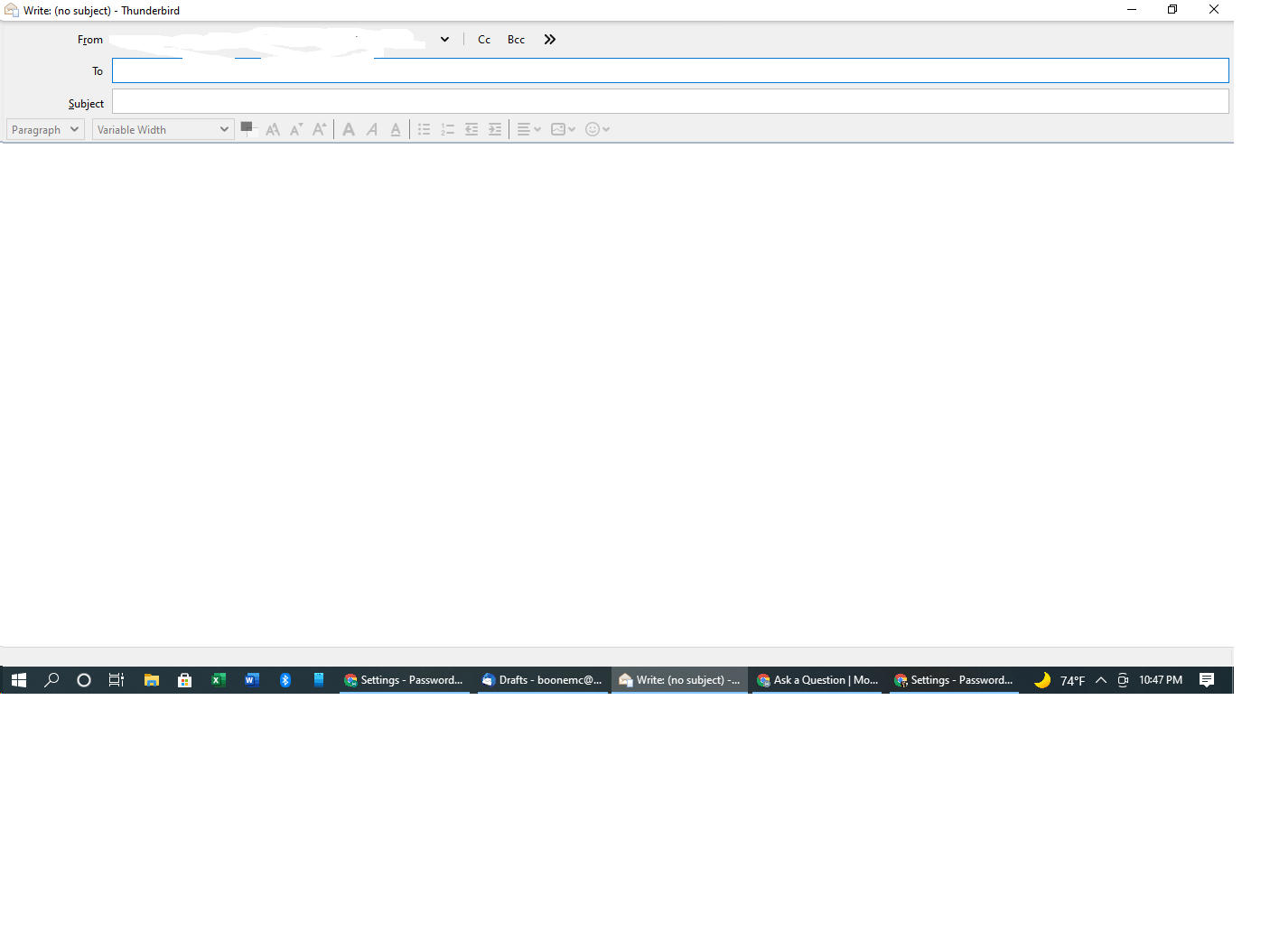
Tất cả các câu trả lời (1)
How to get a menu bar to reappear and set as a permanent option.
- Press 'Alt' on keyboard to get a temporary view of it. Note it only stays visible for a short while.
- 'View' > 'Toolbars' > select 'Menu Bar' to set permanent.
Then select:
- 'View' > 'Toolbars' > select 'Composition Toolbar'