


New homepage in FF 89.0

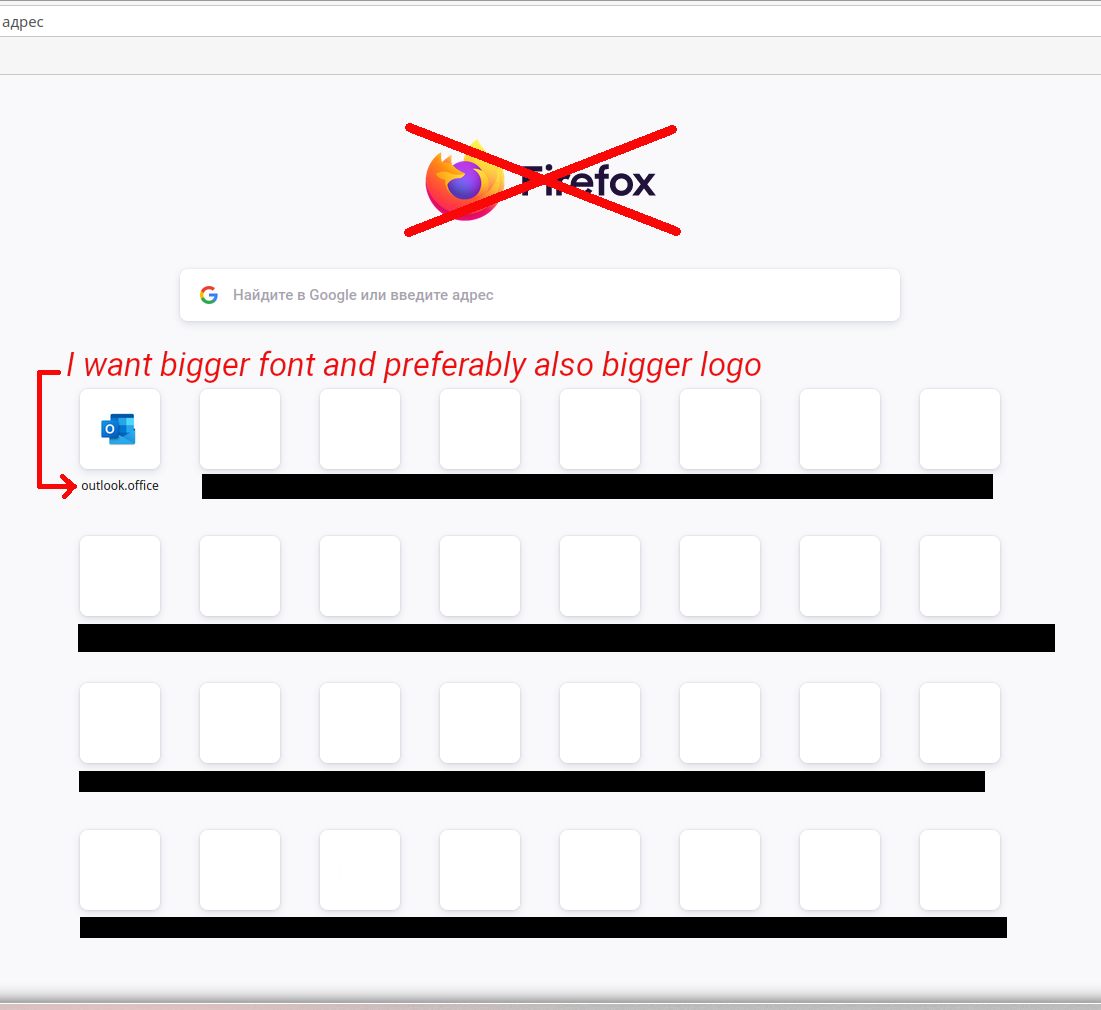
The 89.0 update is great, but I'm disappointed by the new homepage (see the picture). The font is too small, and if I scale the page, the lower row doesn't fit to the screen. A good option would be to remove the useless huge Firefox logo in the middle of the page and to shift the search bar up. Then I could just scale the page. Is there a way to do it?
Changing fonts on every page is not a satisfying solution, I only want to fix the homepage.
Tất cả các câu trả lời (3)
I checked FF 88.0.1 and realized that the font was the same, only the logos were bigger. Still, my question is the same.
Được chỉnh sửa bởi gemiroshnichenko vào
Giải pháp được chọn
You can remove a logo with browser.newtabpage.activity-stream.logowordmark.alwaysVisible = false.
I have found how to return the old big logos. browser.newtabpage.activity-stream.newNewtabExperience.enabled = false