Windows 10 reached EOS (end of support) on October 14, 2025. For more information, see this article.

Tìm kiếm hỗ trợ

Tránh các lừa đảo về hỗ trợ. Chúng tôi sẽ không bao giờ yêu cầu bạn gọi hoặc nhắn tin đến số điện thoại hoặc chia sẻ thông tin cá nhân. Vui lòng báo cáo hoạt động đáng ngờ bằng cách sử dụng tùy chọn "Báo cáo lạm dụng".

Tìm hiểu thêm

Sync stopped working on Android

  • 4 trả lời
  • 3 gặp vấn đề này
  • 10 lượt xem
  • Trả lời mới nhất được viết bởi Wouter M

tuỳ chọn khác

I am using Android 9 on my Samsung Galaxy S9+. Firefox has been updated to the most recent version.

Suddenly Sync stopped working on my phone. Works fine on desktop and laptop, but on my phone it does not work at all.

I have disconnected sync, removed all Firefox data, reinstalled Firefox. But without any luck.

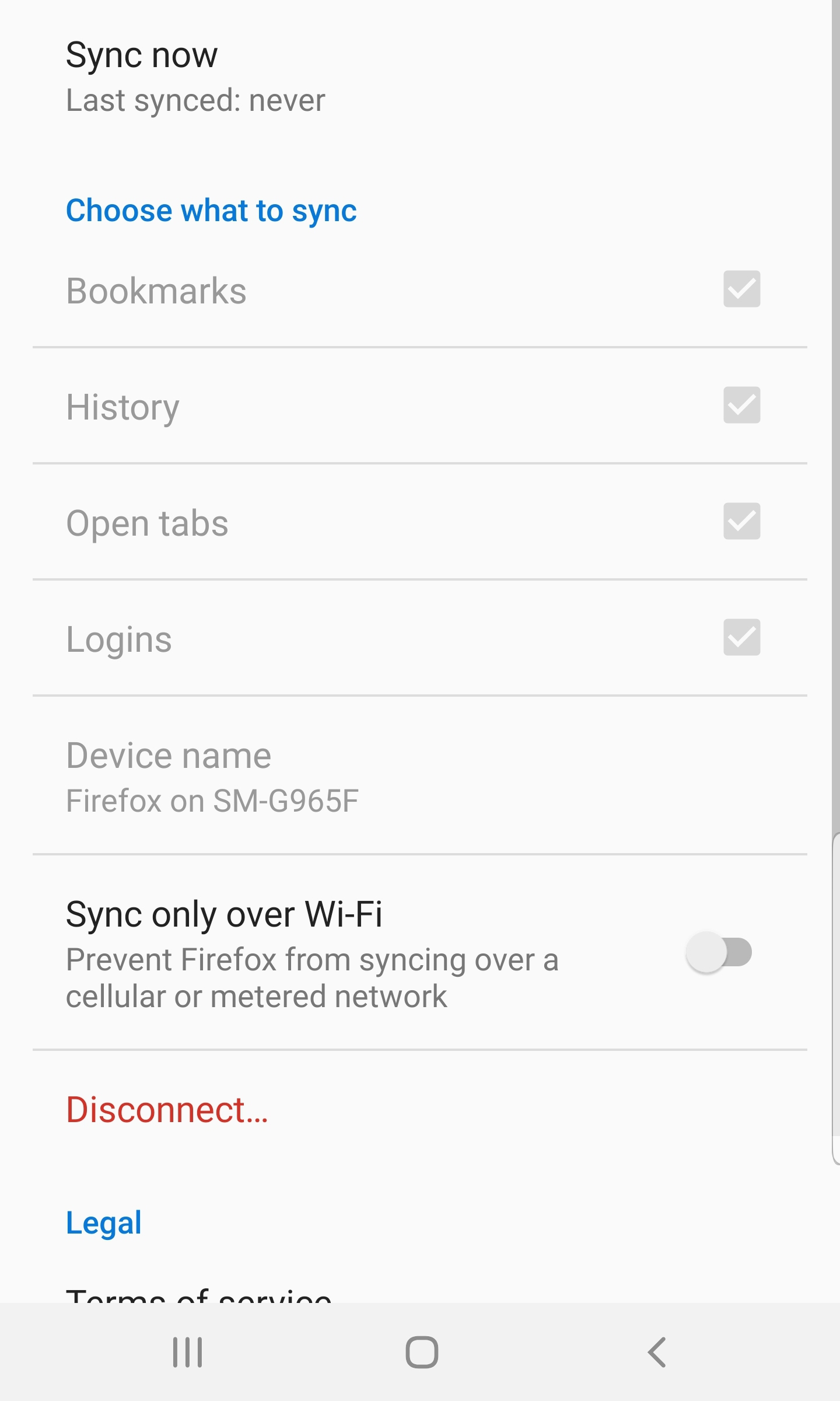
All checkboxes (Bookmarks, History, Open Tabs and Logins) are checked but greyed out. I also cannot change my device name. When I click on 'Sync Now' the Last Synced status keeps saying 'never'.

Have no clue why this does not work anymore.

I am using Android 9 on my Samsung Galaxy S9+. Firefox has been updated to the most recent version. Suddenly Sync stopped working on my phone. Works fine on desktop and laptop, but on my phone it does not work at all. I have disconnected sync, removed all Firefox data, reinstalled Firefox. But without any luck. All checkboxes (Bookmarks, History, Open Tabs and Logins) are checked but greyed out. I also cannot change my device name. When I click on 'Sync Now' the Last Synced status keeps saying 'never'. Have no clue why this does not work anymore.

Tất cả các câu trả lời (4)

tuỳ chọn khác

This is how it looks in settings menu

tuỳ chọn khác

Did you possibly enabled a power saving mode on your device?

tuỳ chọn khác

cor-el said

Did you possibly enabled a power saving mode on your device?

No I did not. Power saving is not enabled on my device. All other syncing processes work just fine.

tuỳ chọn khác

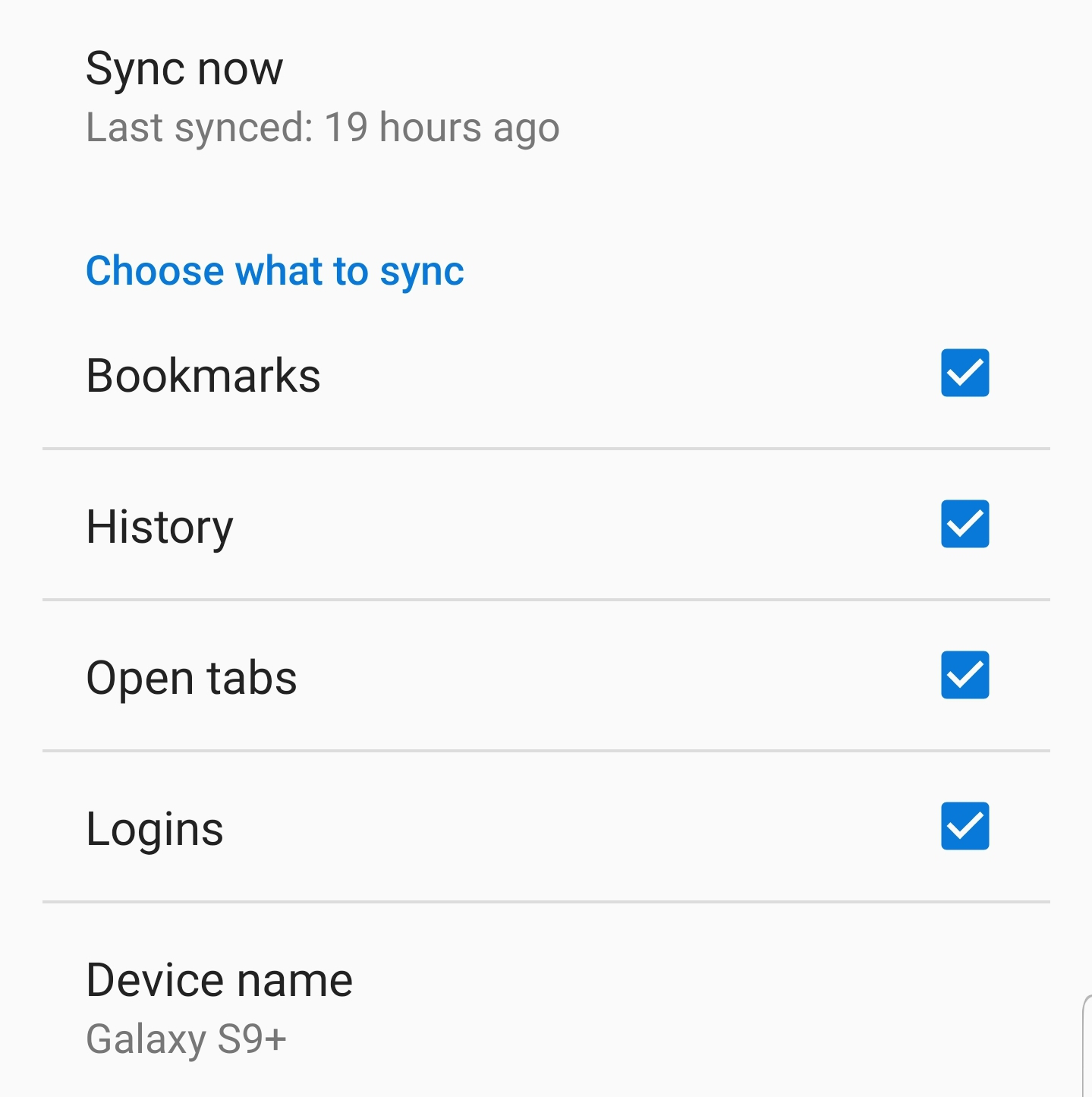
And without changing anything, Sync appears to be working again. No idea what caused the previous error, but it is working again.