中文字突然無法顯示

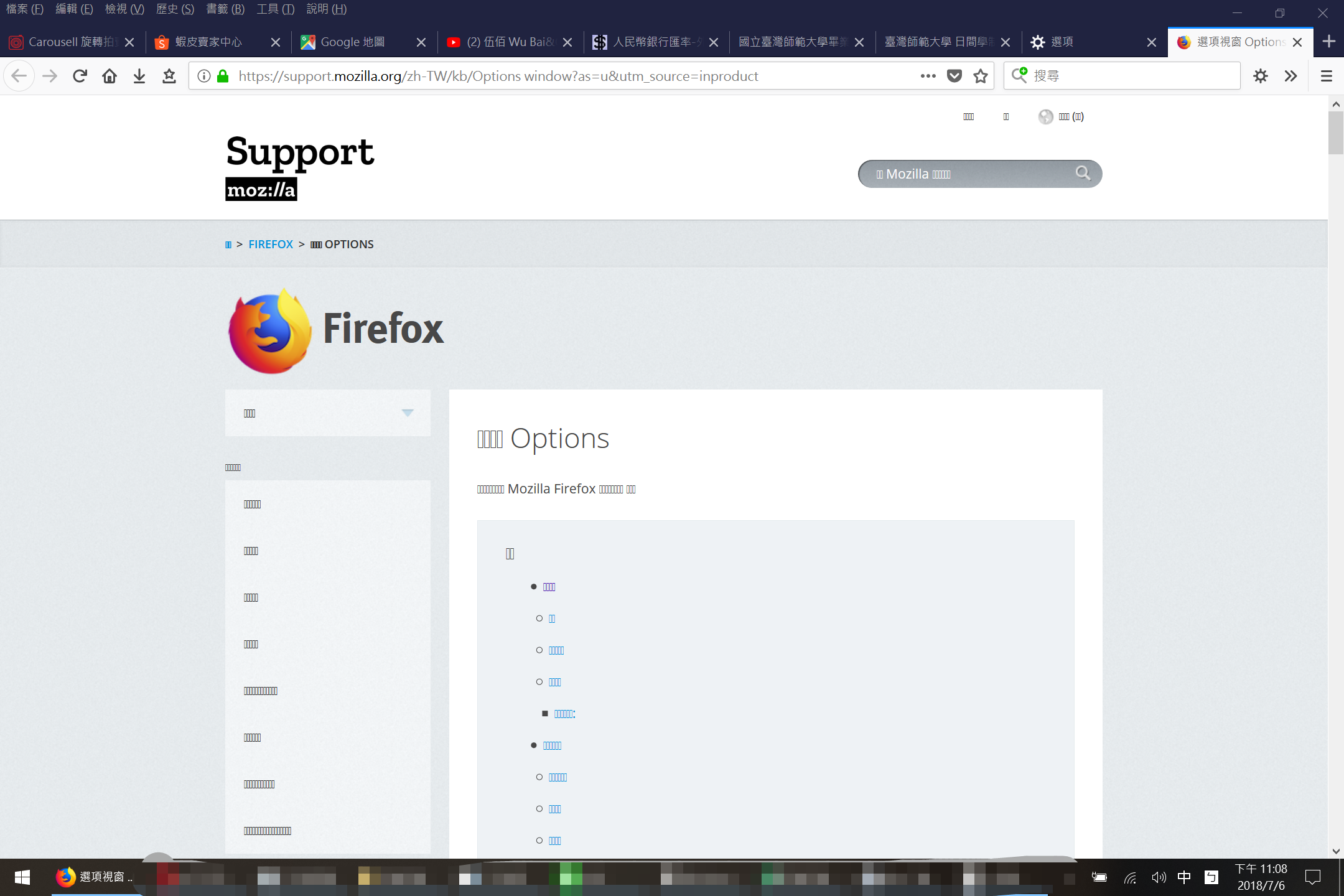
今天晚上開火狐就發現所有中文都變成框框,重設一樣失敗 電腦版辦論壇帳號也無法,驗證碼的網站掛了根本沒有驗證碼
Tất cả các câu trả lời (5)
Google Translate
Chinese characters suddenly cannot be displayed
Firefox opened this evening and found that all Chinese became a frame, resetting the same failure. The computer version of the forum account can not be used, the verification code of the website hangs no verification code at all.
No idea what you mean by became a frame. ?
You used the tag Sync but you make no mention of Sync. ?
No idea re code ?
今天晚上開火狐就發現所有中文都變成框框 "□" ,重設一樣失敗
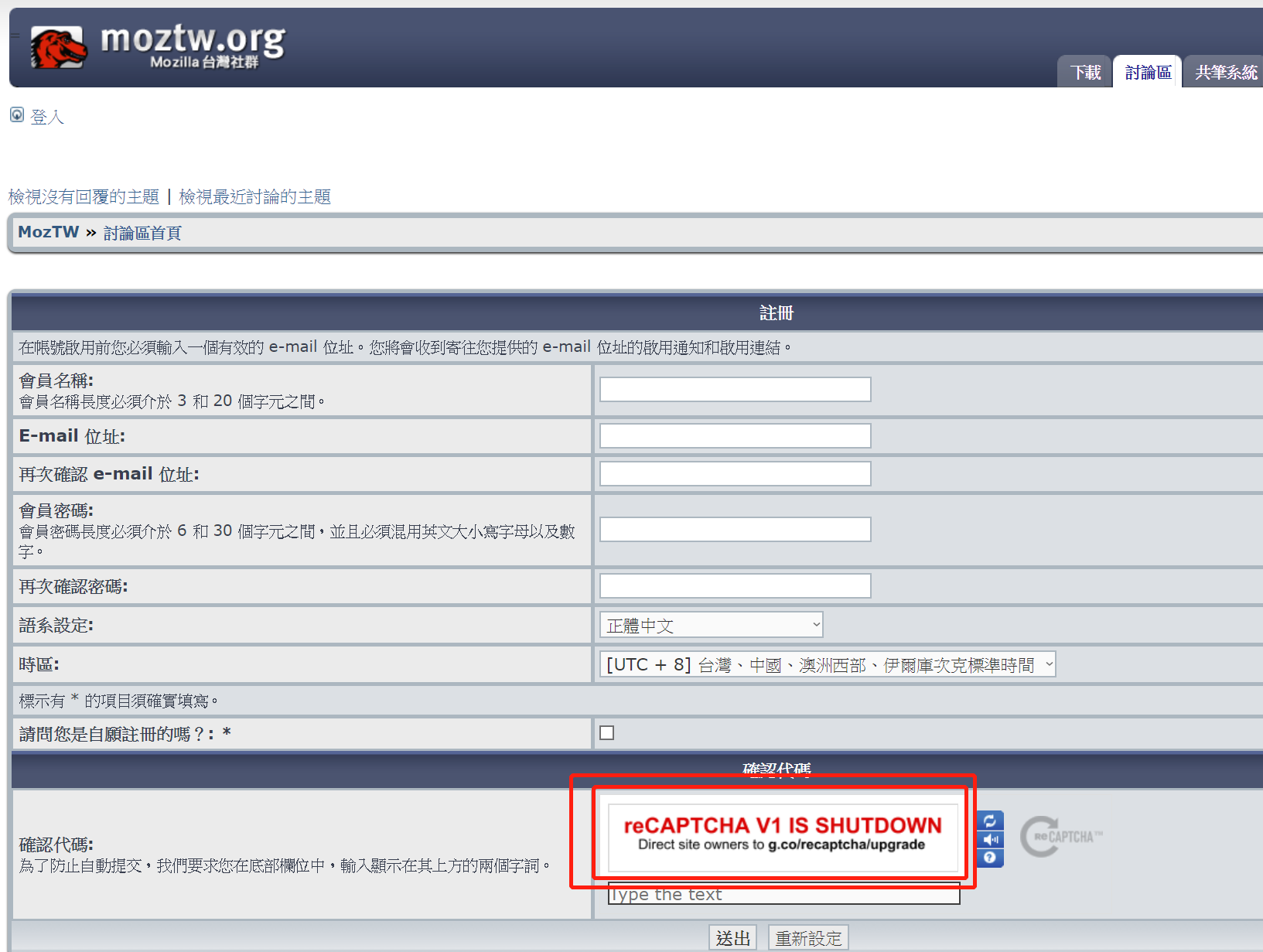
電腦版辦論壇帳號也無法,驗證碼的網站掛了根本沒有驗證碼
全都變成框框,根本看不懂再寫甚麼鬼
這樣是要註冊個鬼啊?
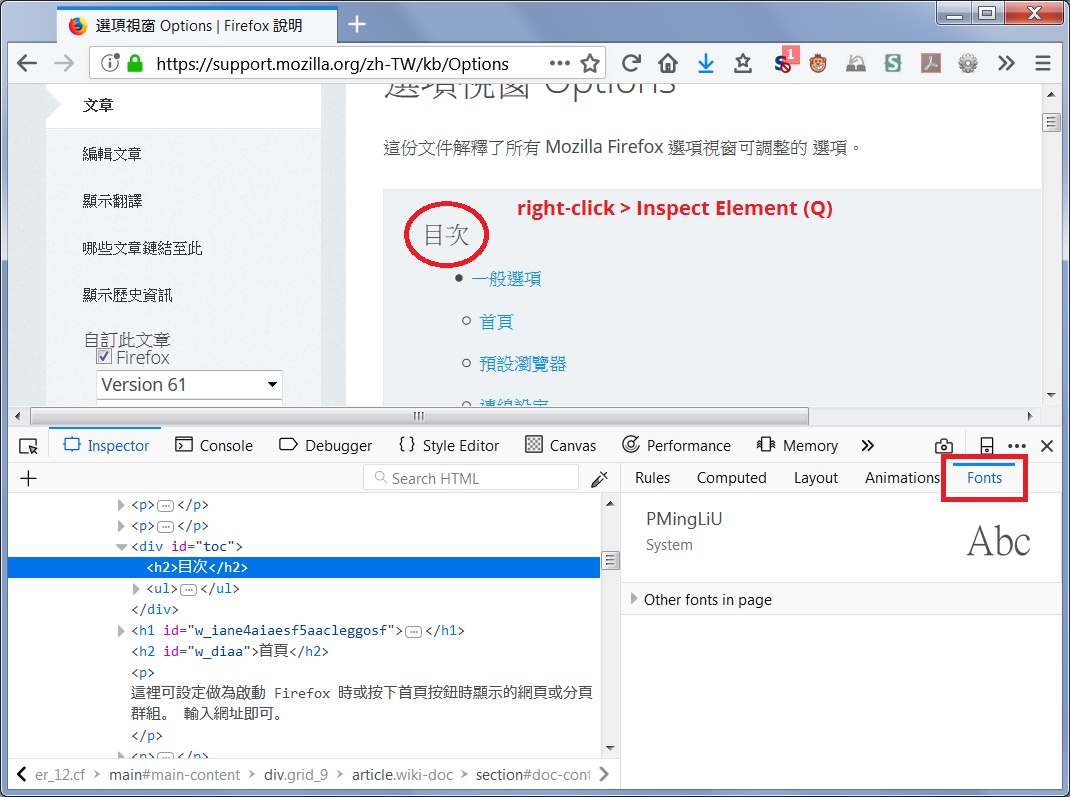
On my Windows 7, the Chinese characters use the "PMingLiU" font on https://support.mozilla.org/zh-TW/kb/Options%20window. Can you check what font your Firefox is using?
Right-click the Chinese text and choose "Inspect Element (Q)" (I do not know the Chinese wording). In the Page Inspector tool, change the panel on the right side from Rules to Fonts to see what font Firefox is trying to use for those characters.
Example screenshot attached.
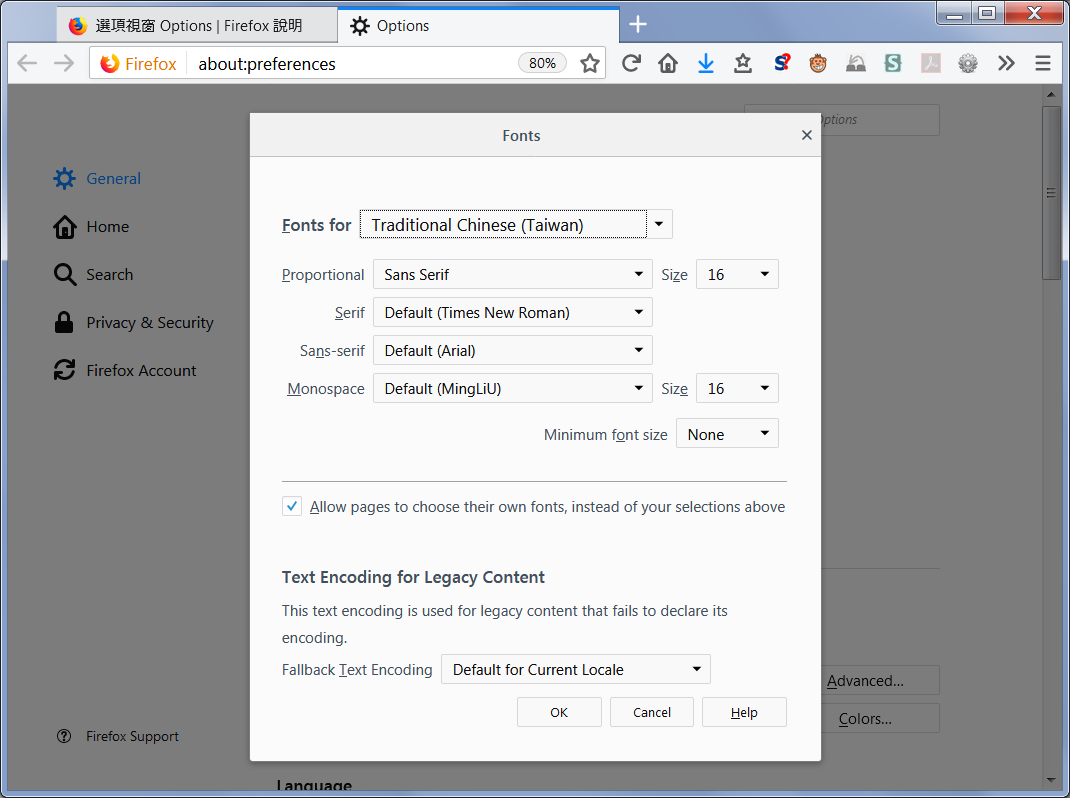
I'm not sure how this font was selected by Firefox. On the Options page, under Traditional Chinese (TW), I have Arial (second screenshot attached). ??