


Show tab bar + back/forward

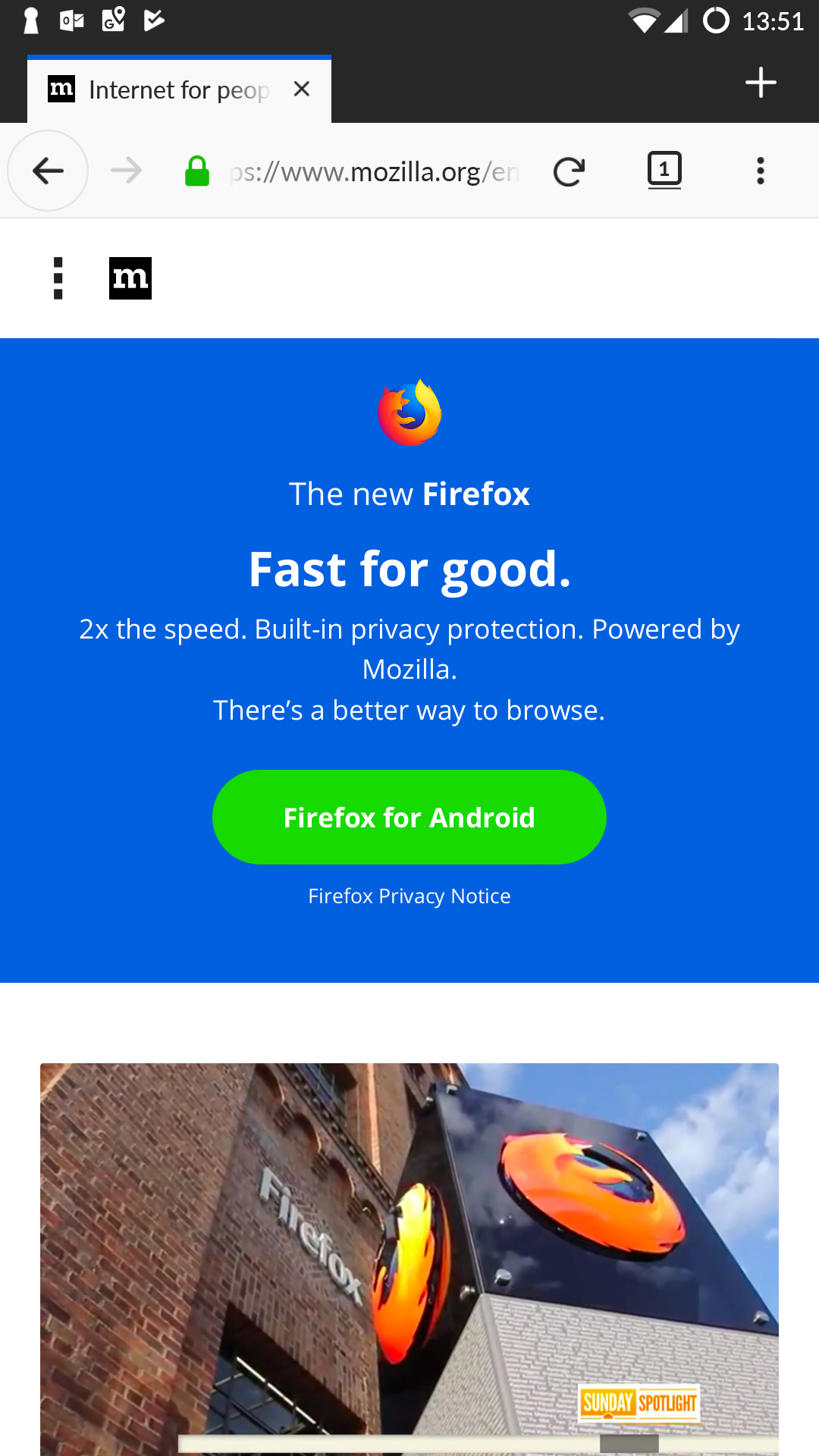
On my OnePlus One Firefox display a bit like the desktop app: Tabs across the top, back/forward buttons next to the address bar.
I just upgraded to a OnePlus 6 and the UI is totally different. I actually like the desktop-like UI. How do I toggle between the two interfaces?
Screenshots attached.

Giải pháp được chọn
This is a "tablet mode". The tablet experience applies to devices with a screen size above 7" (or above 480dp). You can use Android's developer options to specify a custom value, like 480-500dp.
https://support.mozilla.org/en-US/kb/getting-started-firefox-android-tablet-browser https://www.reddit.com/r/firefox/comments/5i3lwb/firefox_android_firefox_views_pixel_xl_as_tablet/
Đọc câu trả lời này trong ngữ cảnh 👍 1Tất cả các câu trả lời (4)
Giải pháp được chọn
This is a "tablet mode". The tablet experience applies to devices with a screen size above 7" (or above 480dp). You can use Android's developer options to specify a custom value, like 480-500dp.
https://support.mozilla.org/en-US/kb/getting-started-firefox-android-tablet-browser https://www.reddit.com/r/firefox/comments/5i3lwb/firefox_android_firefox_views_pixel_xl_as_tablet/
aha, that makes sense as I have display size on my old phone set to small. Doing the same on my new phone seems to have no effect. Is there an option in about:config I can use to tweak this without making it a phone wide setting?
No, there's no any option.
Thanks, I manually tweaked the DPI as you suggested and increased the font size to force FF into tablet mode.