


cannot view browser information

Since the latest upgrade I cannot view any browser information on websites? I can only view the top menu bar and bookmarks bar.
Giải pháp được chọn
Hi, I think it might be the title bar that you are looking for - open the 3-bar menu > Customize > click on Title Bar in the bottom left corner.
Hope that answers your question.
Đọc câu trả lời này trong ngữ cảnh 👍 0Tất cả các câu trả lời (6)
Hello,
In order to better assist you with your issue please provide us with a screenshot. If you need help to create a screenshot, please see How do I create a screenshot of my problem?
Once you've done this, attach the saved screenshot file to your forum post by clicking the Browse... button below the Post your reply box. This will help us to visualize the problem.
Thank you!
Screenshot attached as requested.
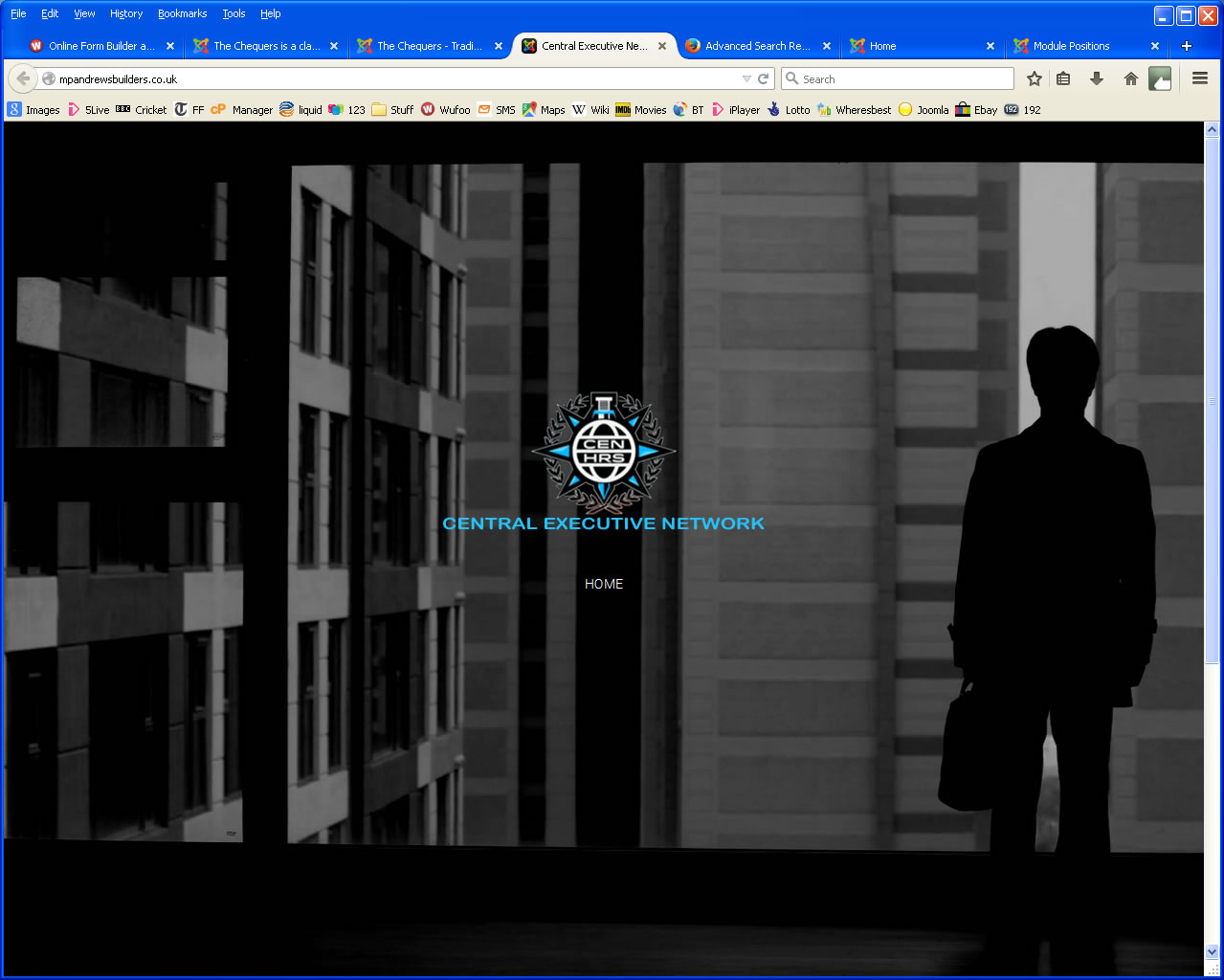
thank you - though i'm still not entirely sure what you meant by the "browser information" that would be missing. on first glance everything looks like expected on the screenshot...

Giải pháp được chọn
Hi, I think it might be the title bar that you are looking for - open the 3-bar menu > Customize > click on Title Bar in the bottom left corner.
Hope that answers your question.
Before the upgrade, when I design a website, in the back-end of the template I can add information that is visible to those looking at the site. It is called the "site meta description"
That's it. Many thanks Scribe_uk